
Guides
How to do anything in CuddleCue.
A walk through every part of the app, one task at a time, with a picture of the real screen at each step. Type what you want to do, or pick a topic.
27 guides
Getting started
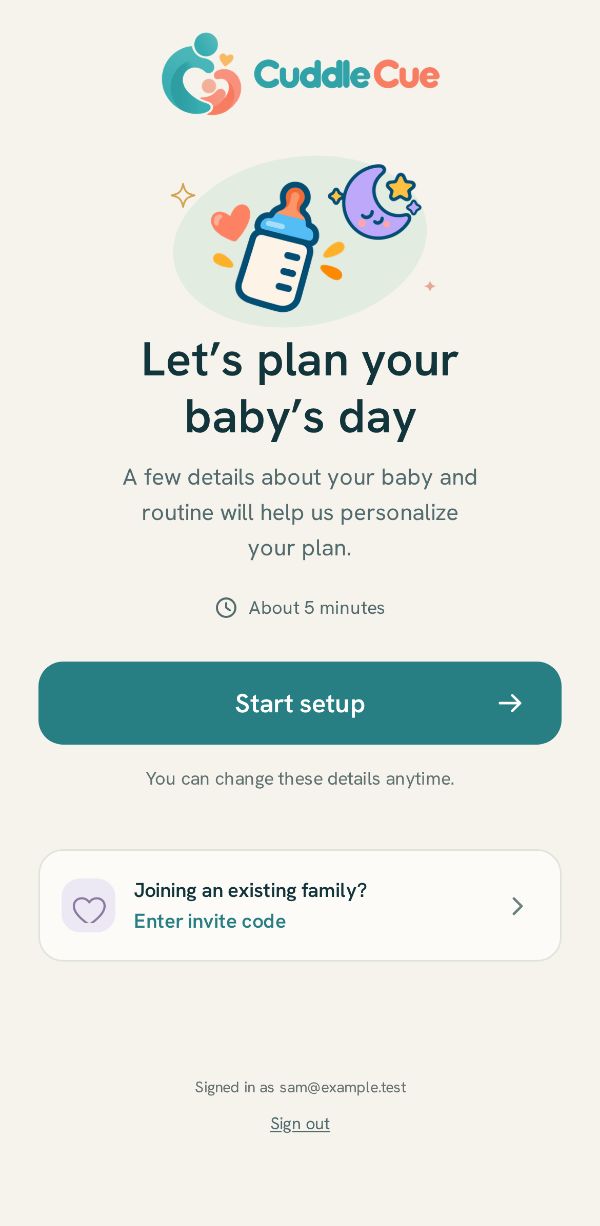
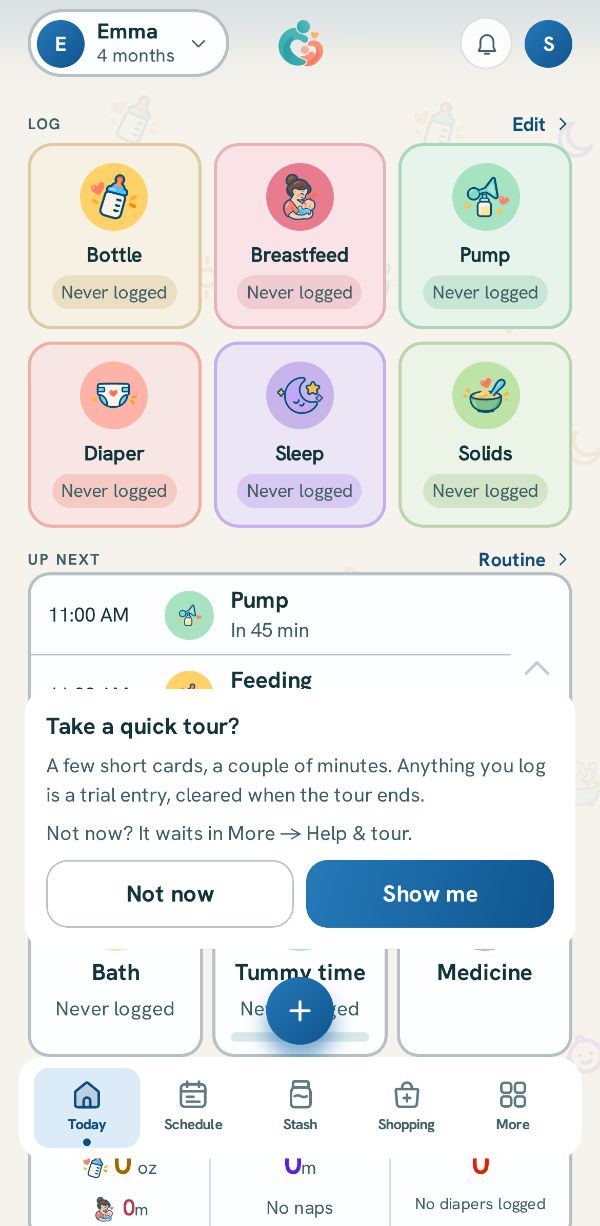
Setting up, the tour, and finding your way around.
Logging
Feeds, pumping, diapers and sleep, and fixing an entry.
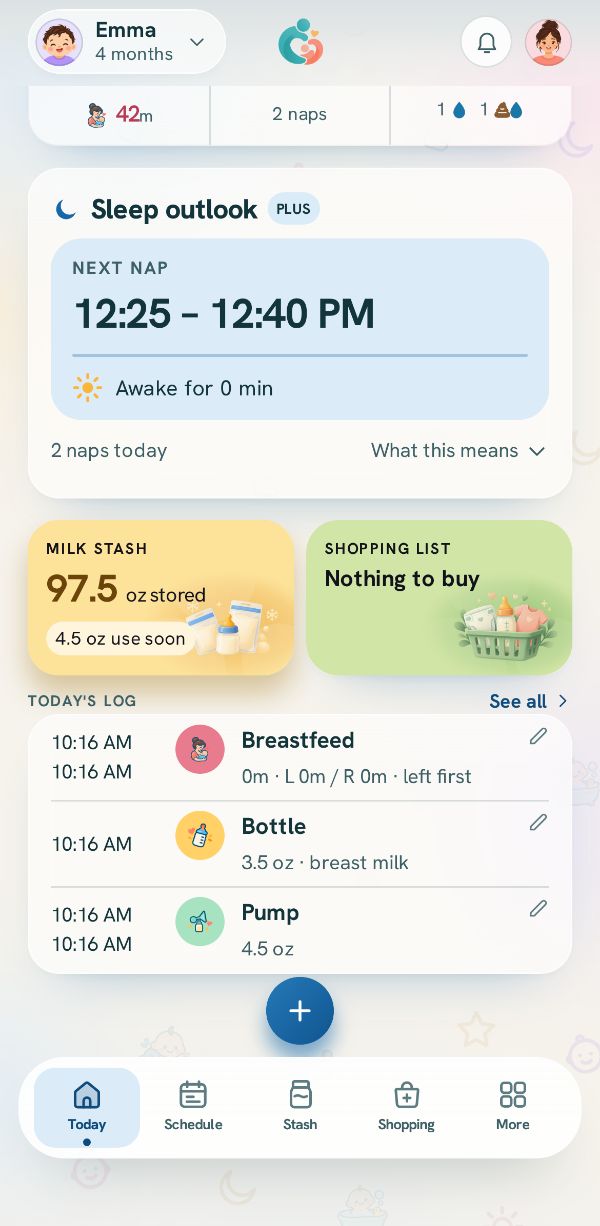
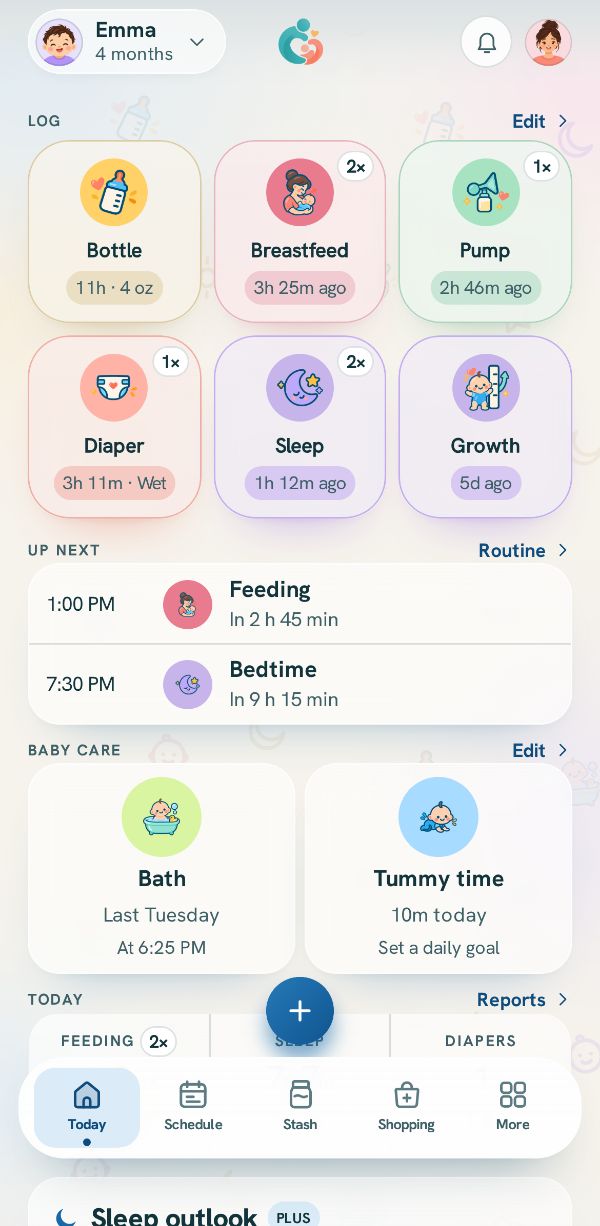 How logging works: Today and the + buttonWhere every entry starts, what the tiles on Today show, and how to reach anything you track.
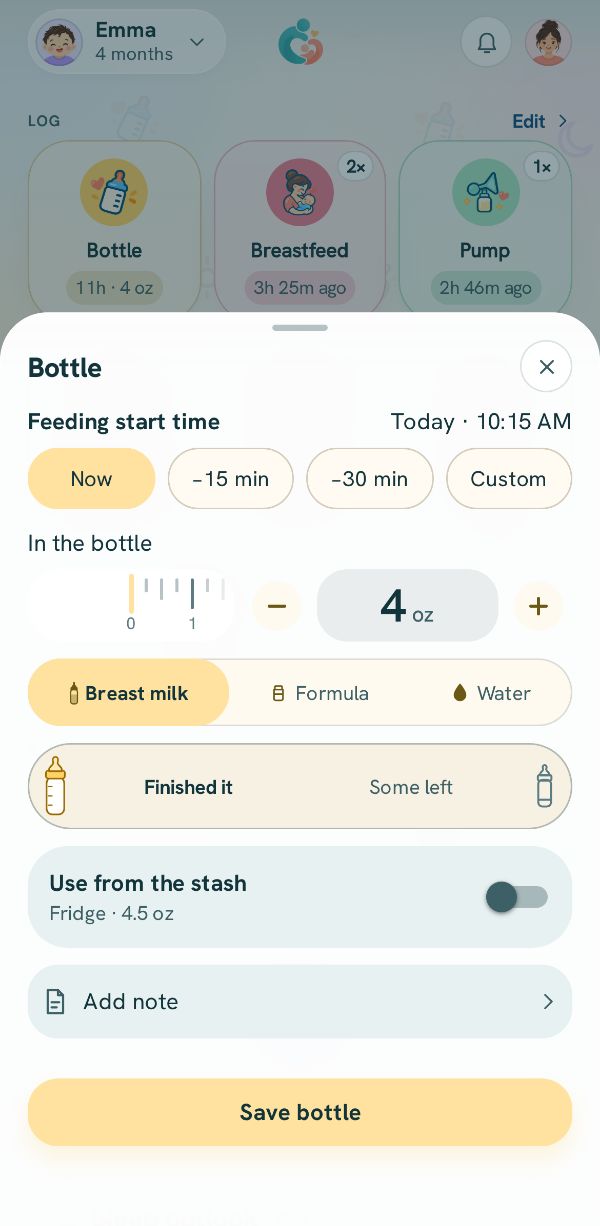 Log a bottleHow much, what kind, and what was left, from a bottle you made or from the milk stash.
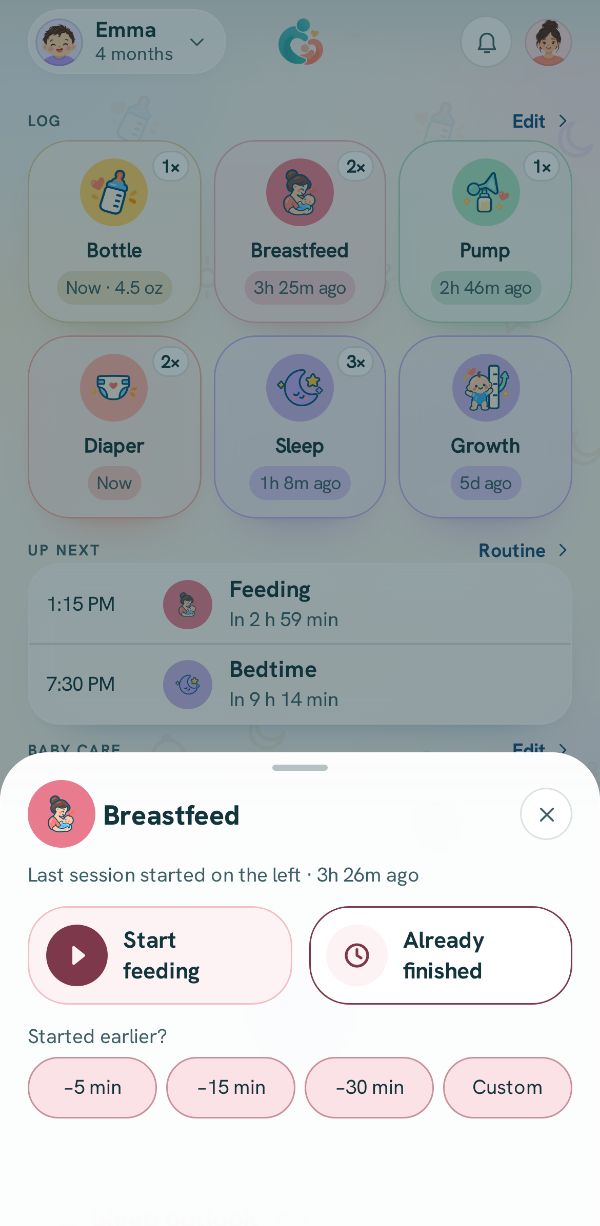 Log breastfeeding, side by sideTime each side with the timer, switch sides, or add a feed that is already over.
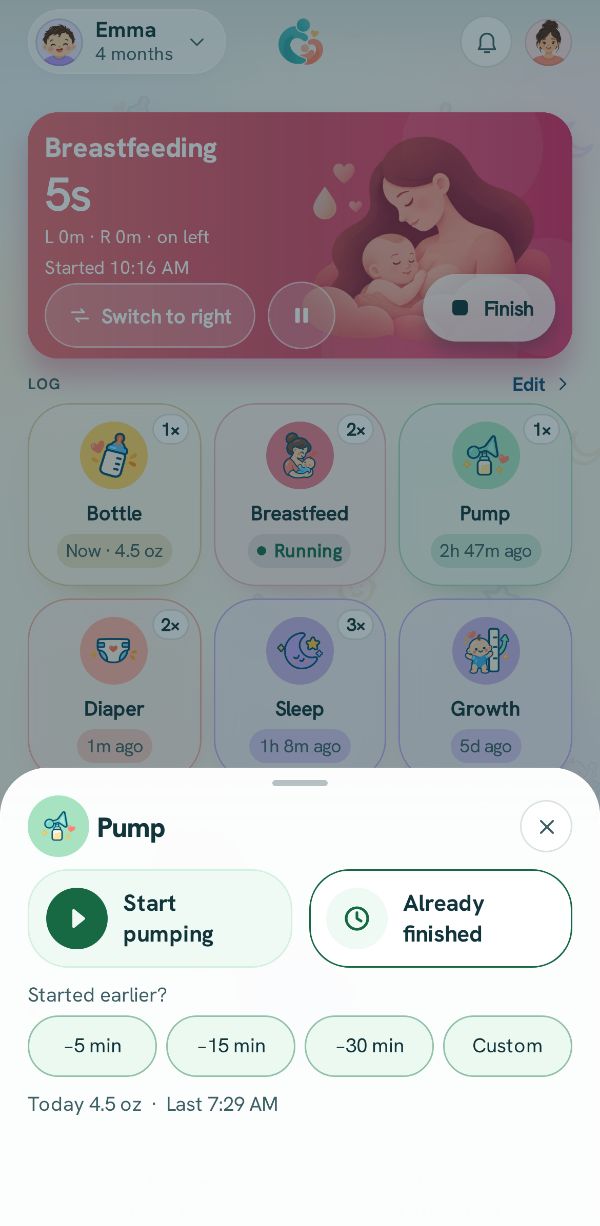 Log a pumping sessionTime it or add it after, record each side or the total, and choose what the milk is for.
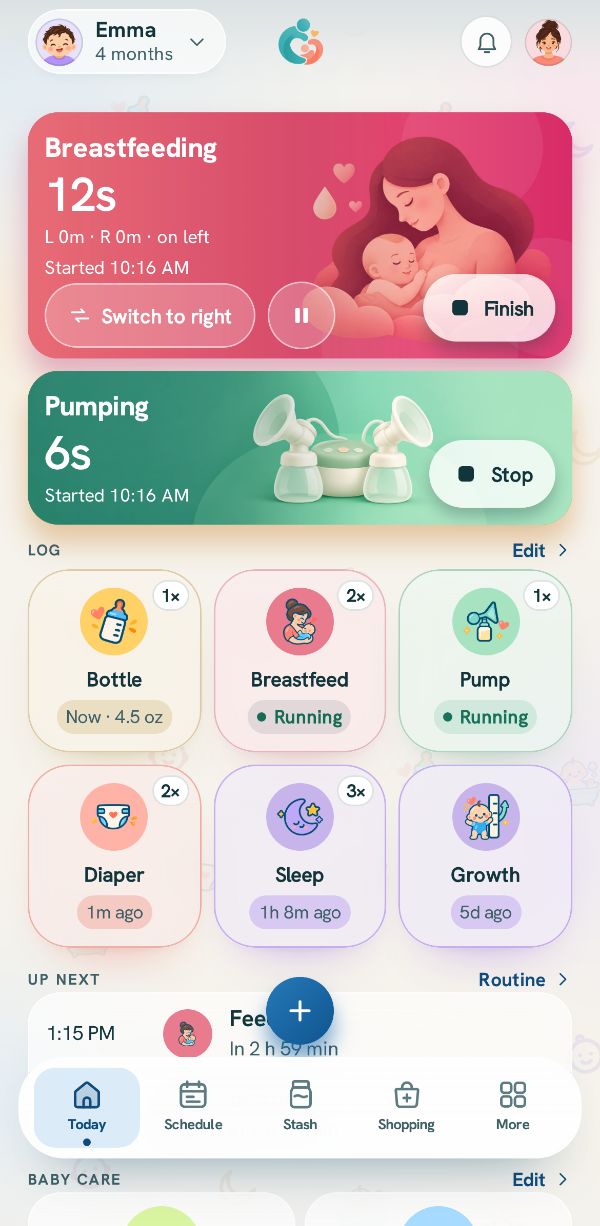 Pump and feed at the same timeThree real situations, step by step: a bottle straight from the pump, nursing on one side while pumping the other, and a bottle from the stash while you pump.
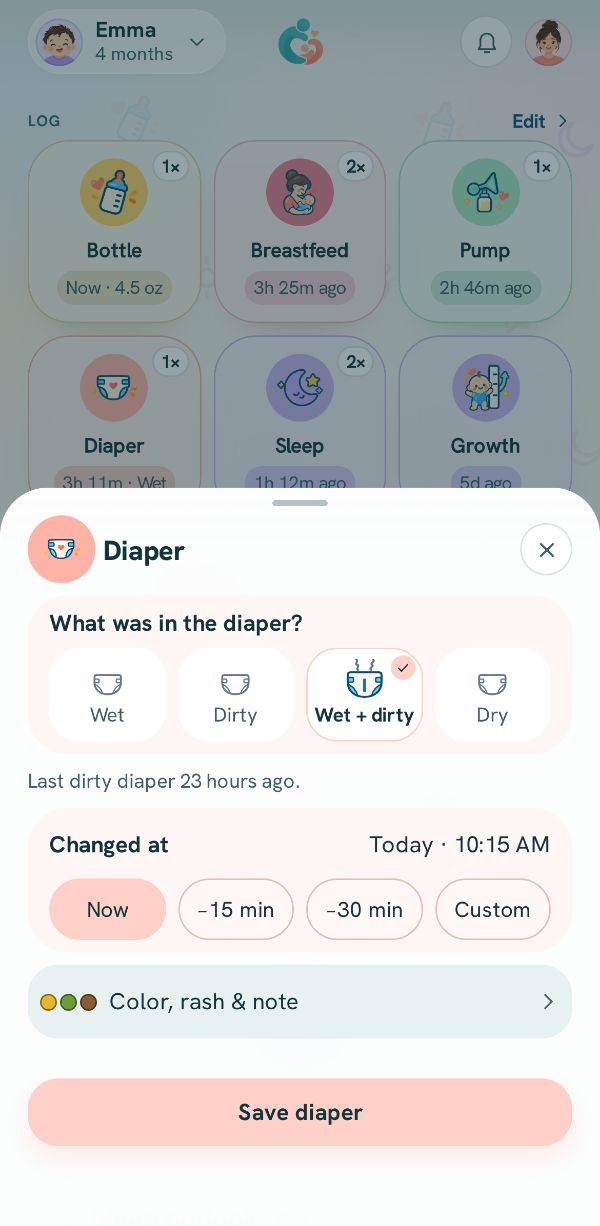 Log a diaperWet, dirty, both or dry, when it was changed, and a color or a note if you want.
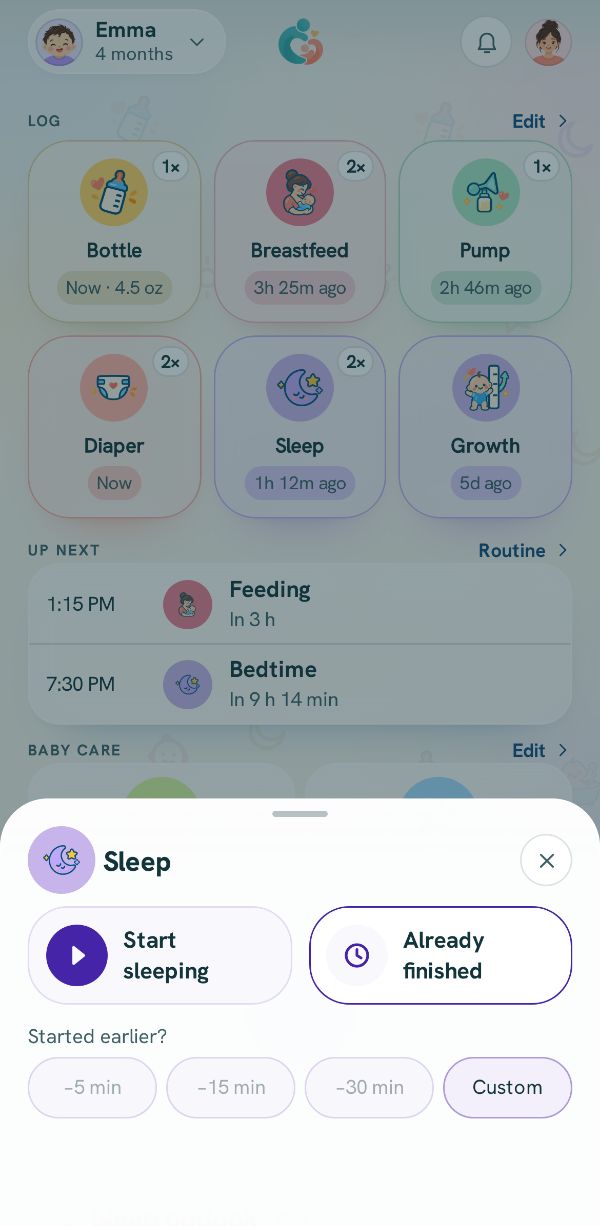 Log sleep, naps and nightsTime a sleep as it happens, or add one after with when it started and ended.Log something that already happenedForgot to log? Set the real time with a chip, the clock, or the session time.
 Fix or delete an entryChange anything you logged, delete it, bring it back, and find older entries in the Activity log.
Schedule and reminders
Your routine, the day laid out, and who gets reminded.
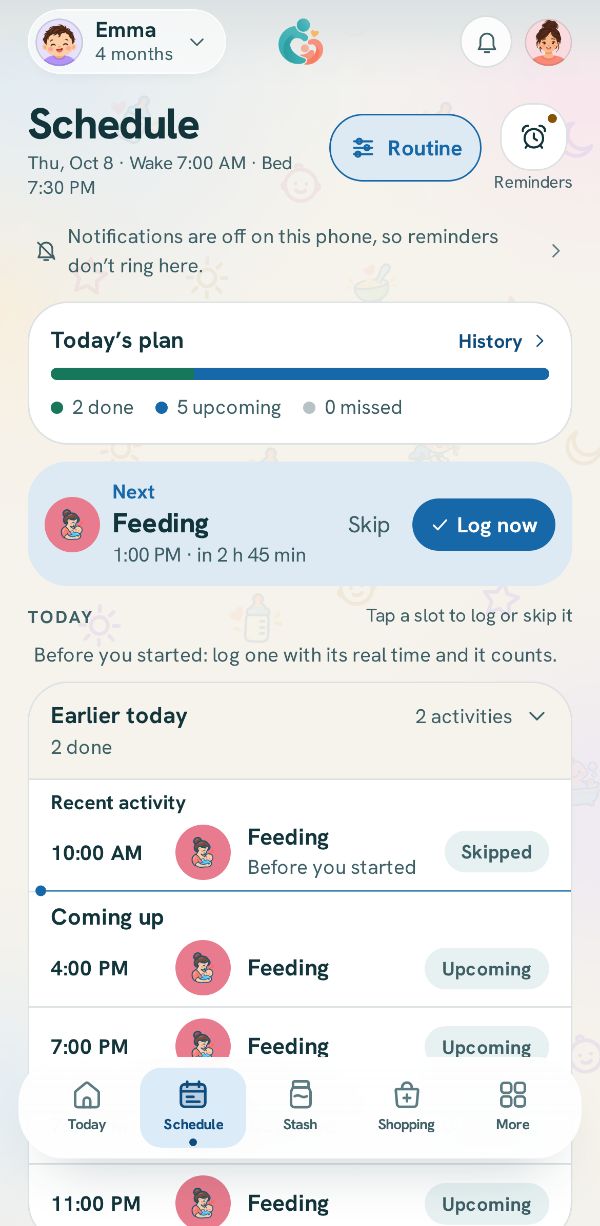 Set your routine: how often, or at set timesTell the app how your day runs, and the Schedule tab lays it out with reminders.Use the Schedule tab: log or skip what is nextSee the day laid out, log the next thing in one tap, or skip a slot.
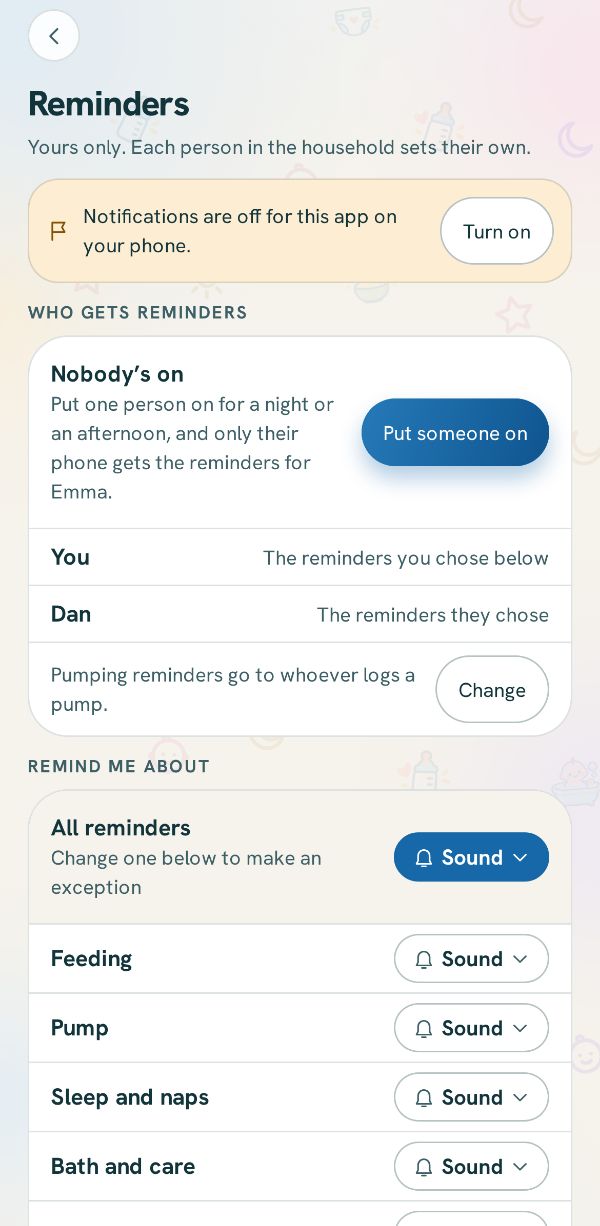 Reminders, sounds and quiet hoursChoose how this phone reminds you about each thing, and when it stays quiet.
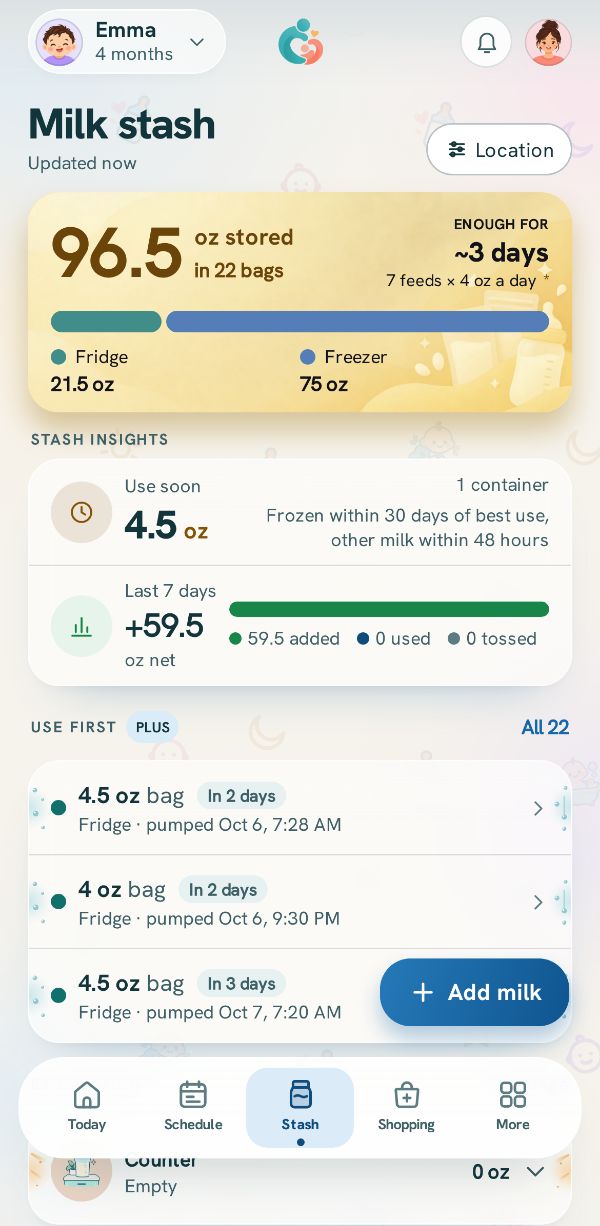
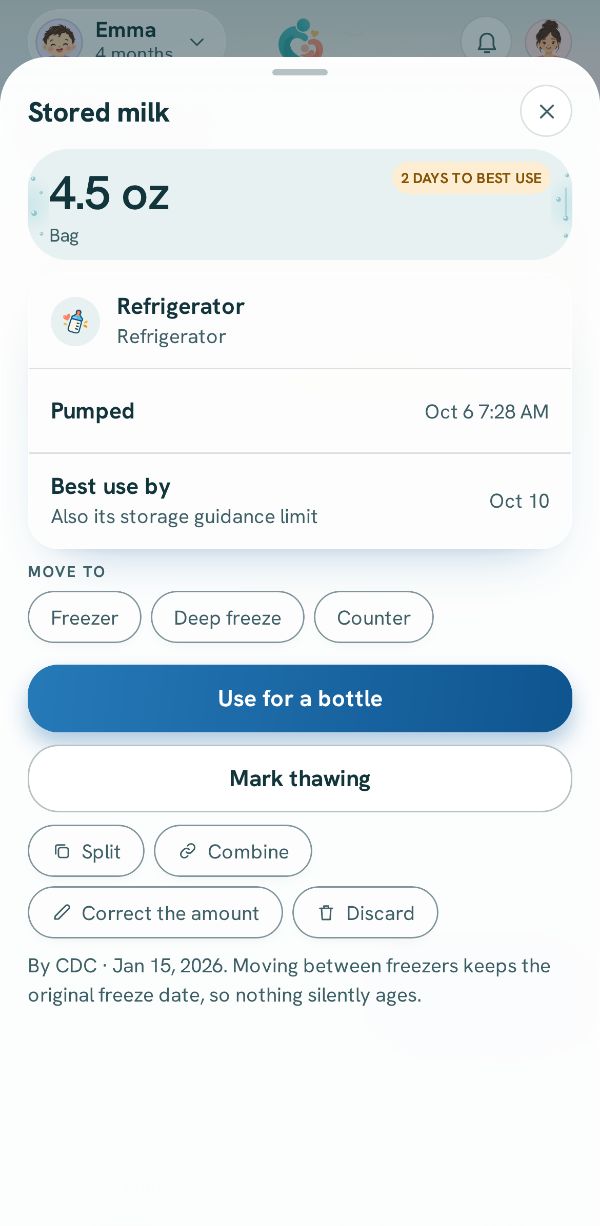
Milk stash
Storing milk, feeding from it, and keeping track of bags.
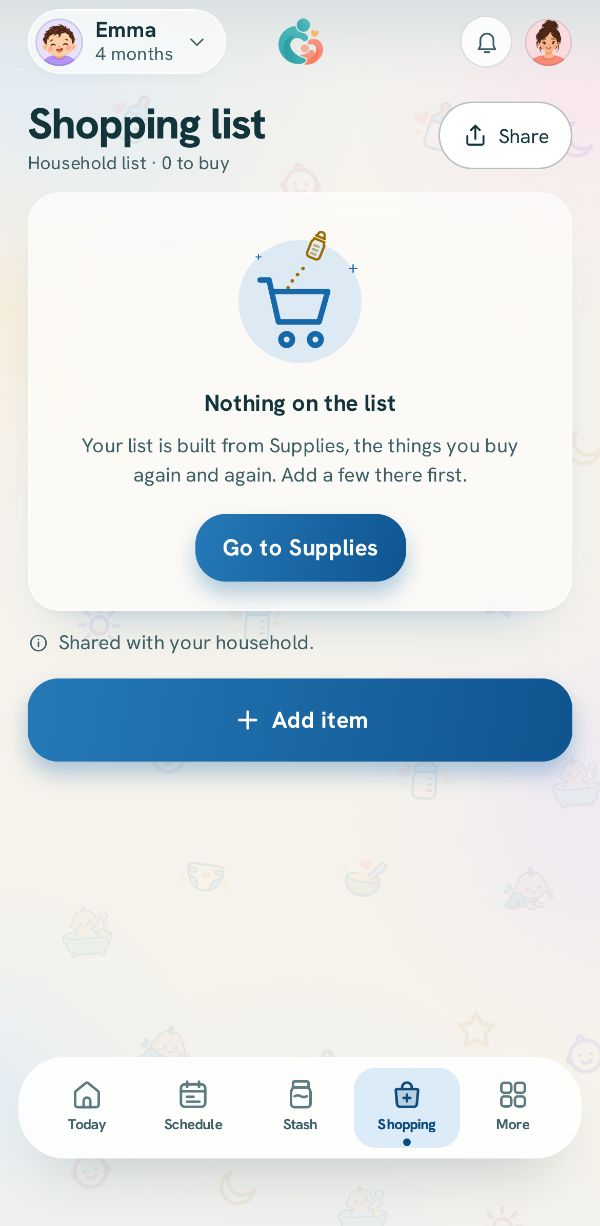
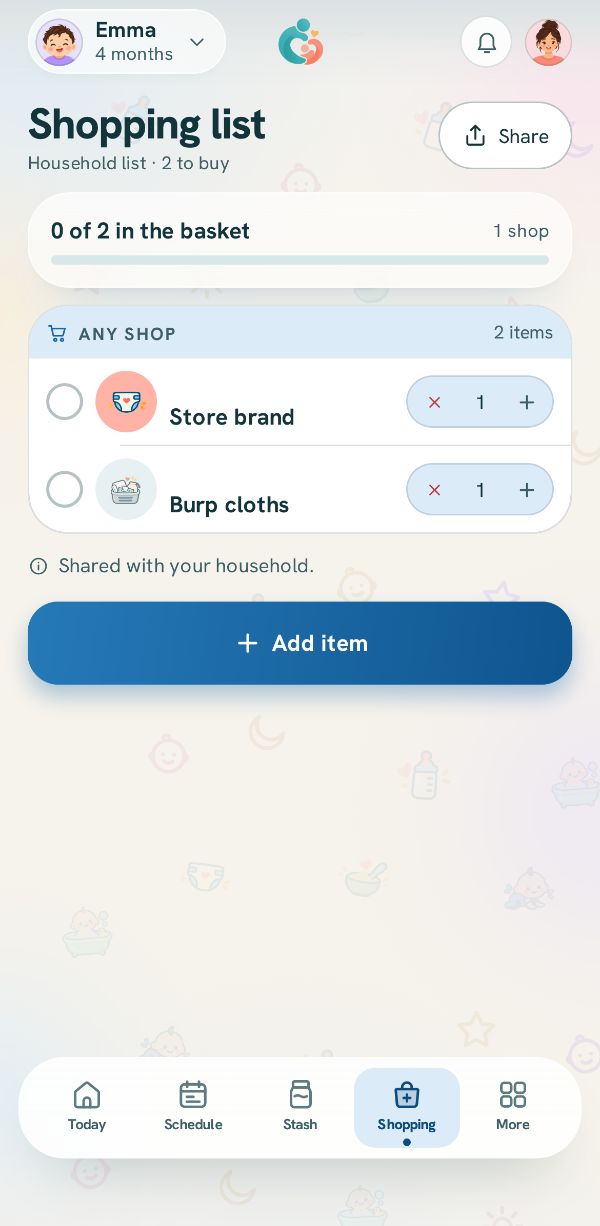
Shopping and supplies
Putting things on the list and shopping with it.
Family and sharing
Inviting people, households, roles and handoff.
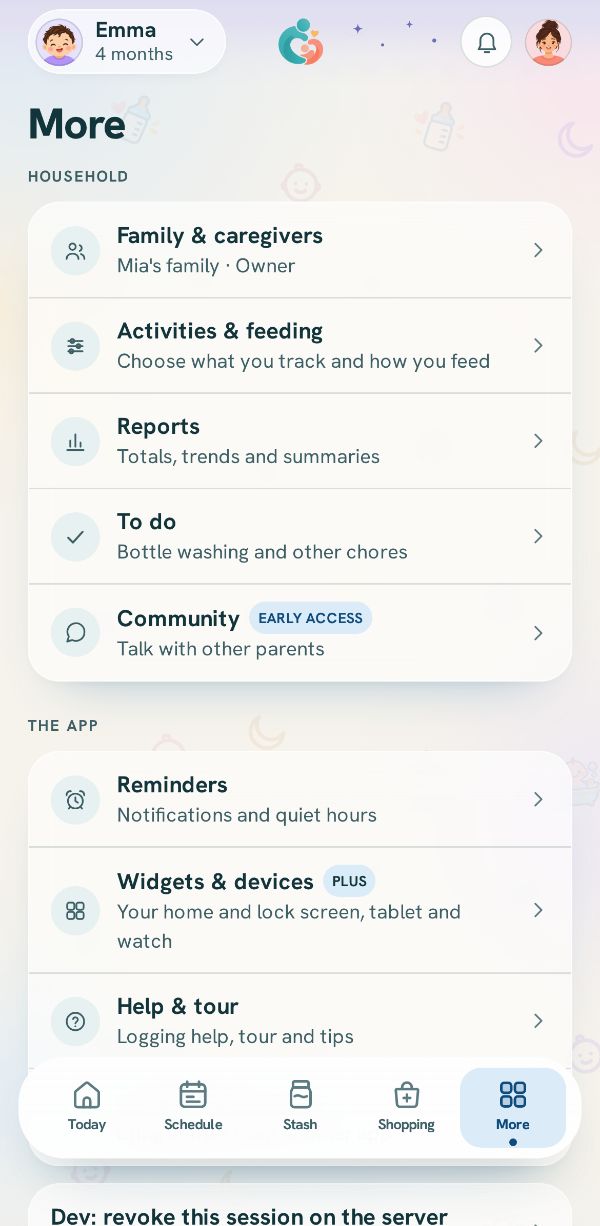 Invite someone to your familyBring in the other parent, a grandparent or a sitter, each on their own phone and their own login.Free
 7 steps
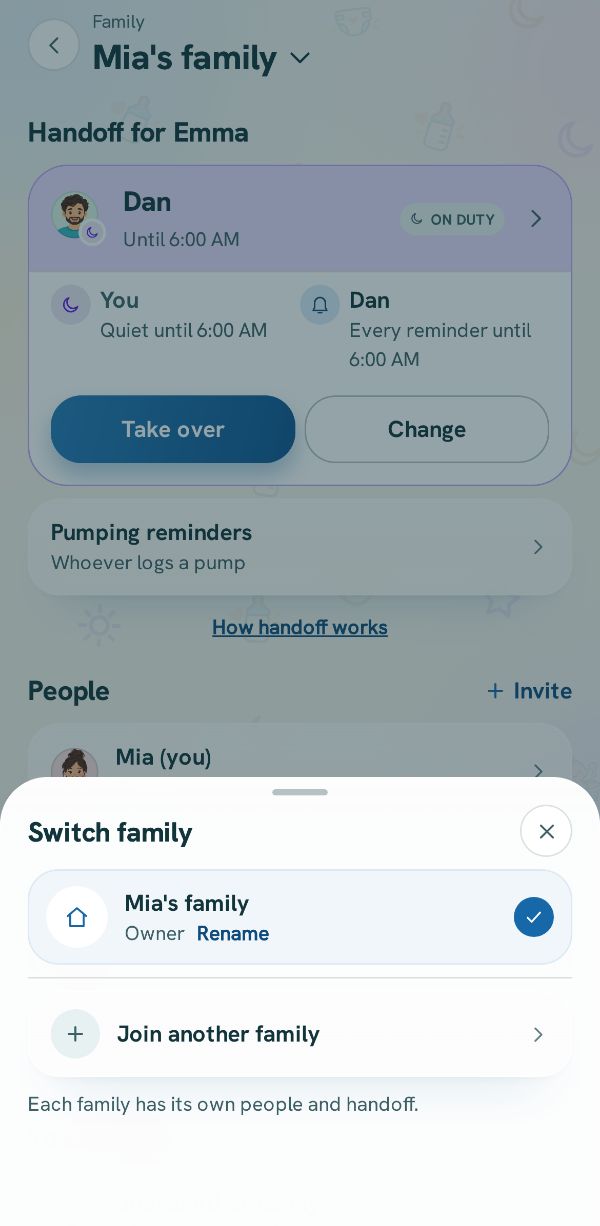 Join a family with a code or a linkJoin the family that invited you, or join a second family as a caregiver while keeping your own.
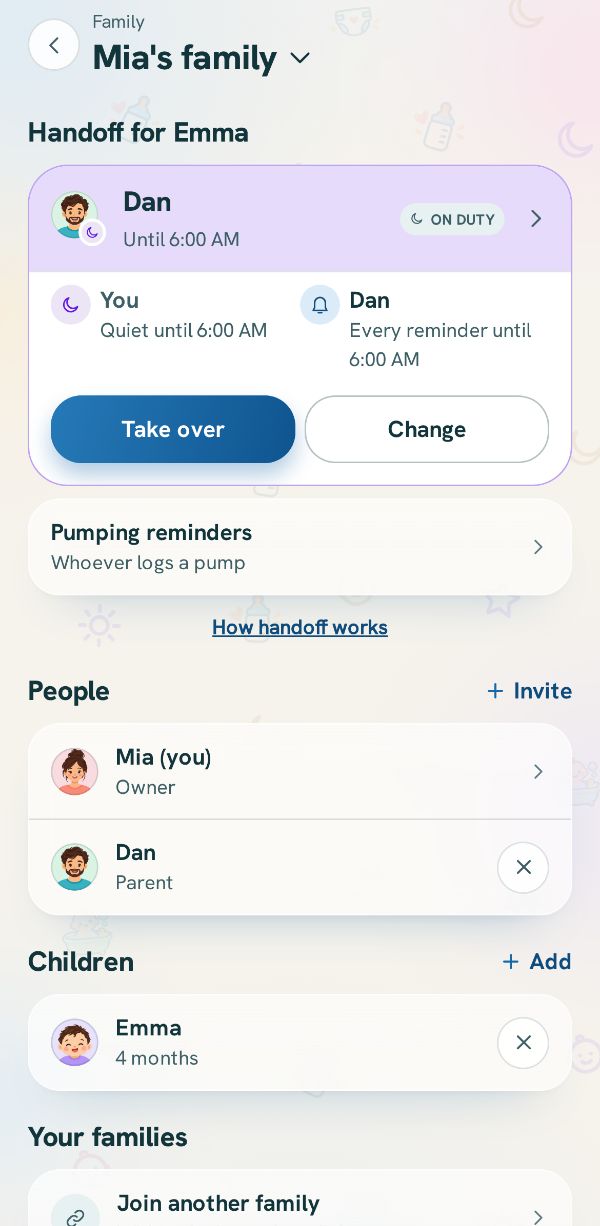 Switch between families, and rename yoursMove between the families you are in, and change your family's name if you are its owner.
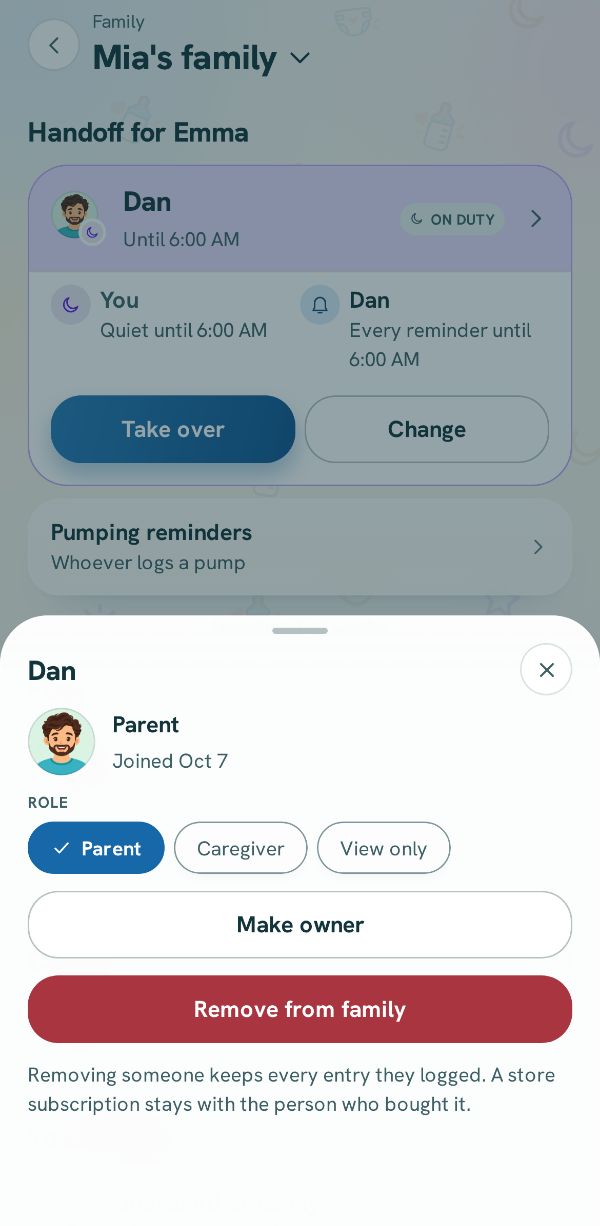 Change roles, hand over or remove someoneOpen a person's details in Family to change what they can do, hand the family over, or take someone out.Free4 steps
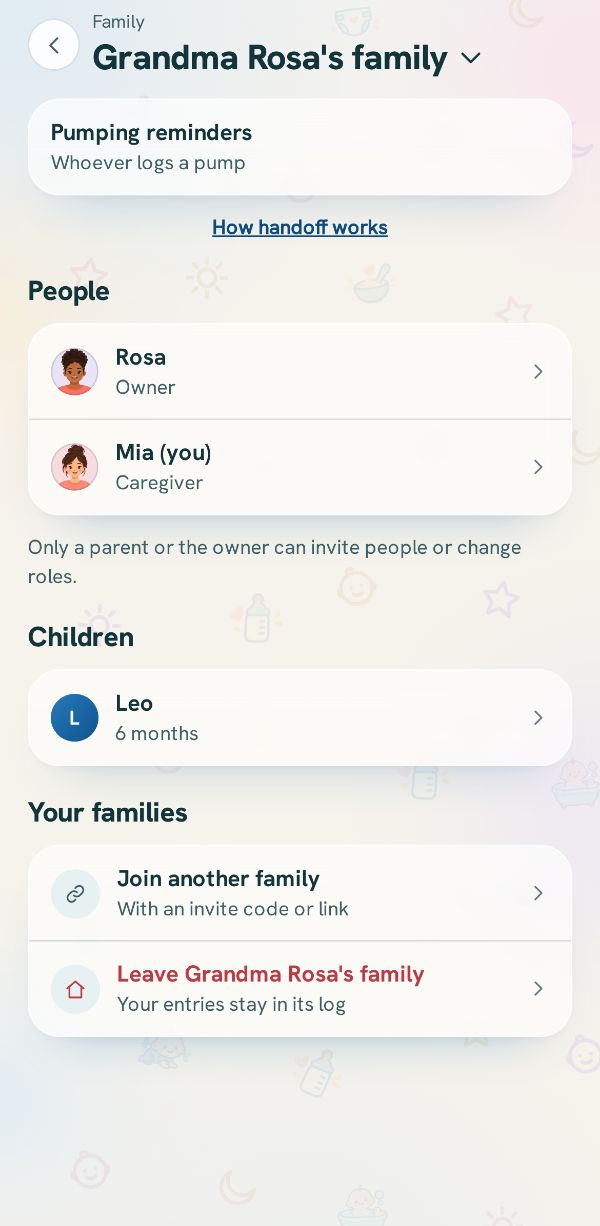 Leave a family, or start your ownLeave a family you joined, hand yours over before you go, or set up a family of your own.
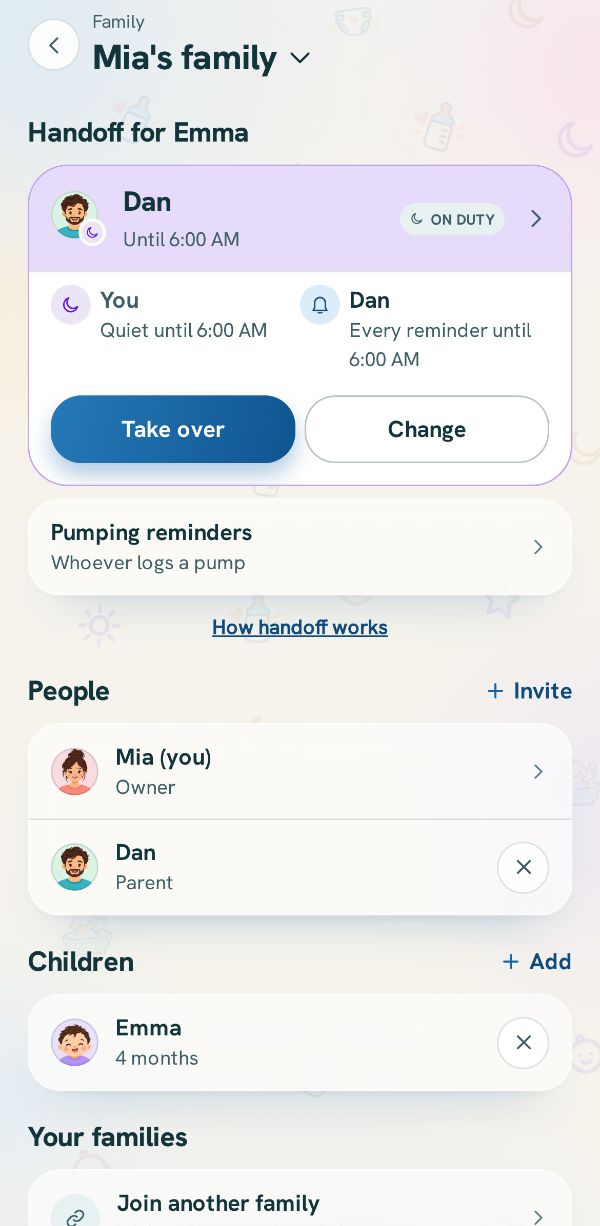 Hand off the reminders: who is on dutyChoose which phone gets the baby's reminders, take over when it is your turn, and let the other phone sleep.Free3 steps
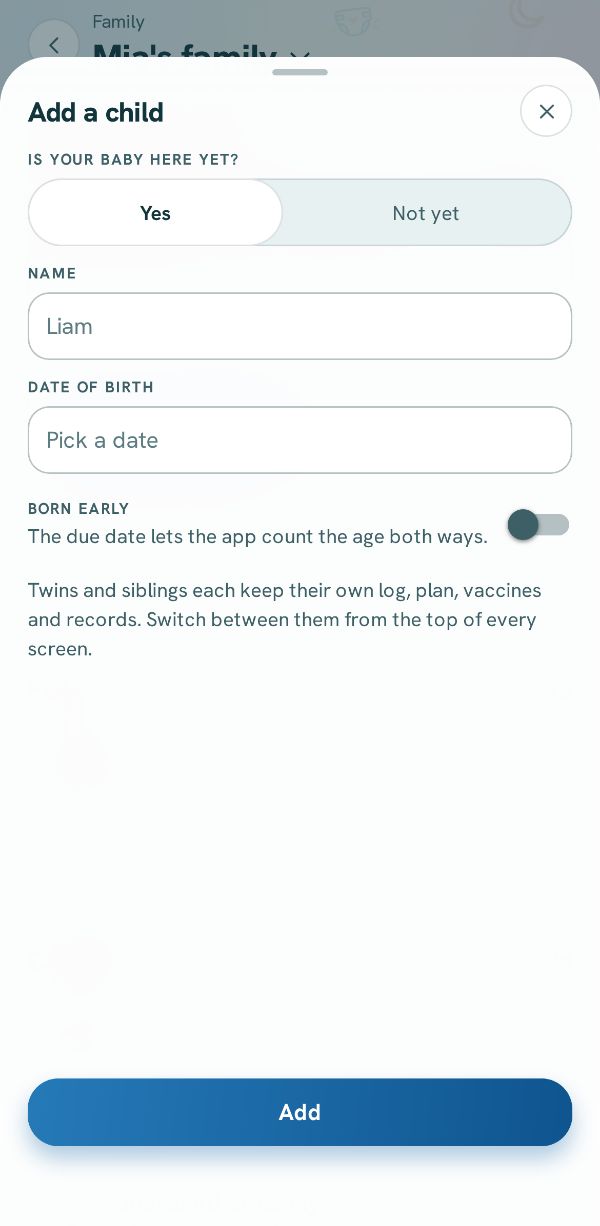 Add a child: twins, triplets or a siblingAdd another baby to your family, and log for one or for both at once.
Your data
Reports, the full download, and your account.
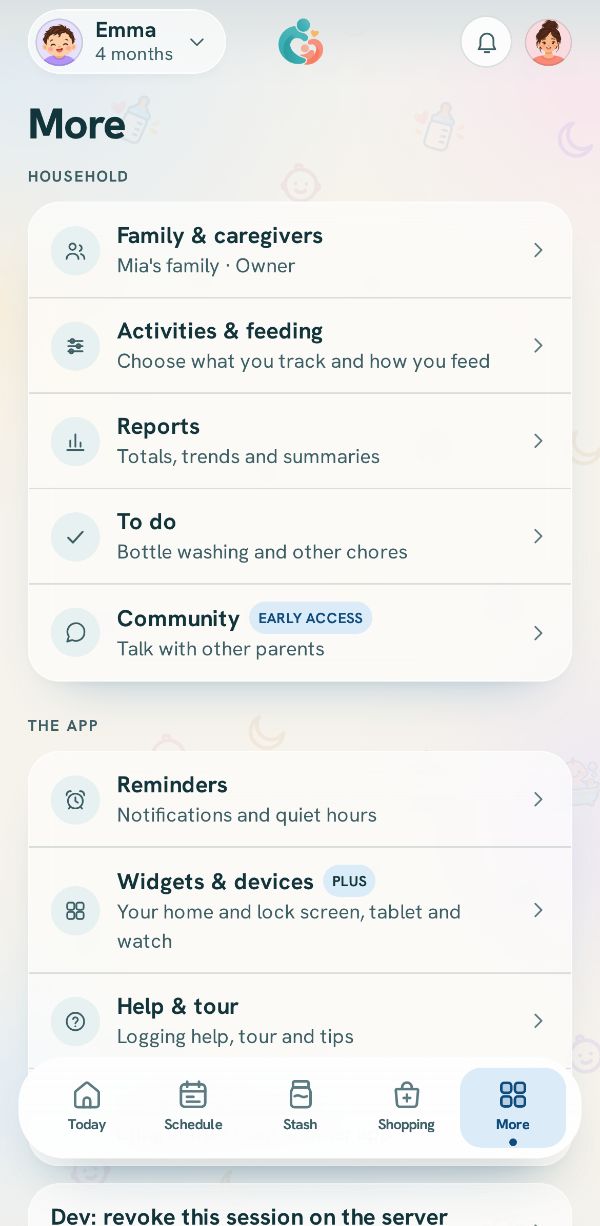
The manual
What each screen, button and setting is, from A to Z.
Best matches
In the manual
What each screen, button and setting is, from the manual.
Nothing matches yet
Try another word, like the name of a button. Or write to us and we will answer, and add a guide.