
Routine is where you say how often each thing happens: feeds every few hours, a pump at set times, or off. The Schedule tab and the reminders are built from it.
Open Routine from the Schedule tab
Tap Schedule at the bottom, then Routine at the top.
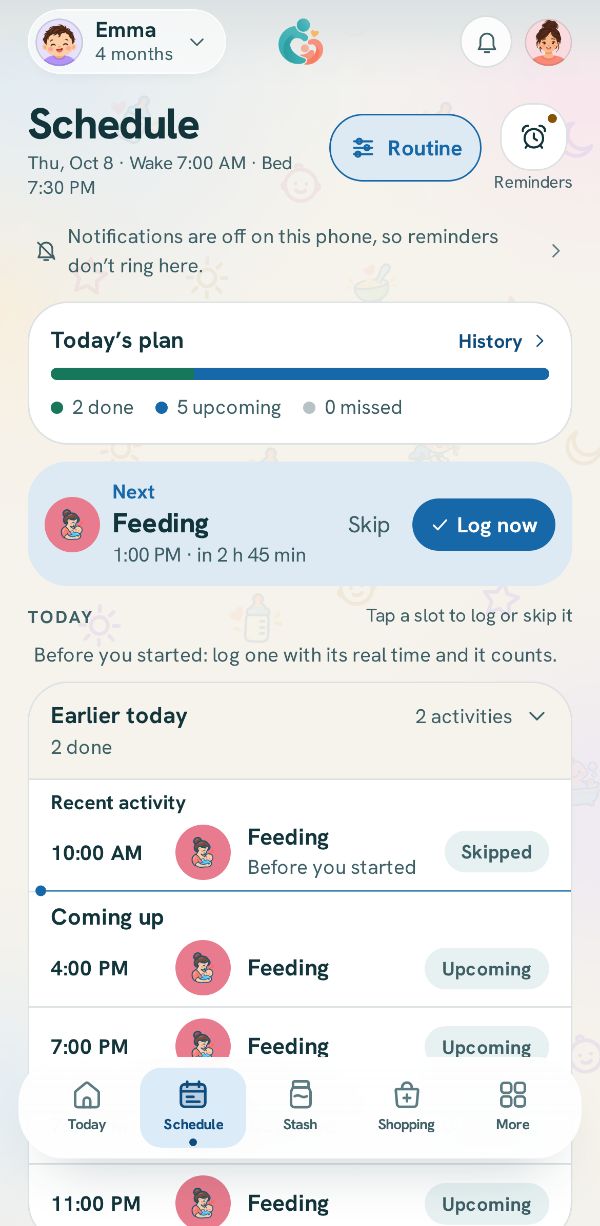
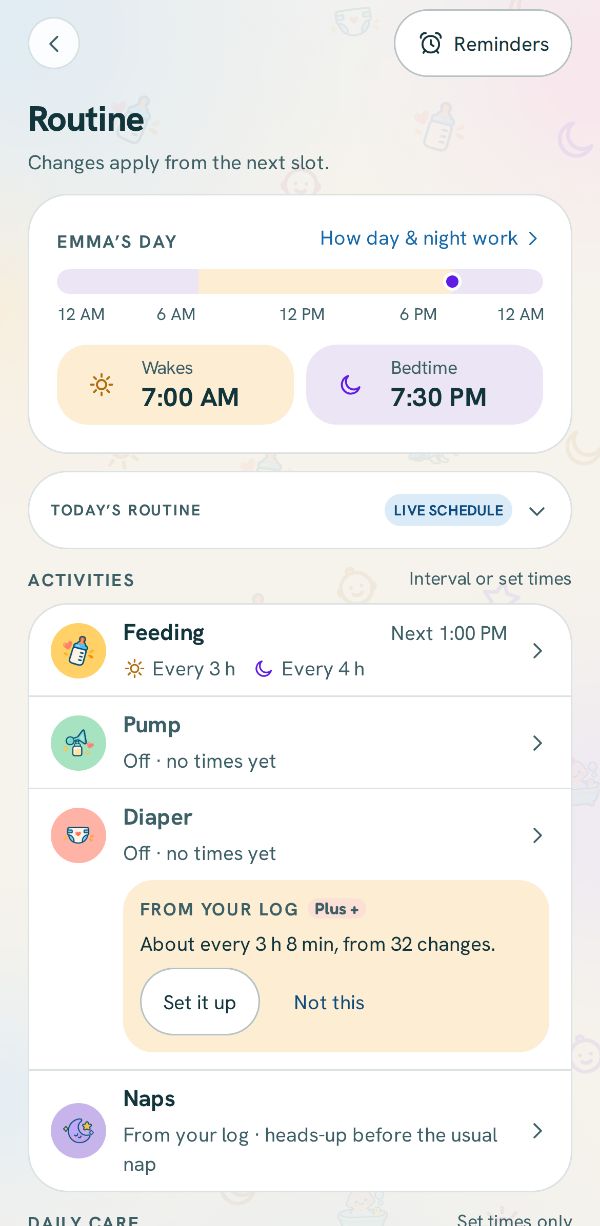
Your day, and each activity
The top sets when the day starts and ends: Wakes and Bedtime. Under Activities, each row says how it runs now, like Every 3 h. Tap the one to change. An activity you have turned off still has its row, which says Turned off. Tap to turn it on. Tapping it takes you to Activities & feeding, where its tile is marked.
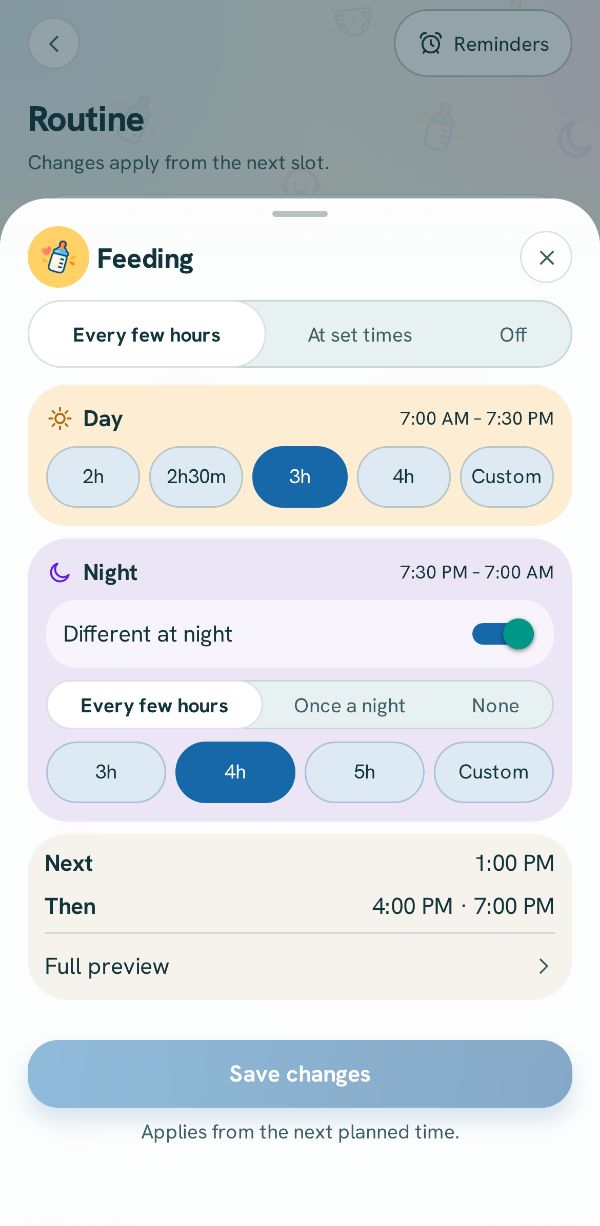
Every few hours
Pick Every few hours and how often in the day. Turn on Different at night to space them out at night, or pick Once a night or Off for the night. The bottom shows the next times it would set.
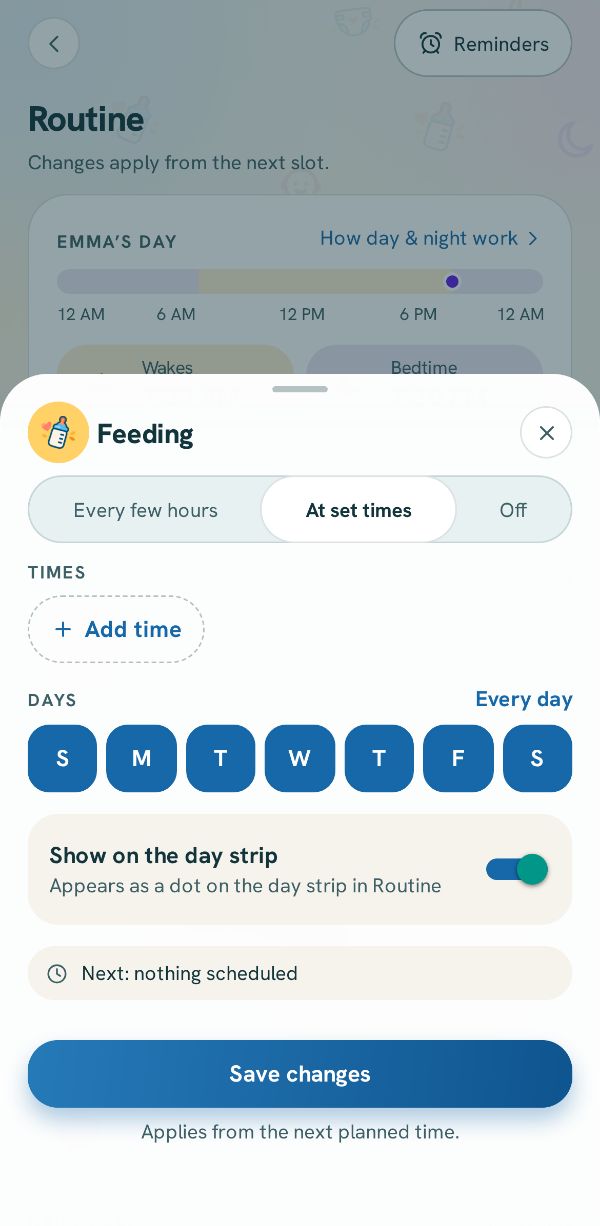
Or at set times
Pick At set times, tap Add time for each one, and choose the days. Tap Save changes. It applies from the next slot.
Related guides
Use the Schedule tab: log or skip what is nextSee the day laid out, log the next thing in one tap, or skip a slot.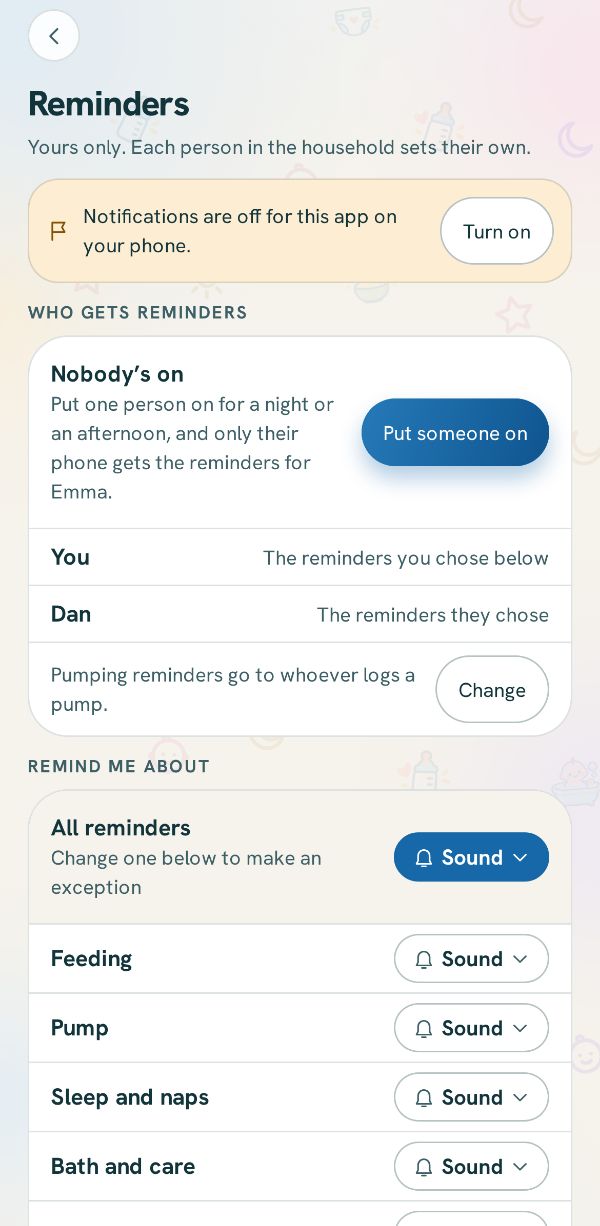 Reminders, sounds and quiet hoursChoose how this phone reminds you about each thing, and when it stays quiet.
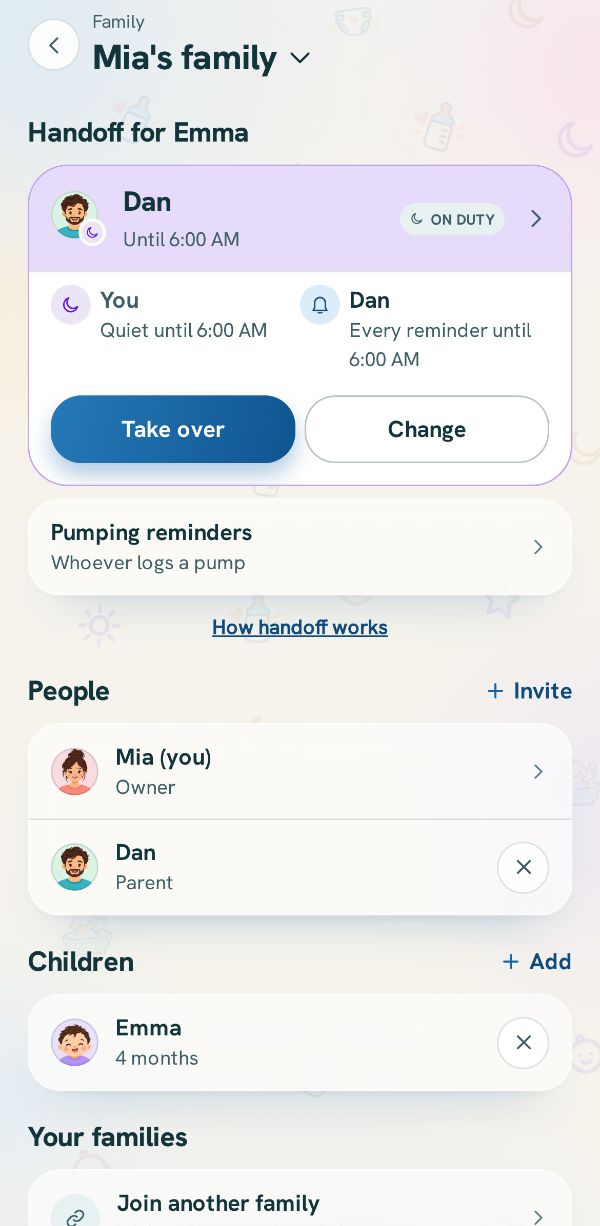 Hand off the reminders: who is on dutyChoose which phone gets the baby's reminders, take over when it is your turn, and let the other phone sleep.Free
 3 steps