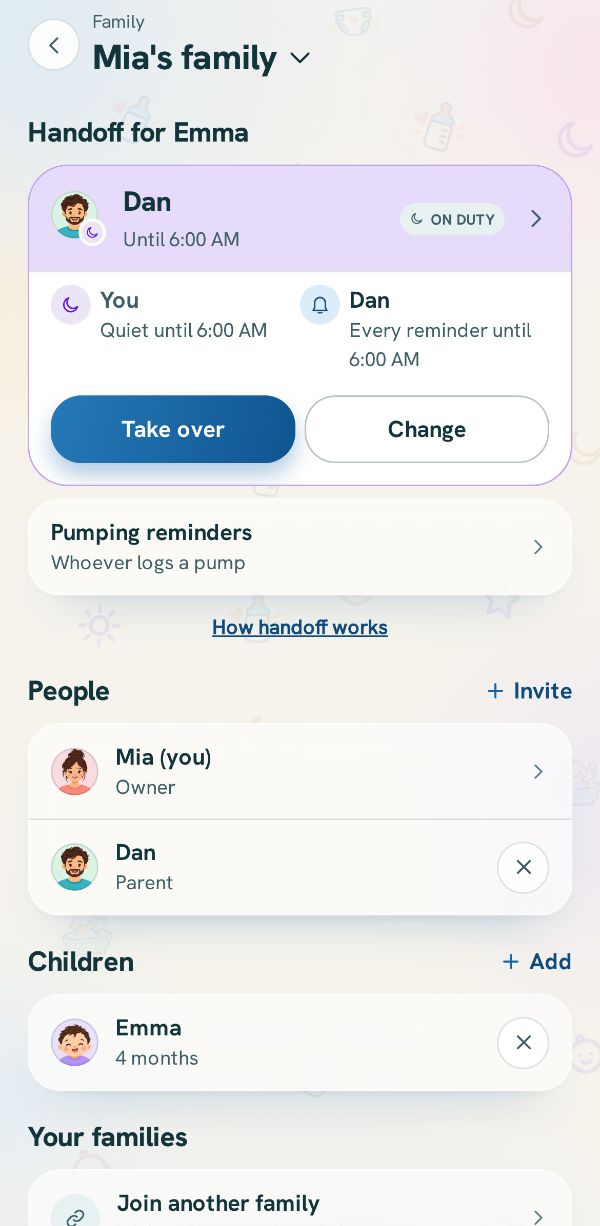
Reminders are set for each phone on its own. Your partner's settings do not change yours. Who gets the baby's reminders at all is handoff (see Hand off the reminders).
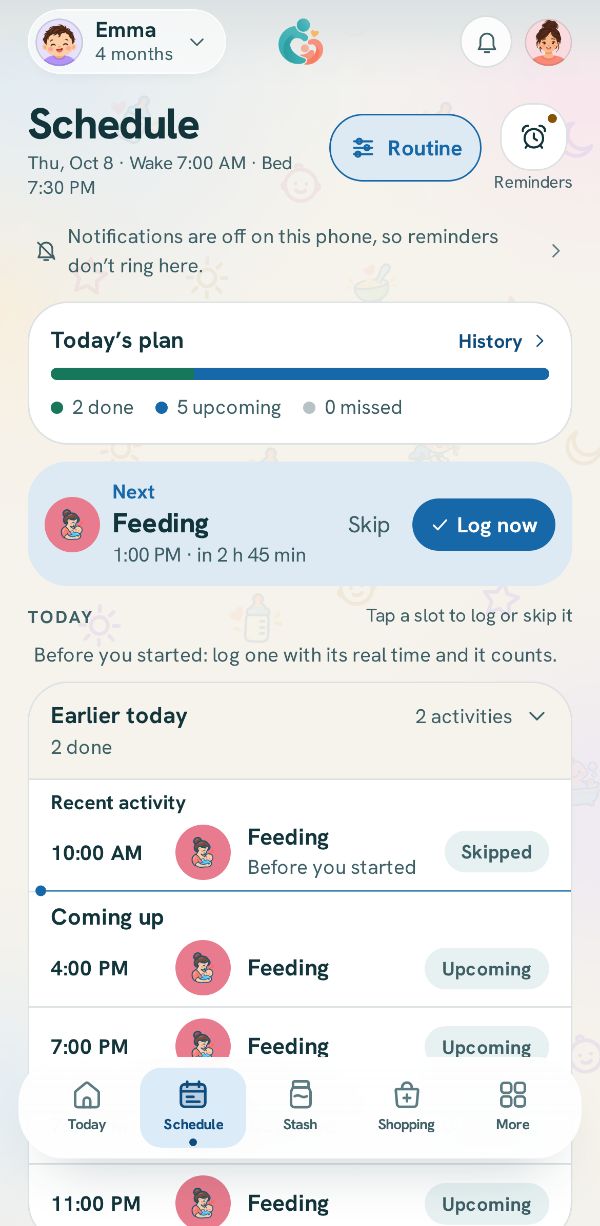
Open Reminders
On the Schedule tab tap Reminders, or in More tap Notifications. If the phone has notifications turned off for the app, the page says so with Turn on.
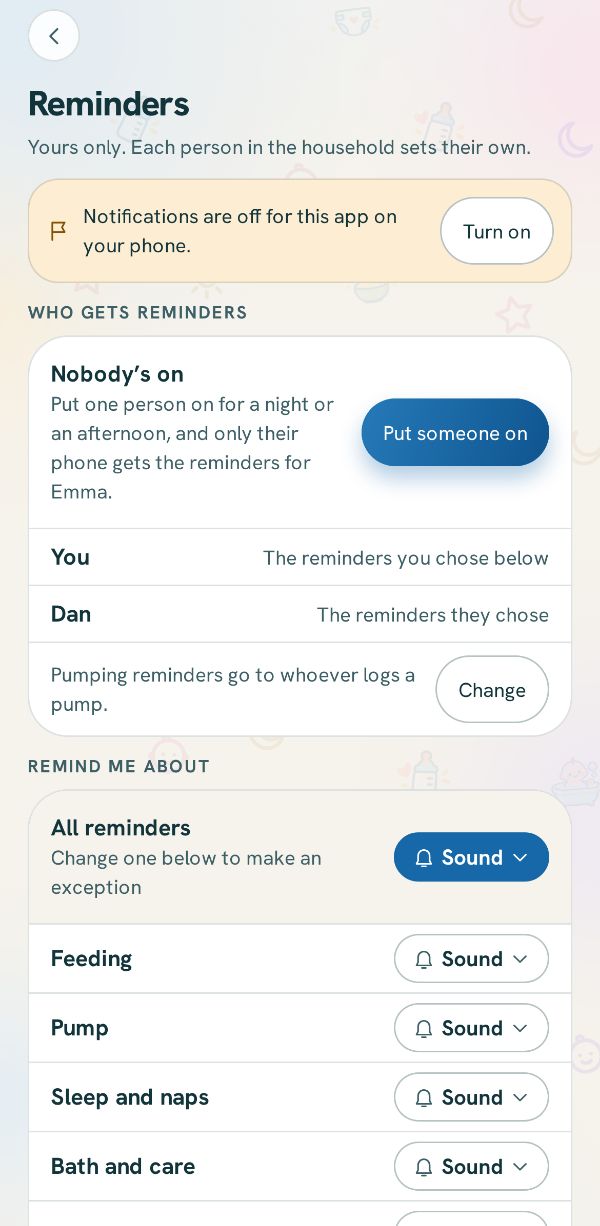
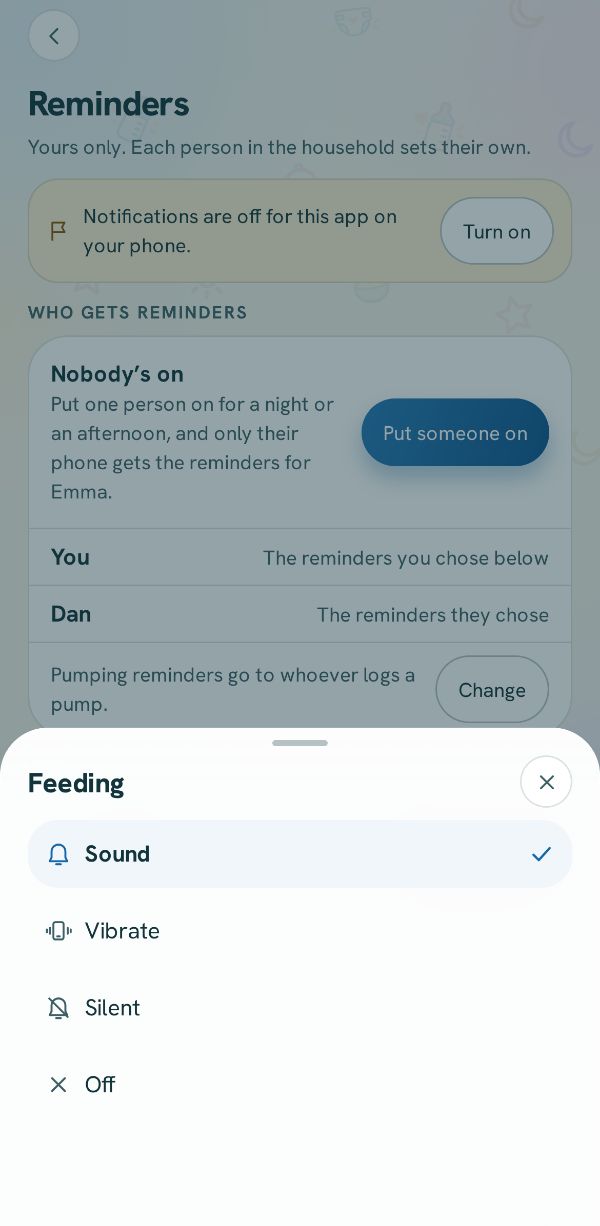
Sound, vibrate or silent, for each thing
Under Remind me about, tap a row like Feeding and pick Sound, Vibrate, Silent or Off. All reminders sets them all at once.
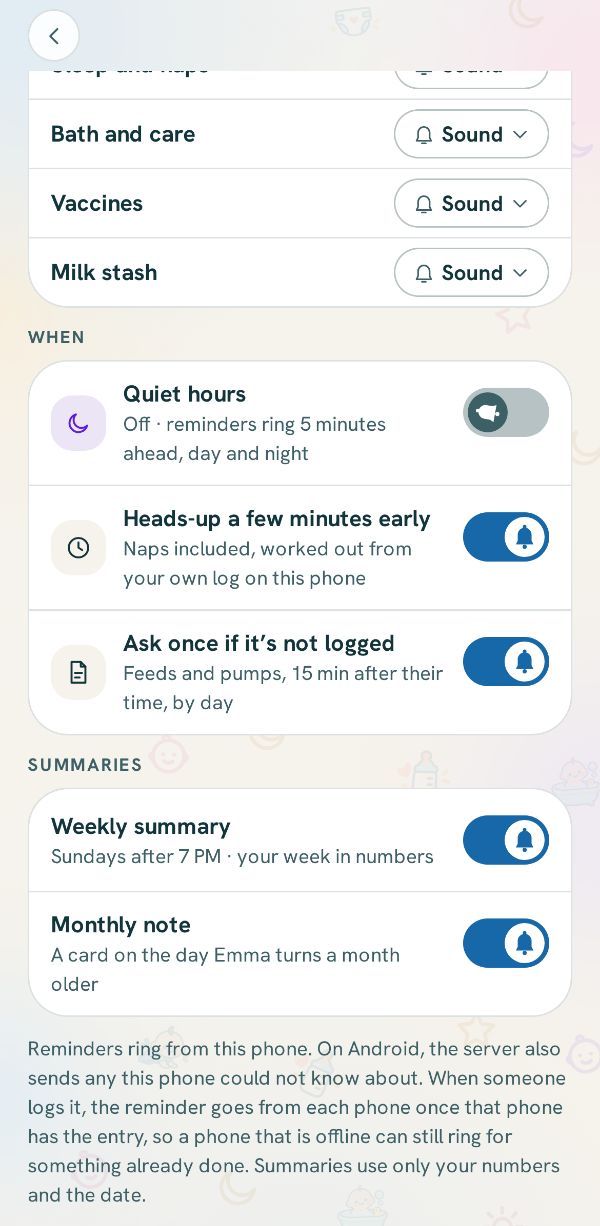
Quiet hours and the rest
Under When, turn on Quiet hours and set the times. Below it are Heads-up a few minutes early, a nudge if something is not logged, and the weekly and monthly summaries.