A sleep can be timed live (start it when the baby falls asleep, stop it when they wake) or added afterwards.
Open the sleep sheet
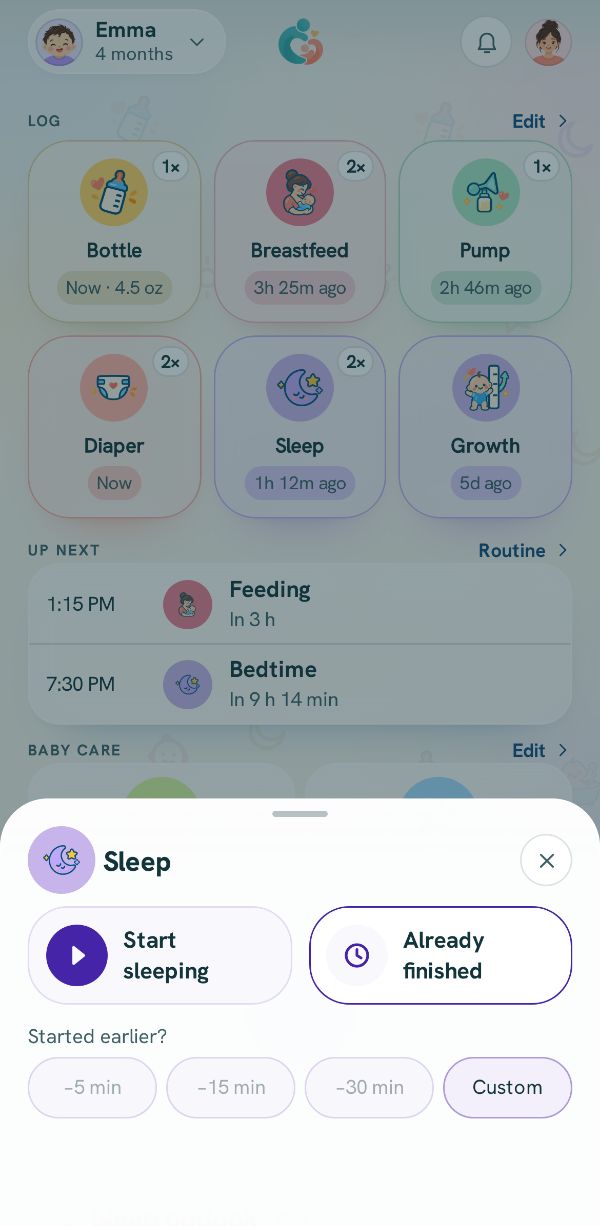
Tap Sleep. Start sleeping starts the timer straight away. Fell asleep a little while ago? Tap a chip under Started earlier? first.
When the baby wakes
On the sleep card on Today, press and hold Woke up until the ring closes.
Picture to come Already over? Add it
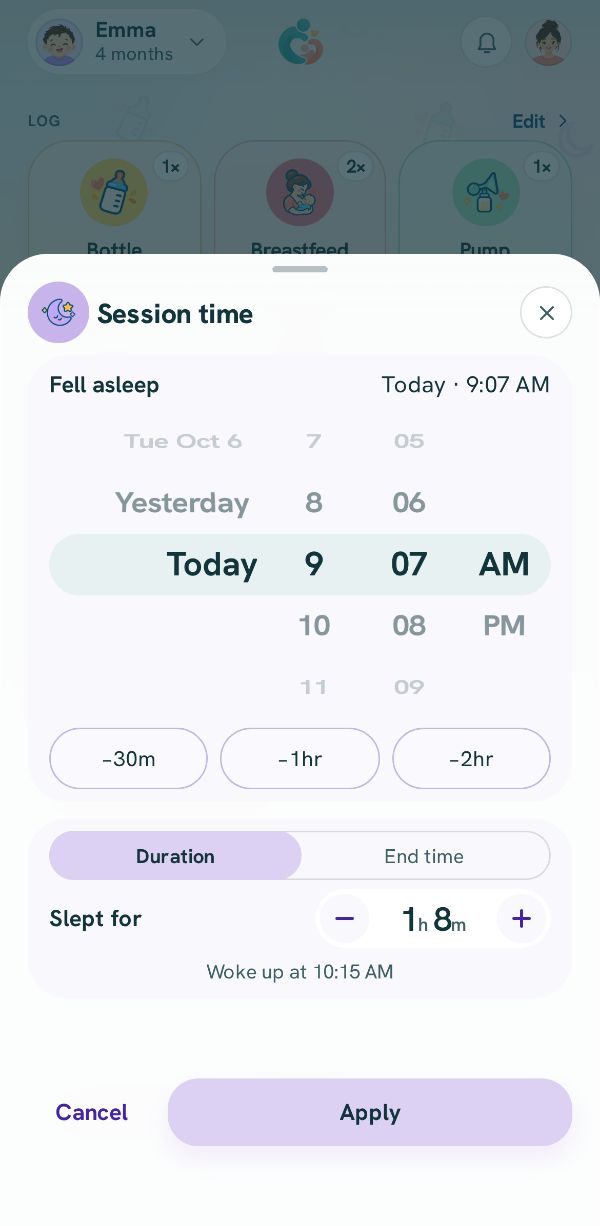
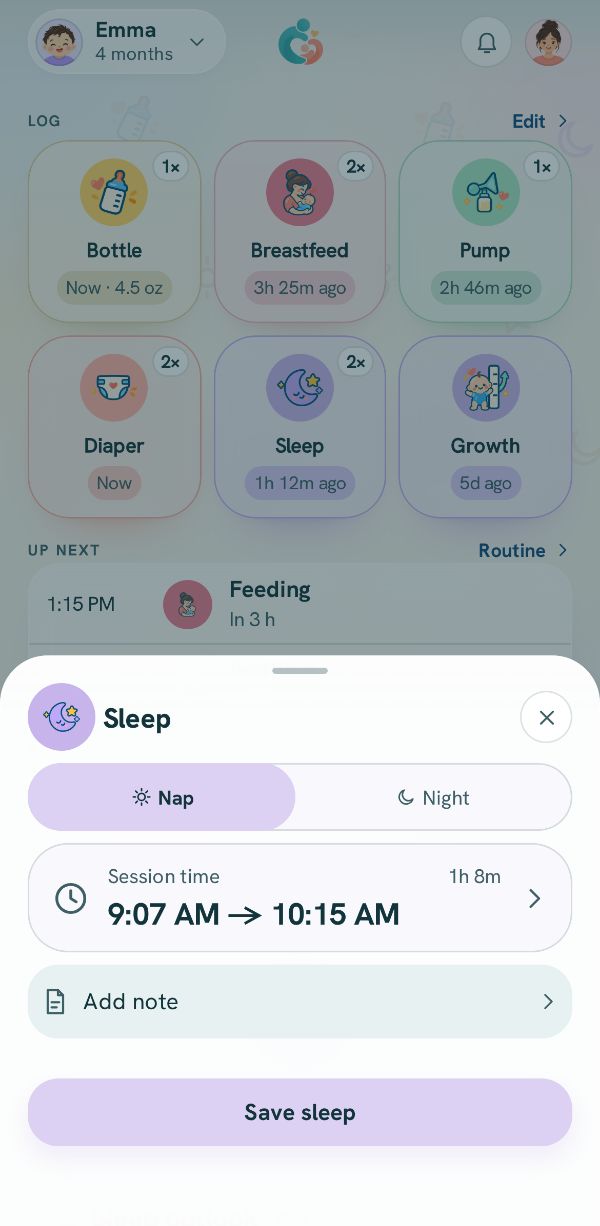
Tap Already finished. Pick Nap or Night, then tap Session time to set when the baby fell asleep and woke up.
Set the times
Turn the wheel to when the baby Fell asleep, then set how long under Duration or switch to End time. Tap Apply, then Save sleep.