
Nothing you log is final. Every entry can be opened and changed, and a delete can be undone.
Find it in Today's log
Scroll down Today to Today's log. It shows the newest entries first, each listed at the time it ended, so a night's sleep is at the top of the morning.
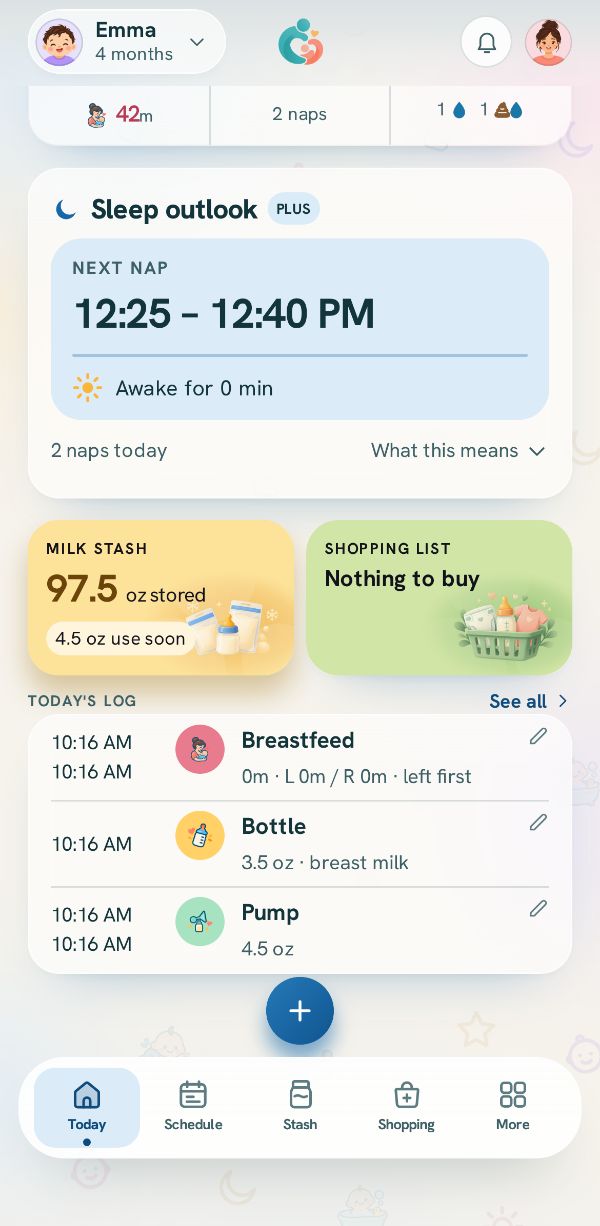
Tap it to change it
The entry opens in its own sheet with everything it holds. Change what you need and tap Save changes.
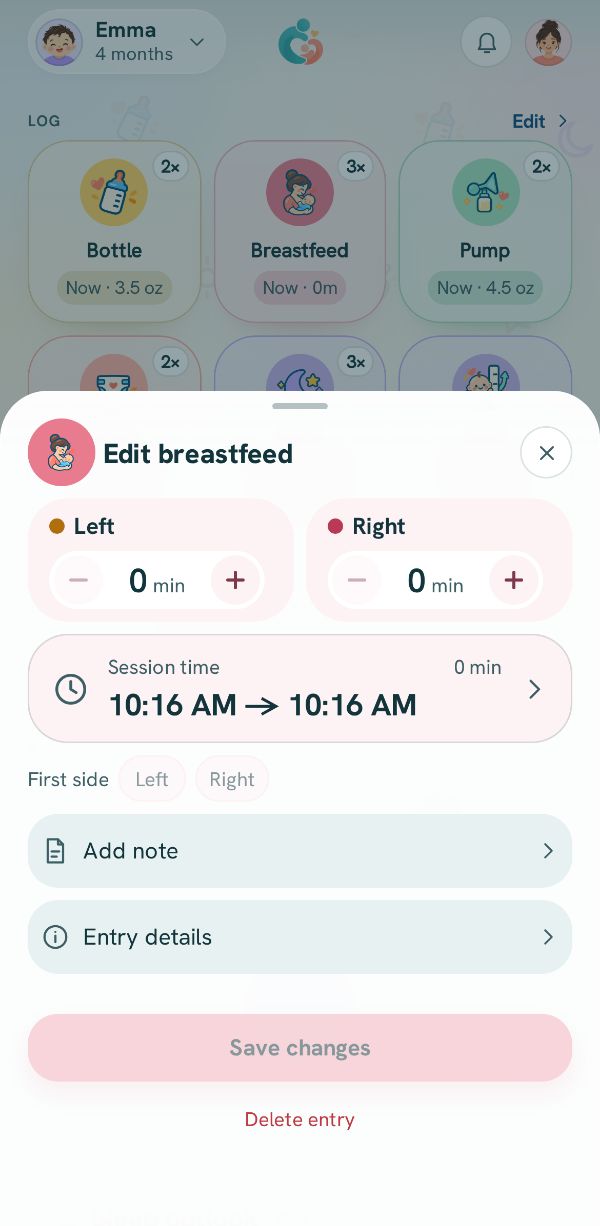
Delete it, or bring it back
Tap Delete entry at the bottom of the sheet, or swipe the row left in the log and tap Delete. A message offers Undo for a few seconds.
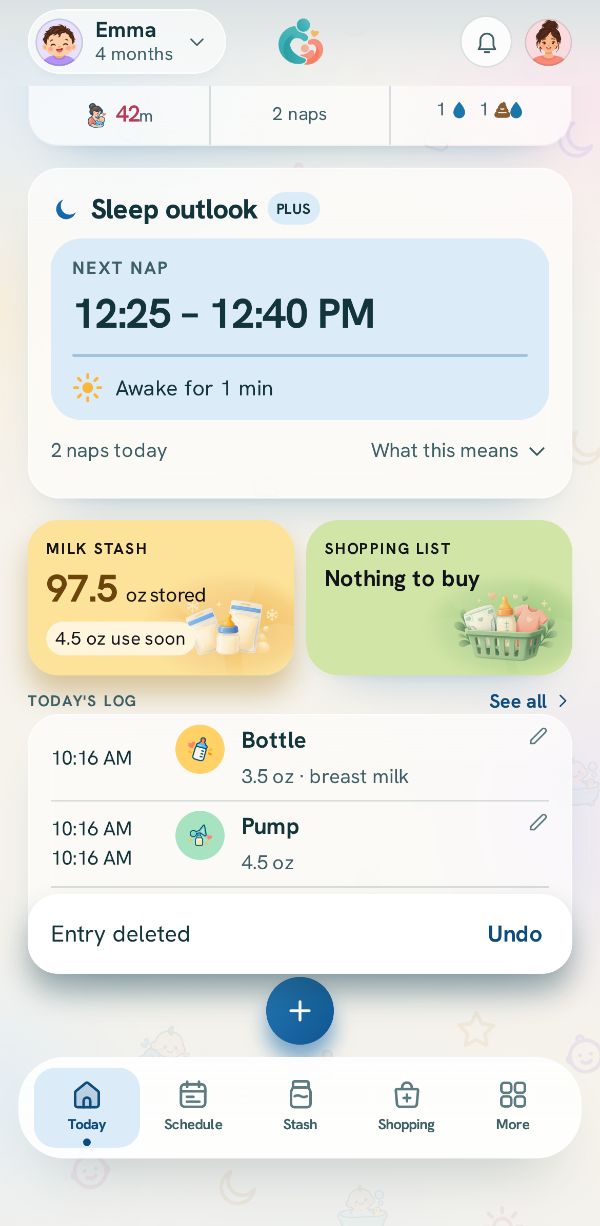
Older entries: the Activity log
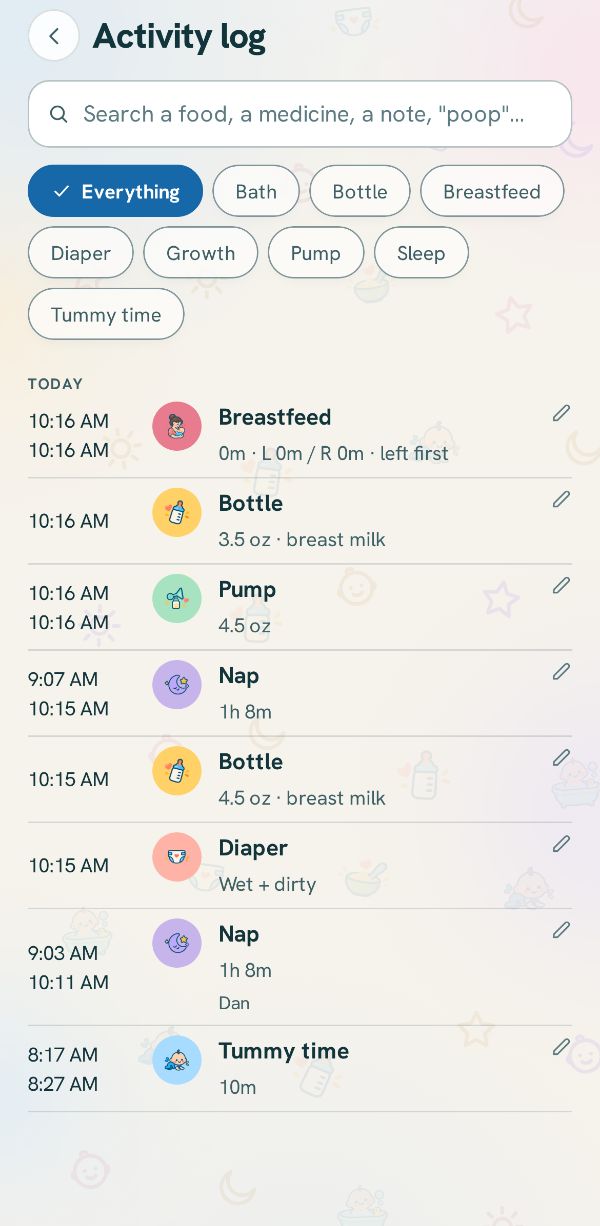
See all beside Today's log opens the Activity log: every entry, newest first, with a search box and a filter for each kind. Tap any entry to change it.
Related guides
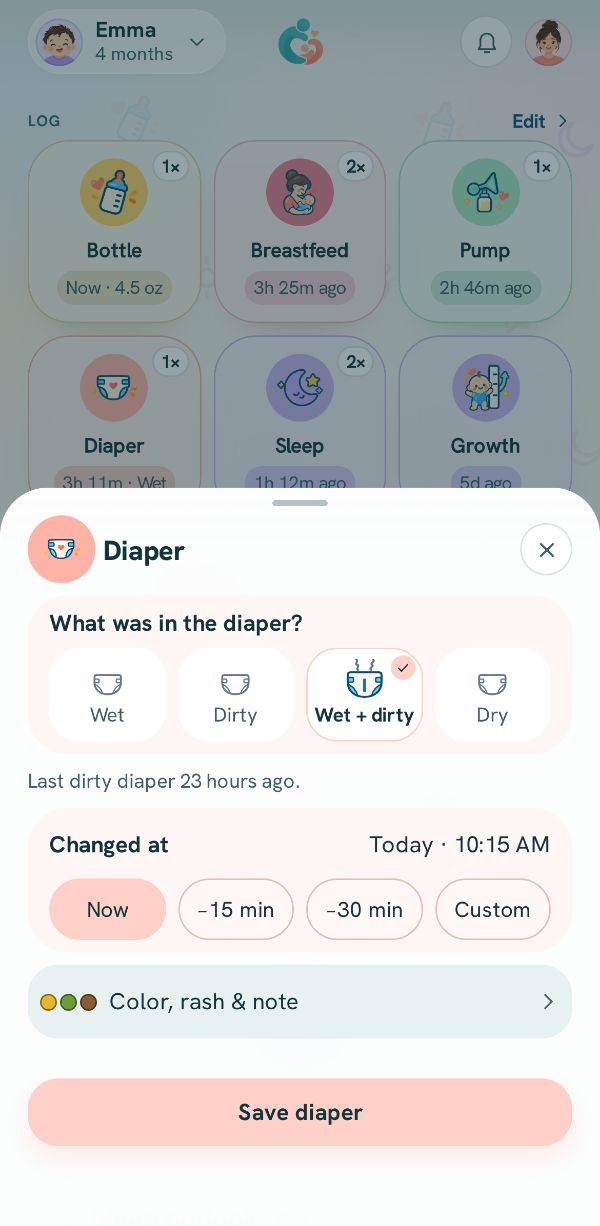 Log something that already happenedForgot to log? Set the real time with a chip, the clock, or the session time.
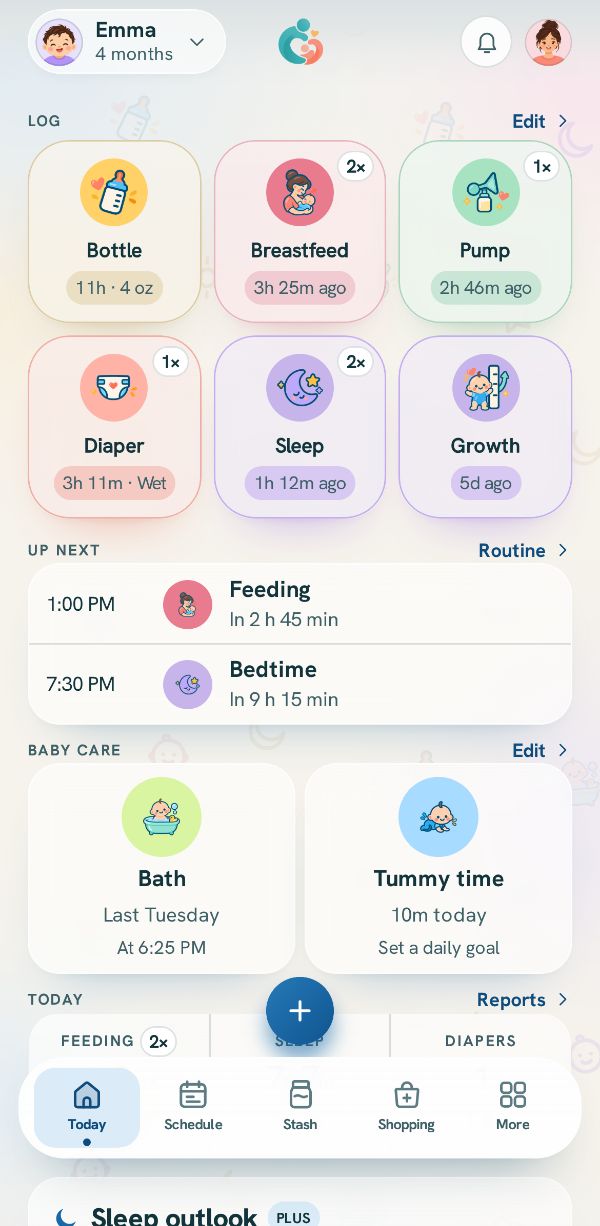 How logging works: Today and the + buttonWhere every entry starts, what the tiles on Today show, and how to reach anything you track.
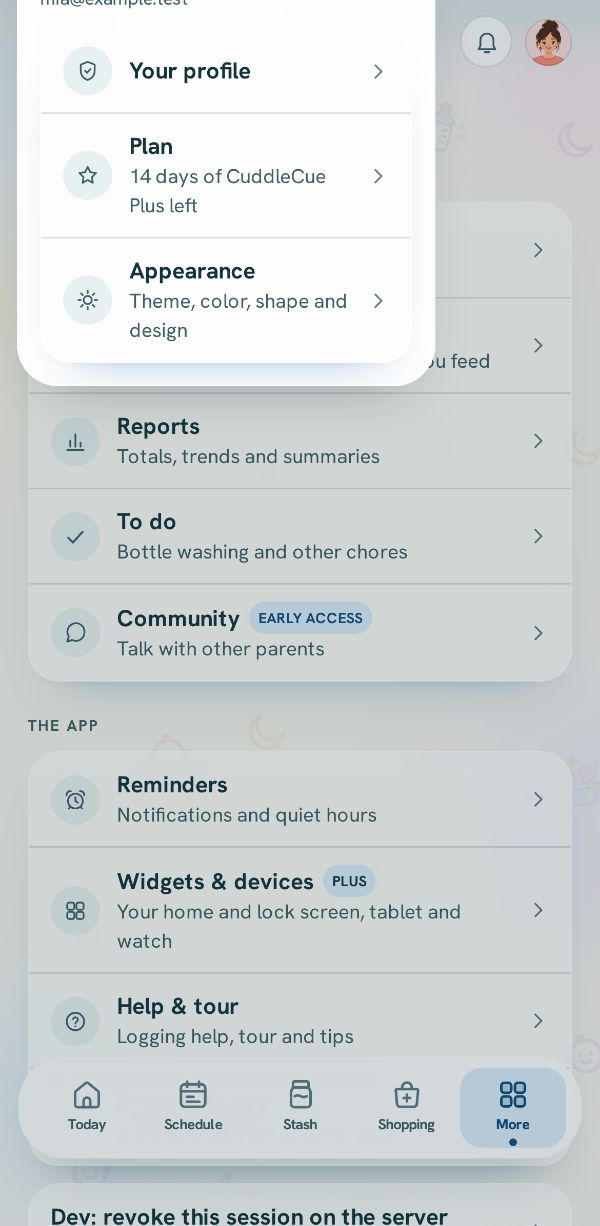 Download everything you have loggedThe full download, free on every plan: every entry, as JSON and CSV.Free
 3 steps