
A bottle records how much was in it, what it was, and how much the baby took. If it was stored breast milk, the stash can take it out for you.
Open the bottle sheet
Tap Bottle on Today, or + and then Bottle. It opens on the amount of your last bottle.
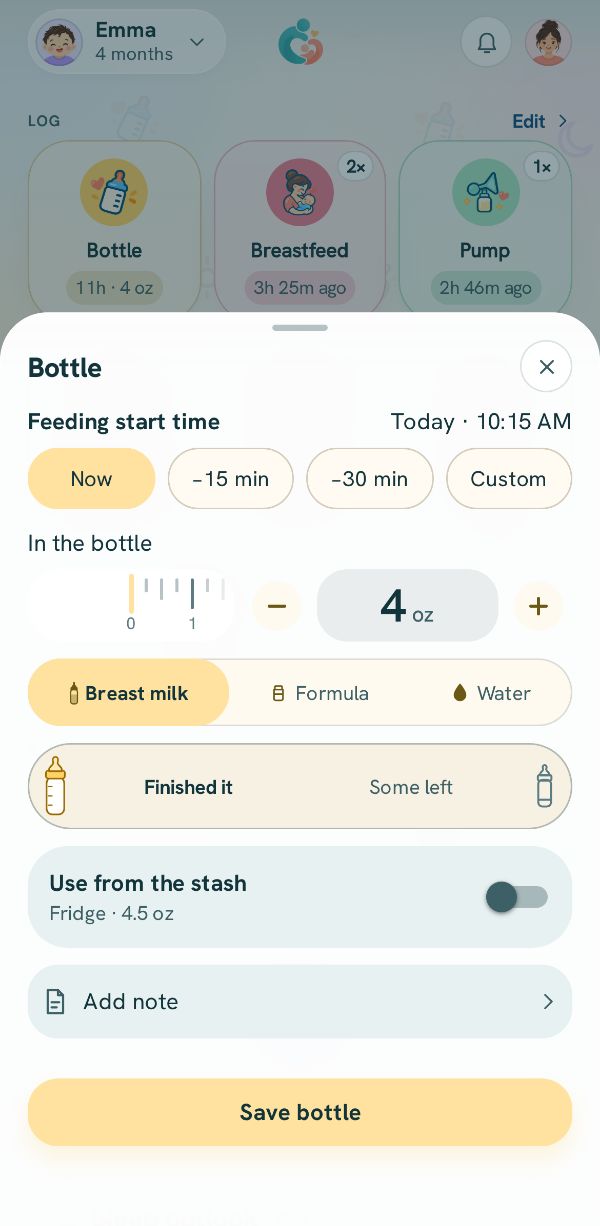
When, how much, what kind
Feeding start time is Now unless you pick an earlier chip or Custom.
Set In the bottle with − and +, or slide the ruler, or tap the number to type it. Then pick Breast milk, Formula or Water.
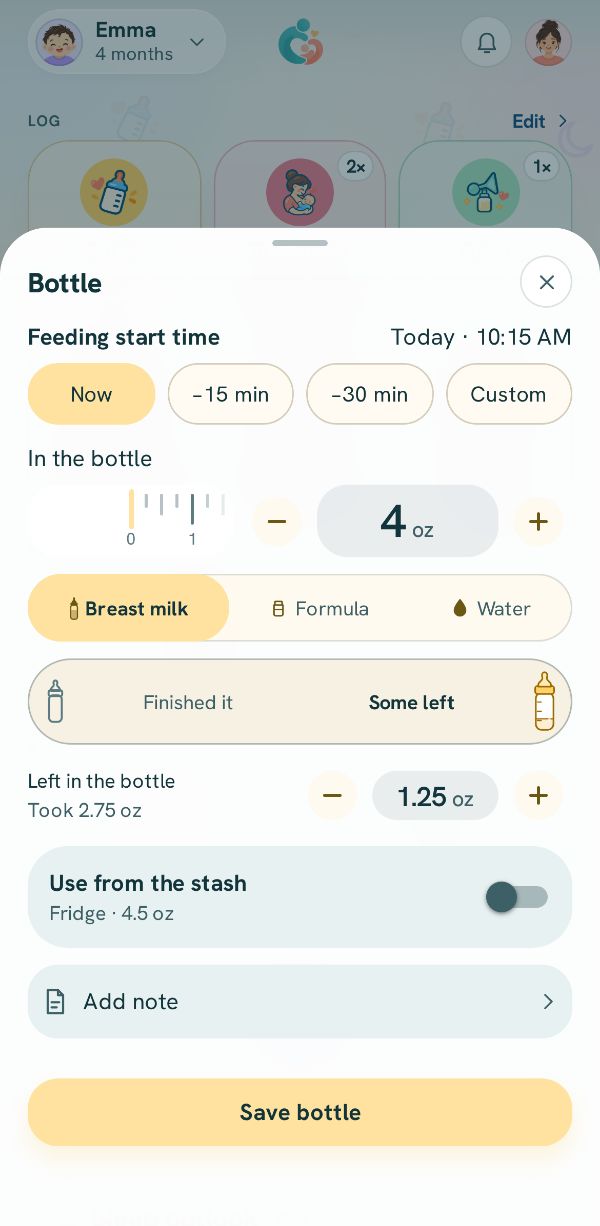
Some left over?
Tap Some left and set Left in the bottle. The sheet works out how much the baby took, and that is what counts in the day's totals.
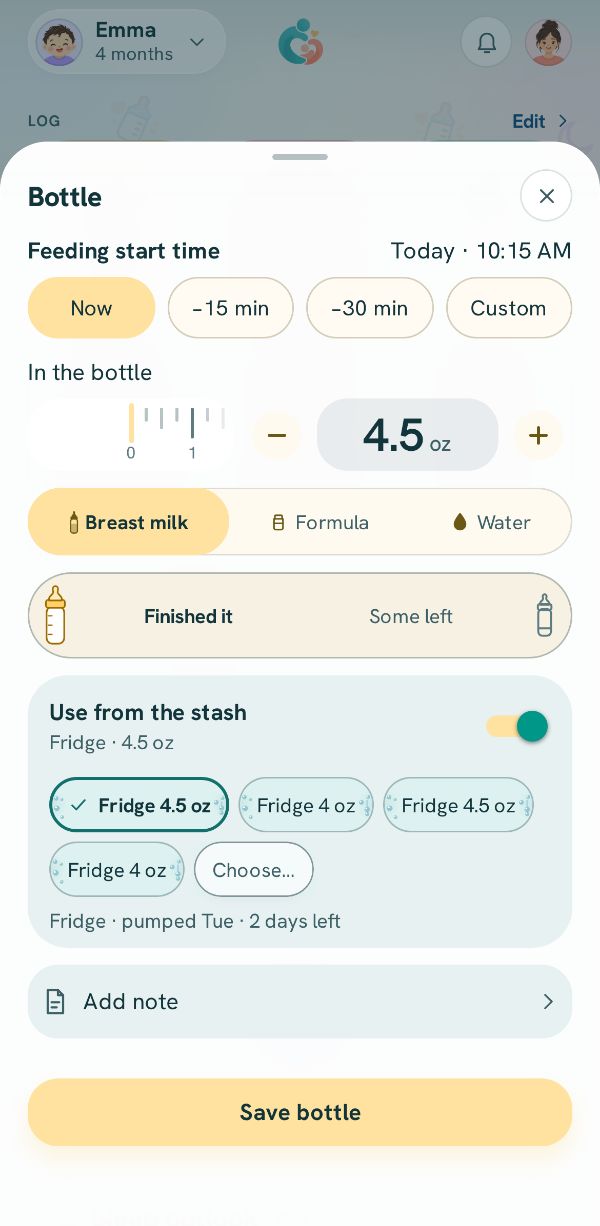
Stored milk? Use it from the stash
For breast milk, turn on Use from the stash and pick the bag or bottle you are using. When you save, it comes out of the stash, so your stored total stays right. If some was left, the line under Left in the bottle says what's left isn't added back to the stash.
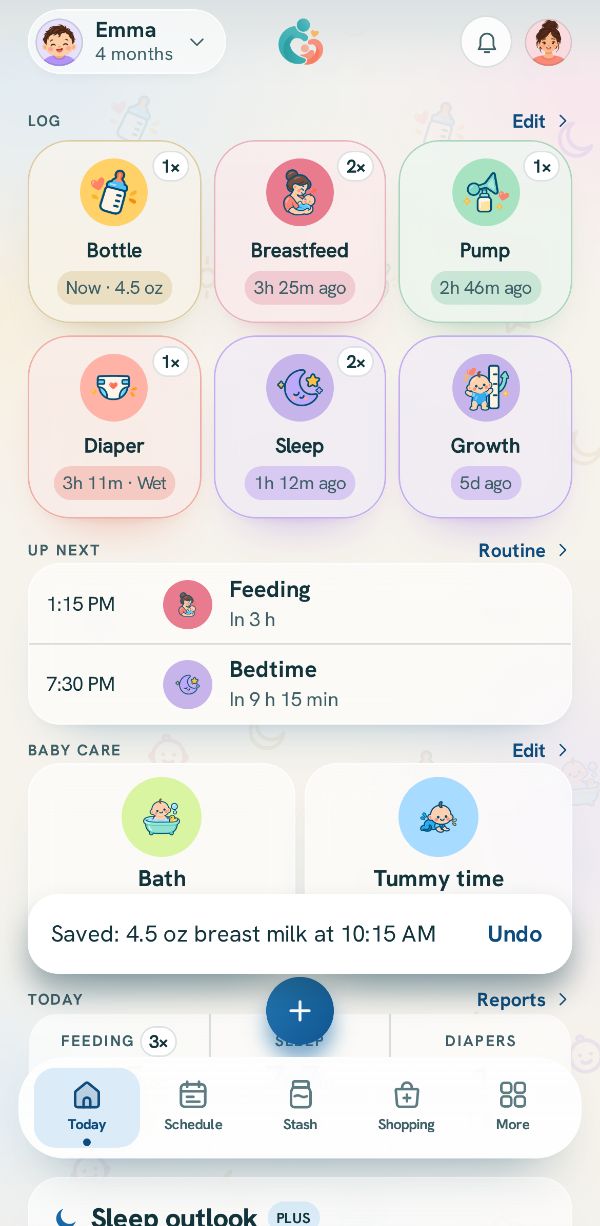
Save
Tap Save bottle. It shows in Today's log and on the Bottle tile.
Related guides
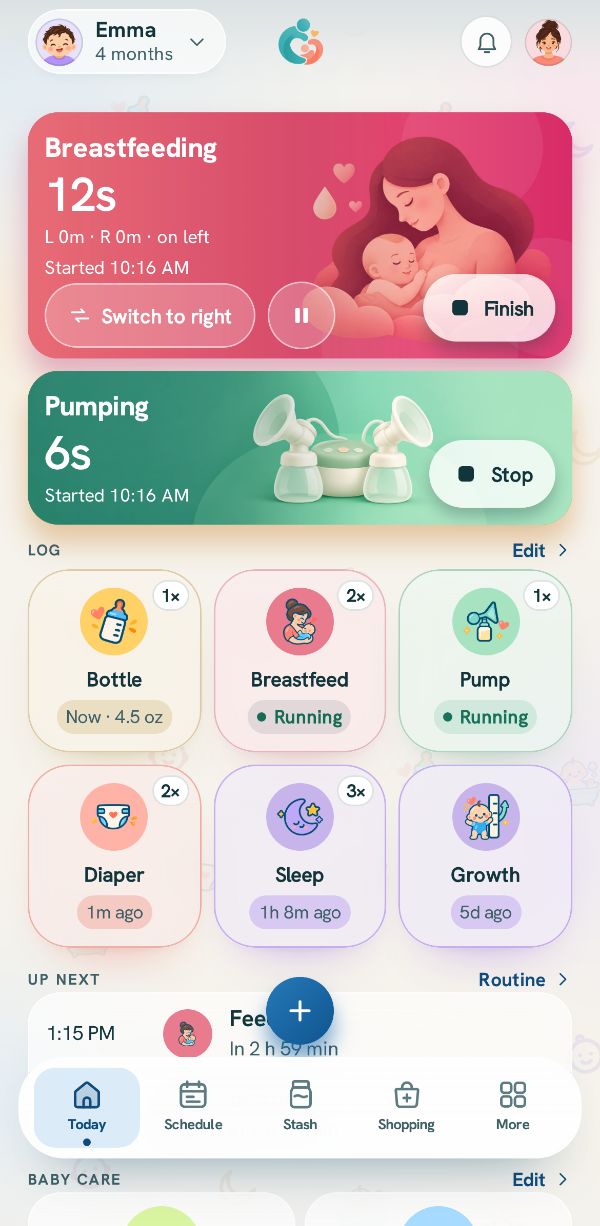 Pump and feed at the same timeThree real situations, step by step: a bottle straight from the pump, nursing on one side while pumping the other, and a bottle from the stash while you pump.
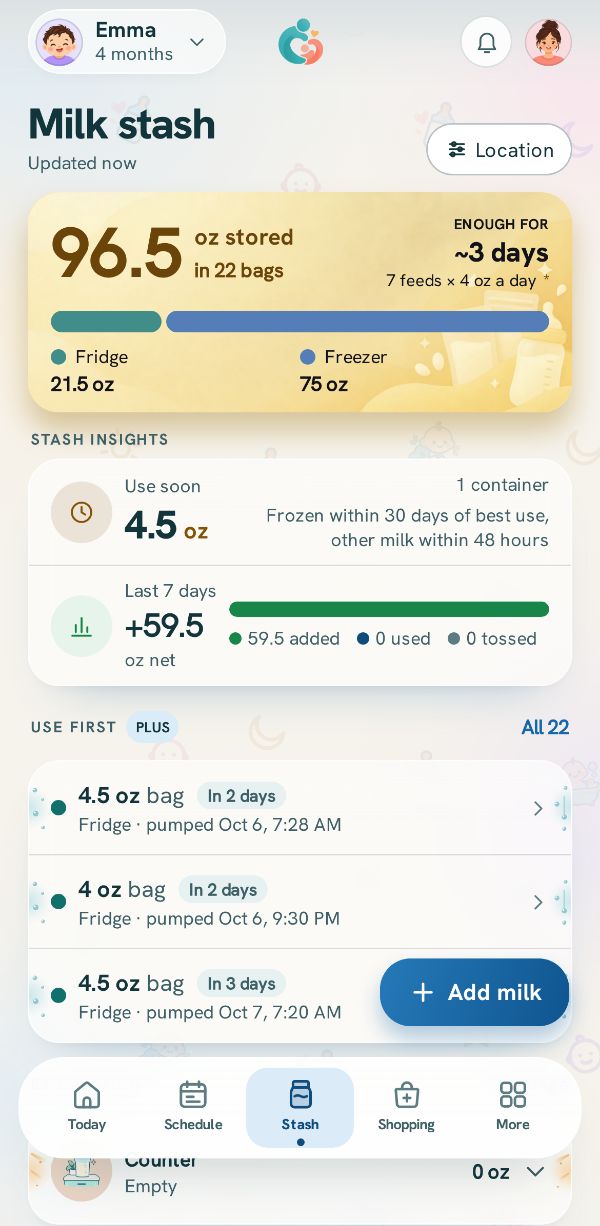 Add milk to the stashKeep track of every bag and bottle of stored milk: how much, where, and from when.
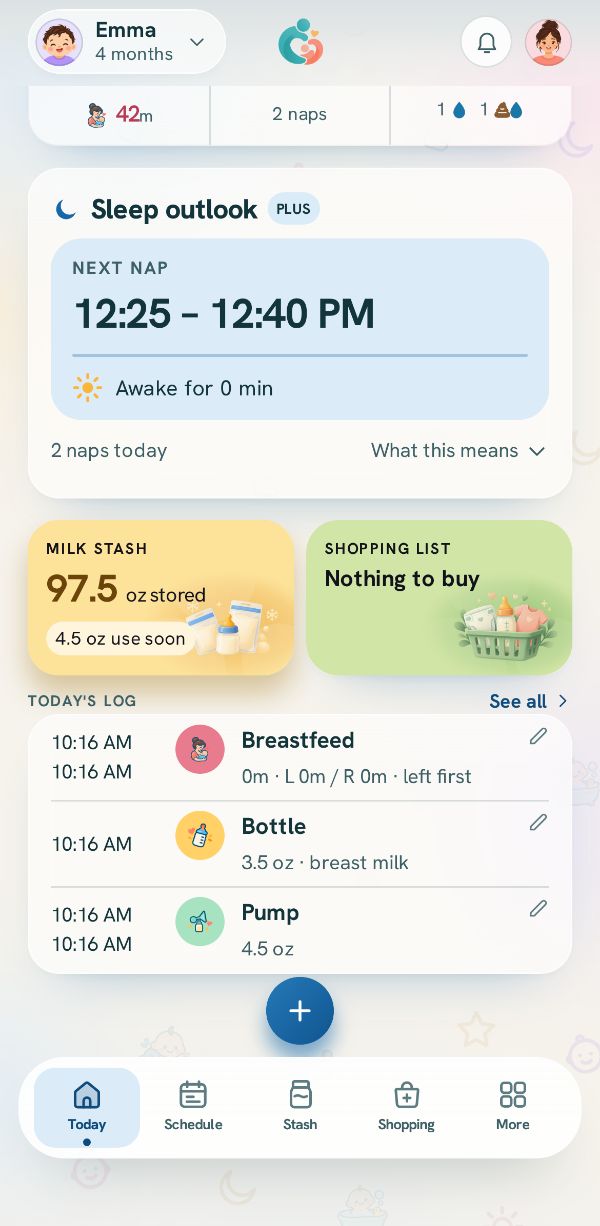 Fix or delete an entryChange anything you logged, delete it, bring it back, and find older entries in the Activity log.