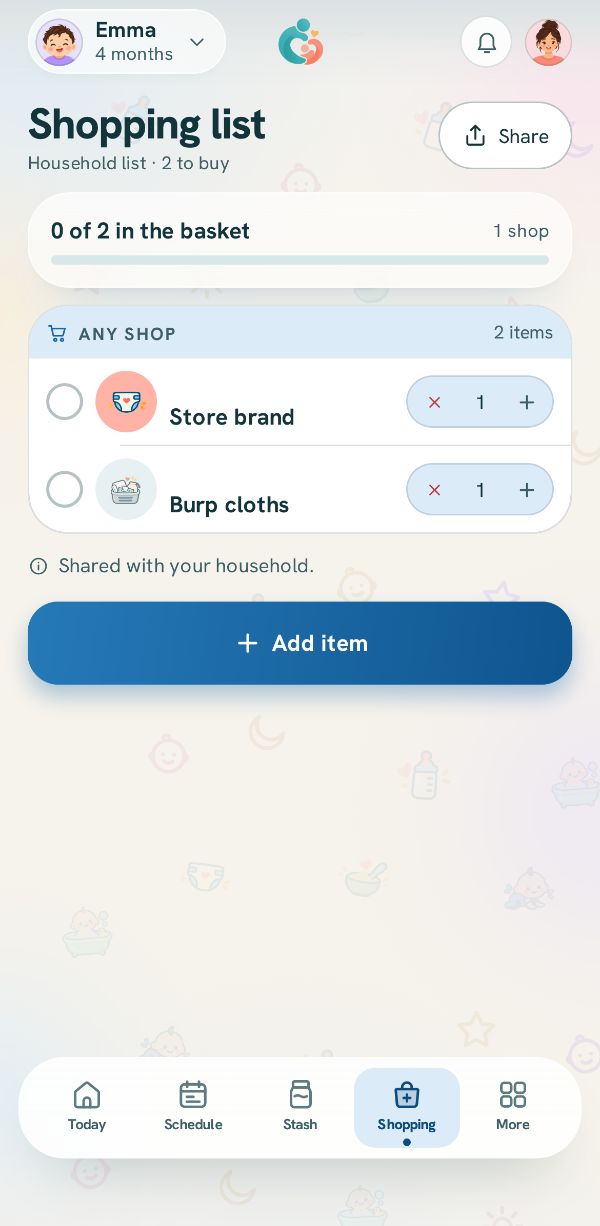
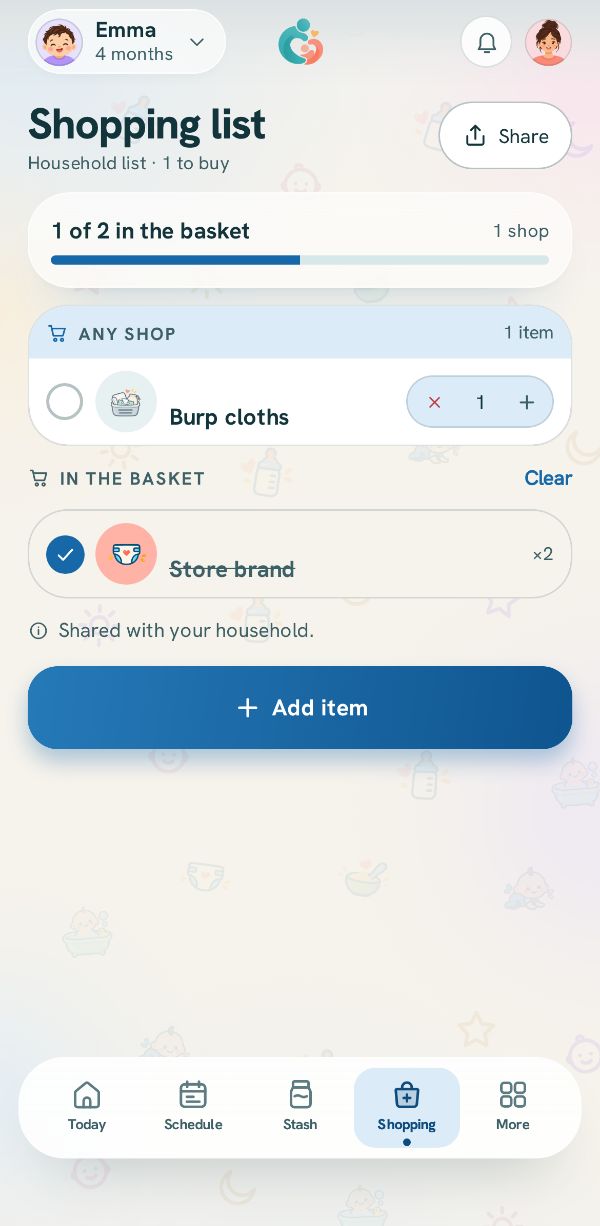
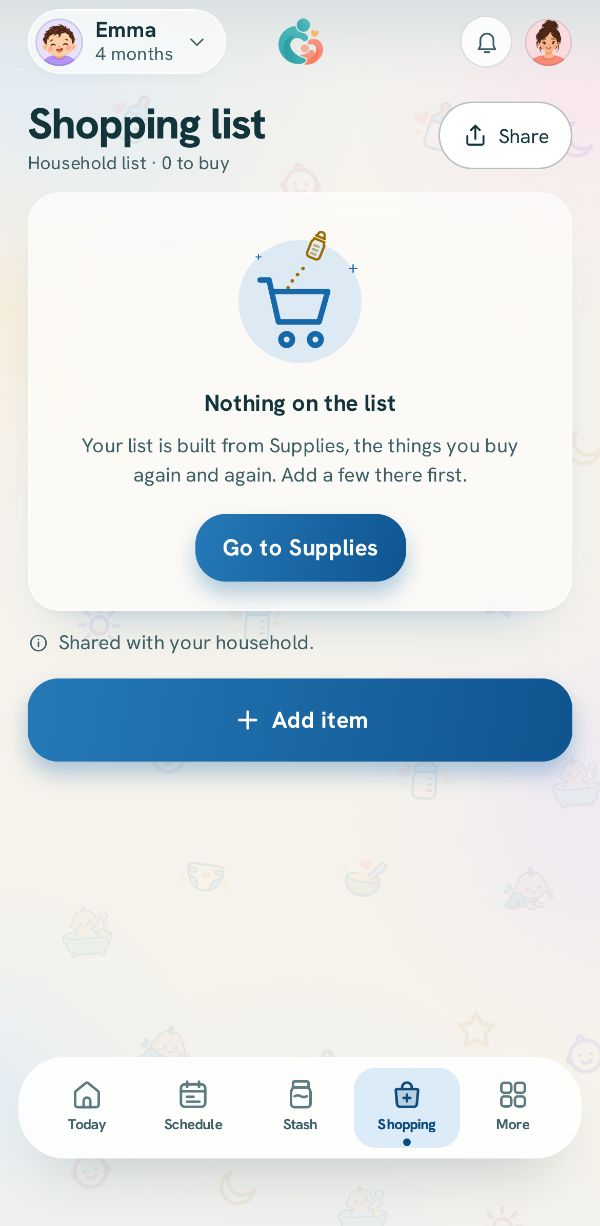
Change how many, tick things into the basket, clear the basket, and share the list.
Free3 steps
At the shop the list works like paper, except everyone's copy updates at once.
1
How many
Each line has − and + for how many to buy. At one, − takes it off the list.
2
Into the basket
Tap the circle on a line as it goes in the trolley. It moves to In the basket, crossed out, and the bar at the top counts what is in the basket. When you are done, Clear empties the basket.
3
Send it to whoever is out
Tap Share at the top to send the list as a message in any app, to someone who does not have the app.