
Everything you track is one tap from Today. Each tile is something you log, with when it last happened and how many today. Logging is free on every plan, with no limit.
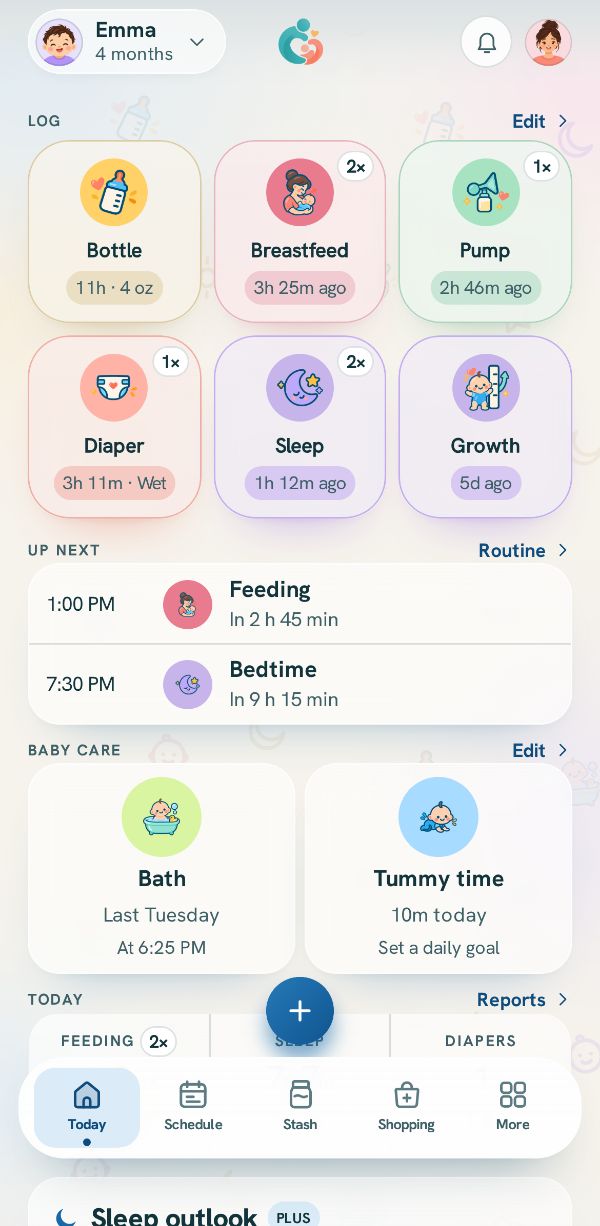
Tap a tile on Today
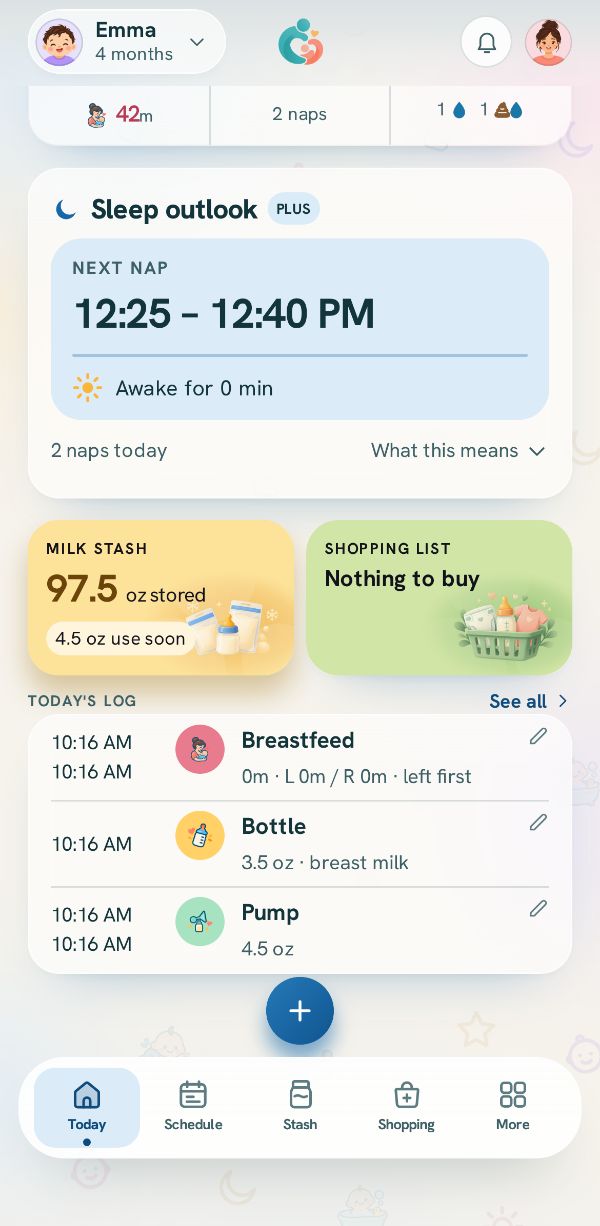
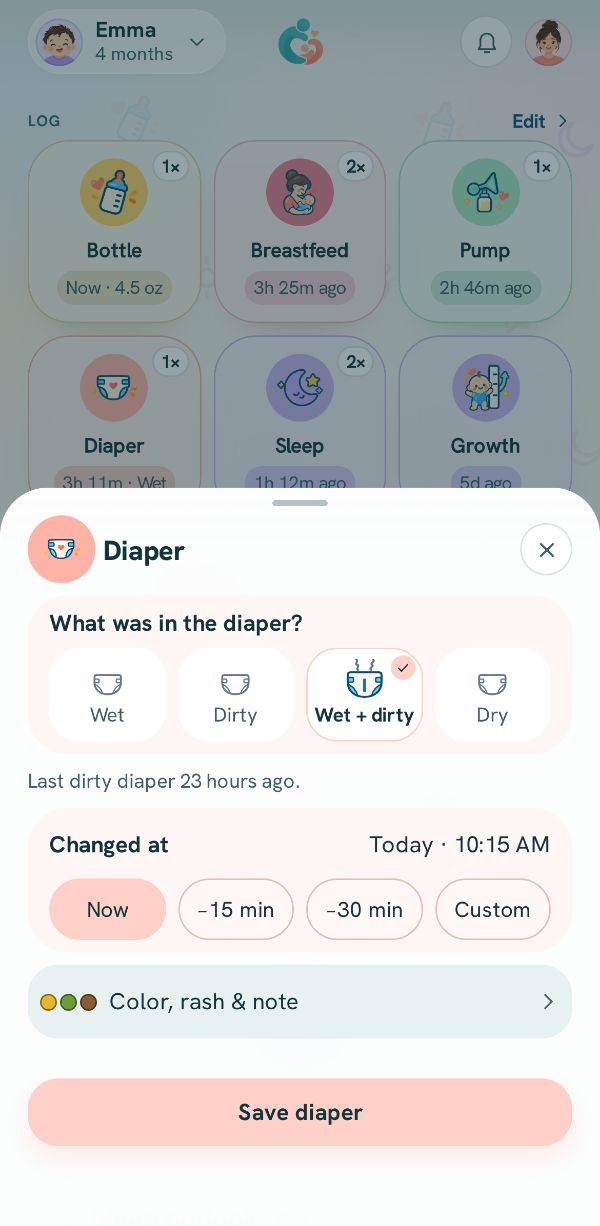
The tiles at the top of Today are the things you log most: Bottle, Breastfeed, Pump, Diaper, Sleep and more. Under each name is how long ago the last one was, and the small number in the corner is how many today.
Tap a tile and its sheet opens. A sheet is the same whether you open it from a tile, from the + button, from the Schedule or from a reminder.
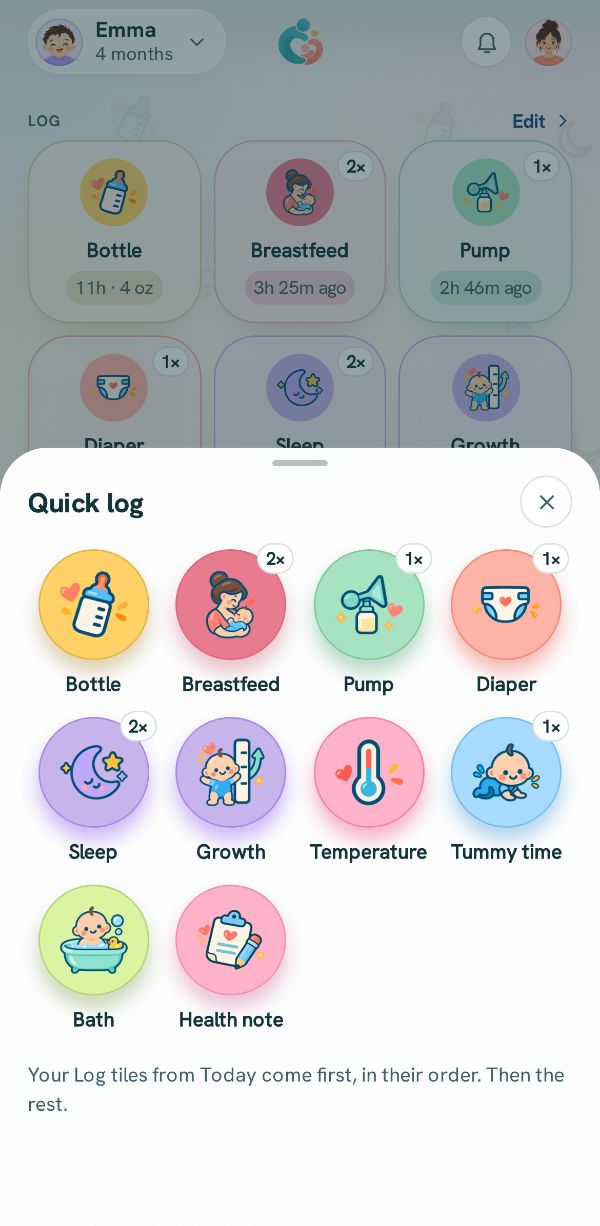
Or use the + button
The round + at the bottom opens Quick log, with everything you track, in the order this household uses most. Tap one to open its sheet.
Save, and it is on every phone
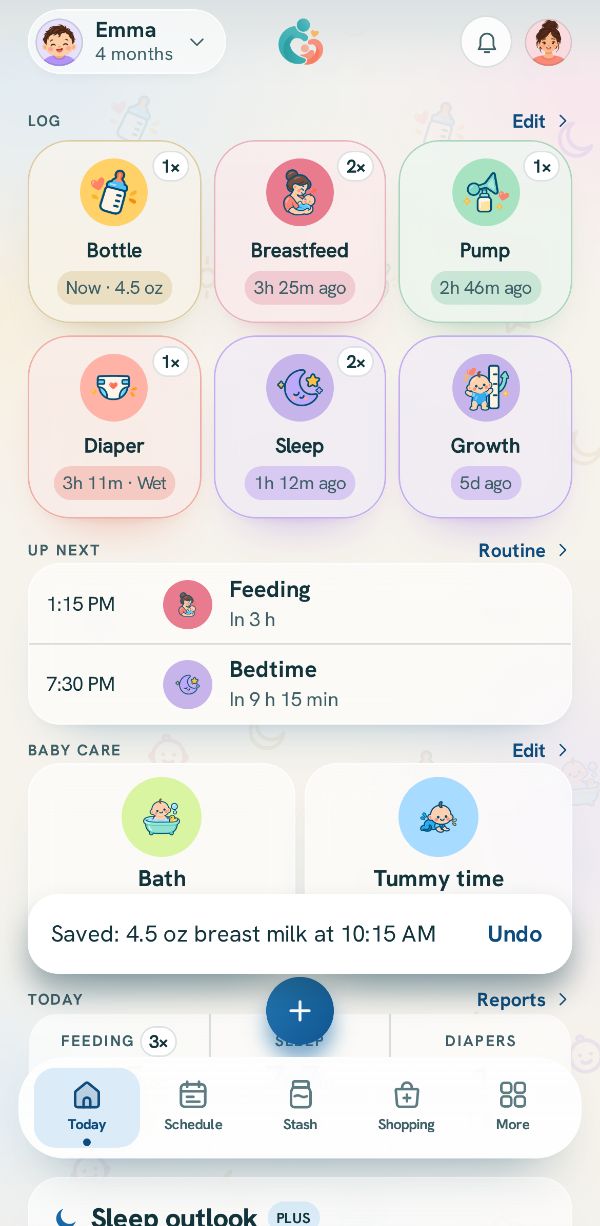
Each sheet ends with one button that names what it saves, like Save bottle. The entry lands in Today's log, the tile updates, and everyone in your family sees it. A message at the bottom offers Undo for a few seconds.
Related guides
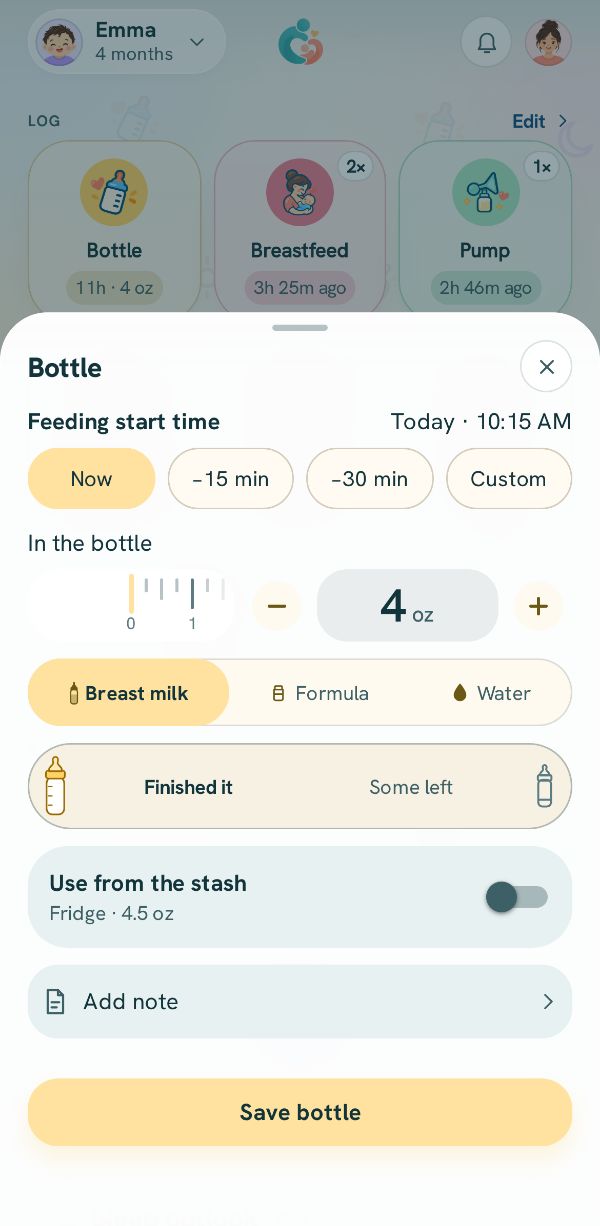 Log a bottleHow much, what kind, and what was left, from a bottle you made or from the milk stash.
 Fix or delete an entryChange anything you logged, delete it, bring it back, and find older entries in the Activity log.
 Log something that already happenedForgot to log? Set the real time with a chip, the clock, or the session time.