Add another baby to your family, and log for one or for both at once.
Free3 steps
Twins, triplets and siblings are part of every plan. Each child has their own name, date of birth and photo, and the top of Today switches between them.
1
Tap Add beside Children
In Family, find Children and tap Add on the right of the heading.
2
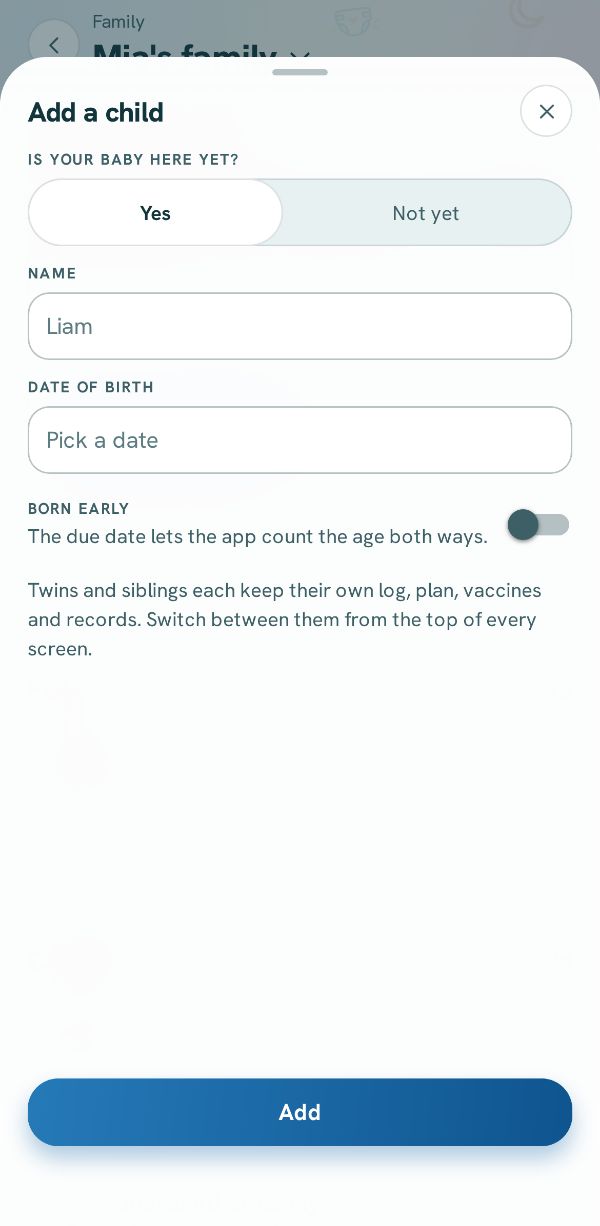
Name and date of birth
Type the child's name and date of birth, add a photo if you like, and save. They appear under Children with their age.
Picture to come
3
Log for one, or both
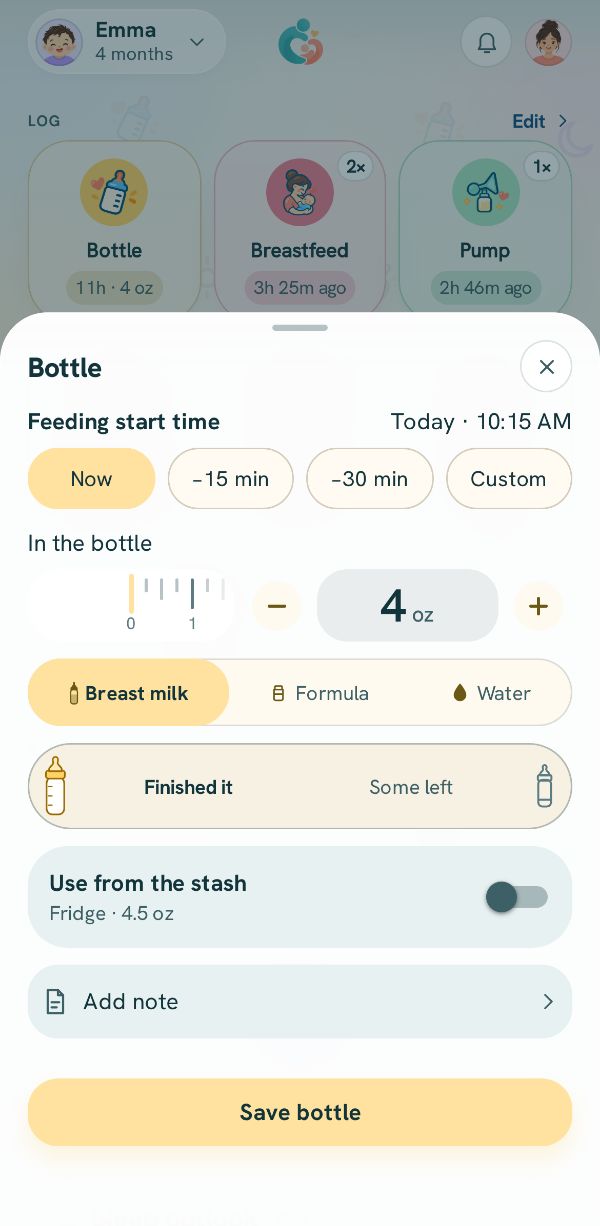
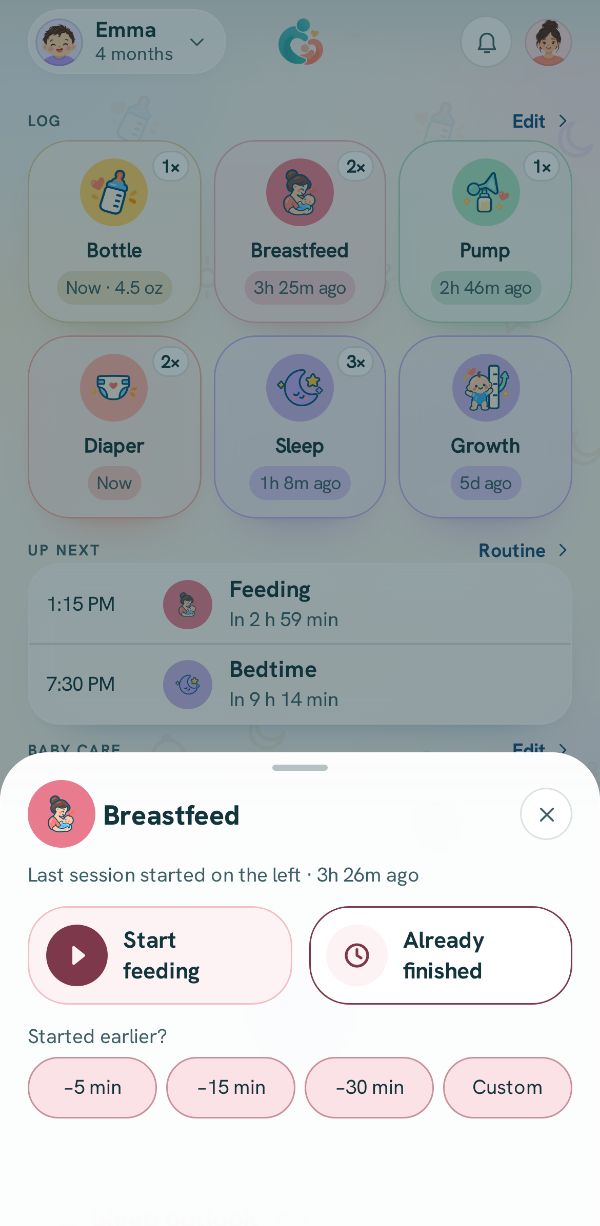
On Today, tap the baby's name at the top to switch, or pick Both at once. A log sheet's Logging for row says who it is for. Tap a name, or Both to give each baby their own entry.