
Everyone who looks after your baby can log on their own phone, and you all see the same day. You invite them from Family, and you choose what they can do before anything is sent.
An owner or a parent can invite. A caregiver or someone who can only look cannot.
Open Family
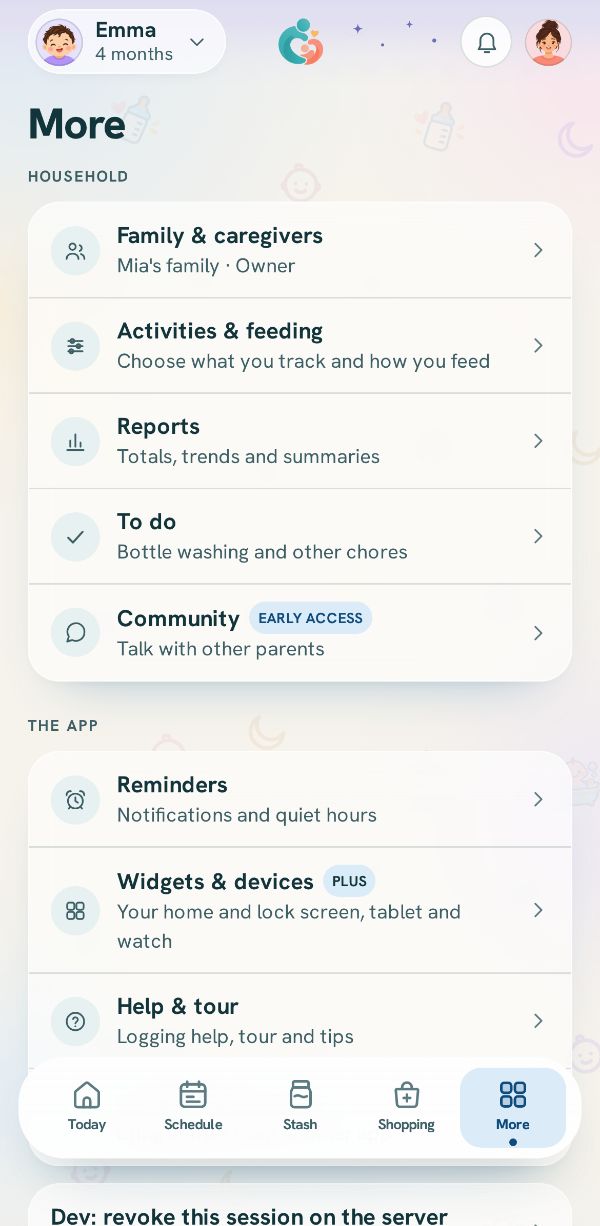
Tap More at the bottom of the screen, then Family & caregivers, the first row under Household.
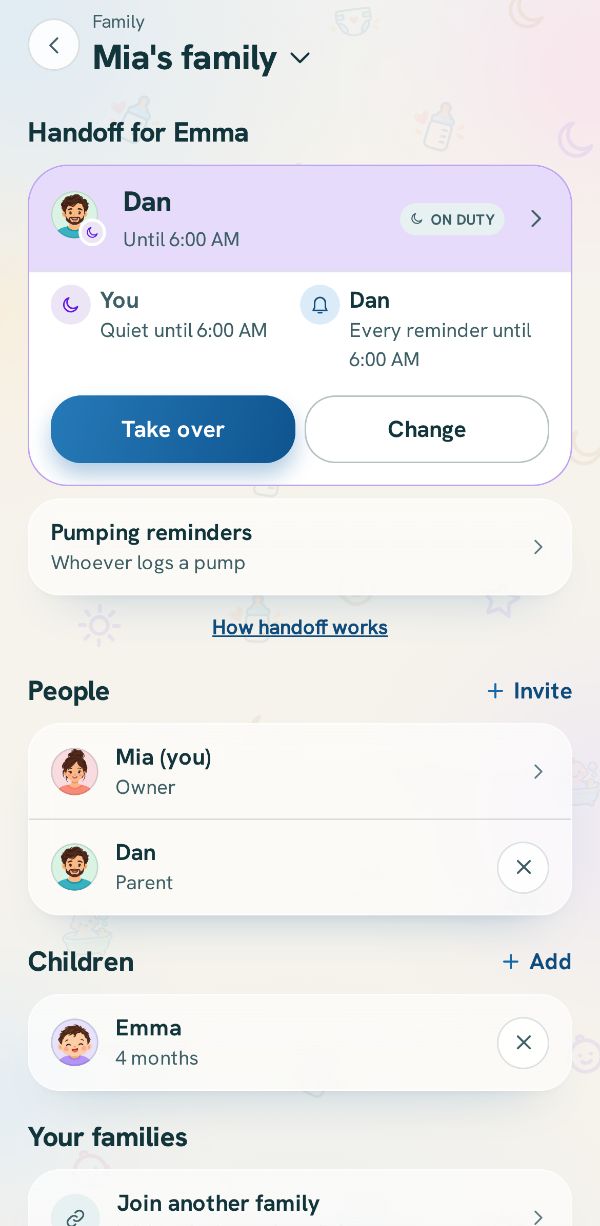
Tap Invite beside People
Family lists everyone in your household under People. Tap Invite on the right of that heading. While you are the only one in the family, an Invite someone row sits in the list too.
Choose what they can do
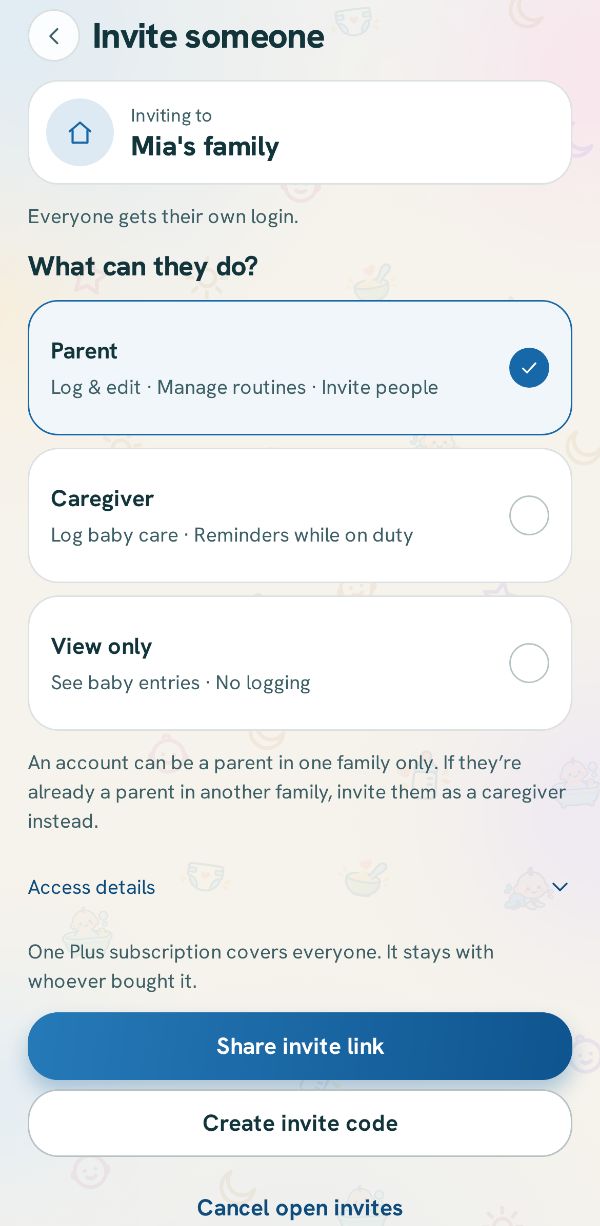
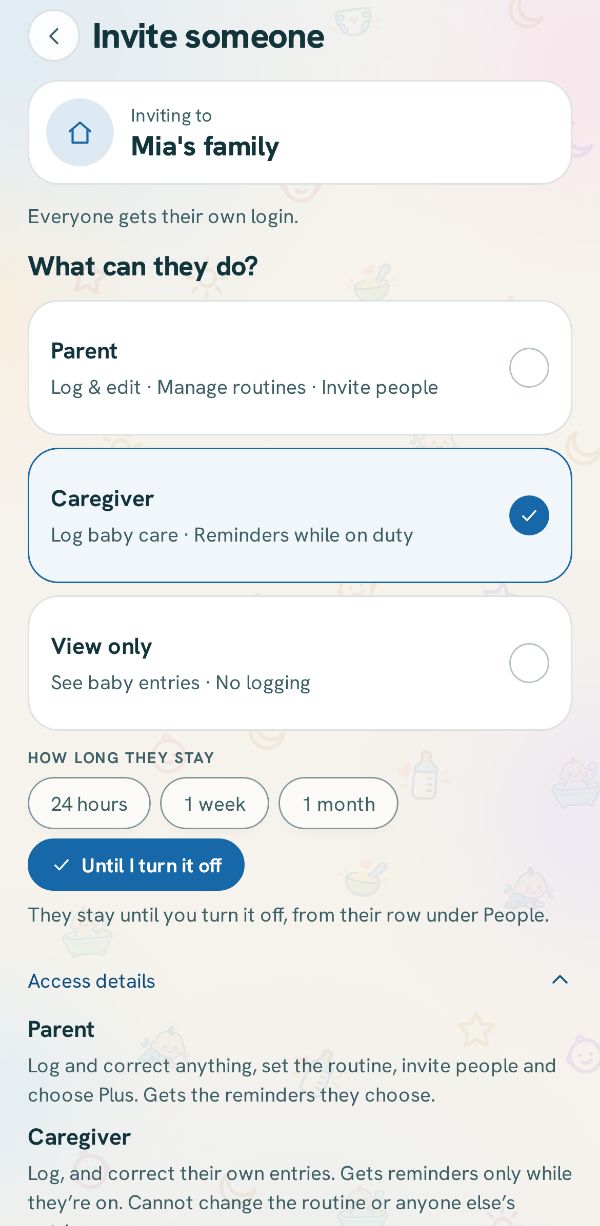
Invite someone names the family you are inviting to, then three cards. Tap one:
Parent can log and correct anything, set the routine and invite people. Caregiver logs the baby's care and gets reminders only while they are on duty. View only sees the baby's entries and cannot log.
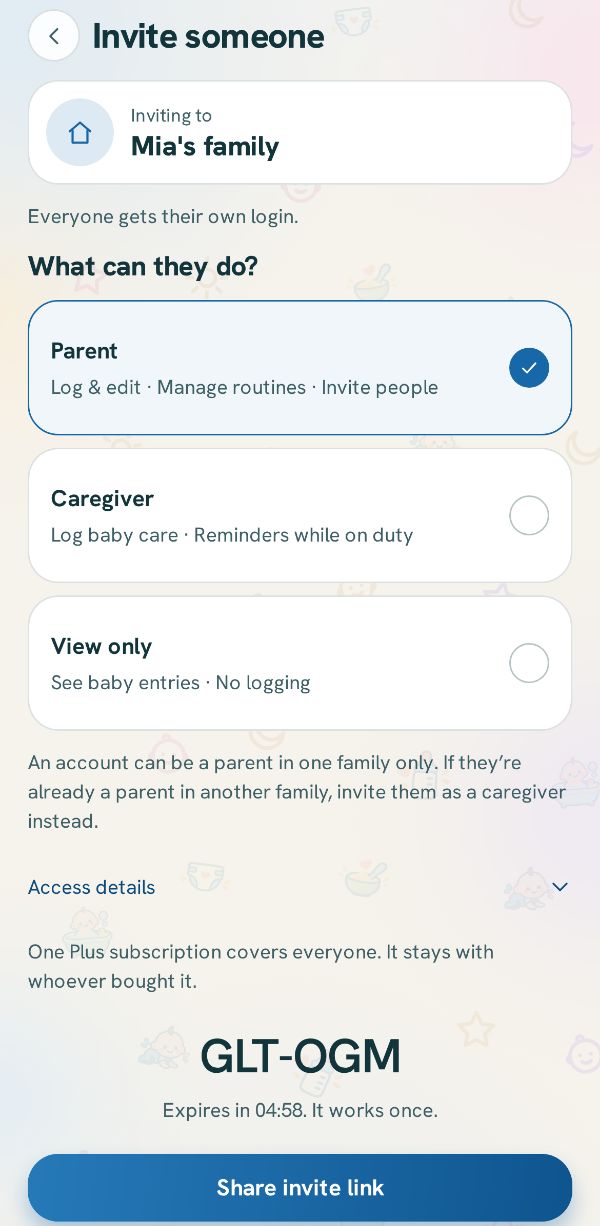
An account can be a parent in one family only, which the page says under the cards when Parent is picked.
For a caregiver, choose how long
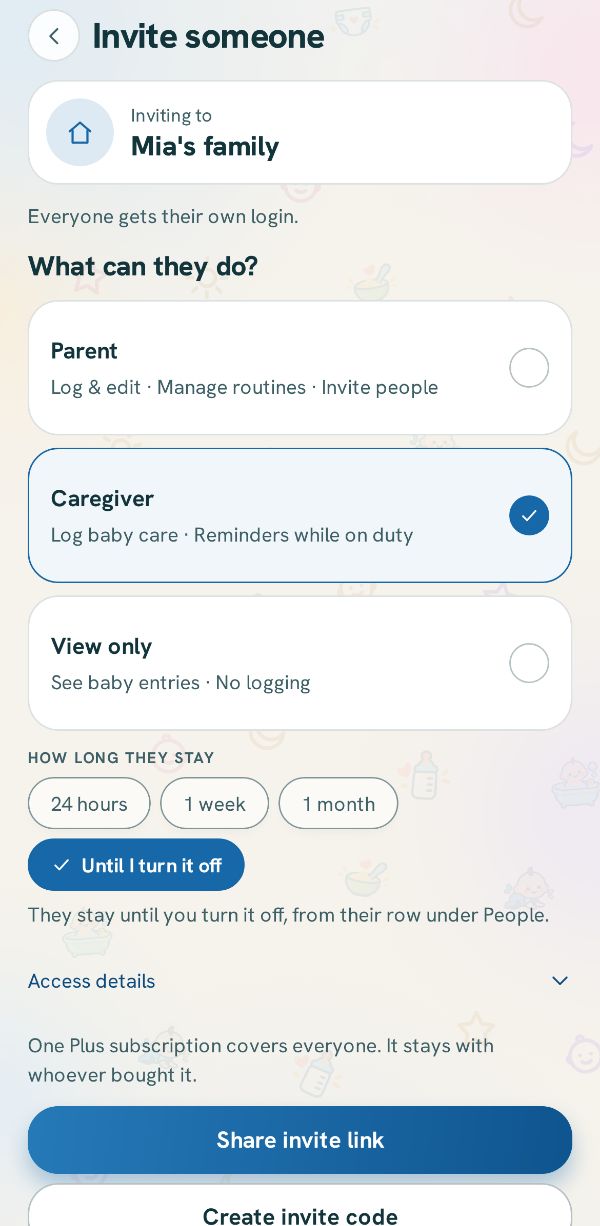
A caregiver's place can end by itself. Pick 24 hours, 1 week, 1 month or Until I turn it off. The time starts when they join, and they see how long they have.
Read the full rules if you want to
Access details opens what every role may and may not do, in full. Tap it again to fold it away.
Send the invite
Share invite link opens your phone's share sheet, so you can send the link in a message or an email. Tapping the link opens the app on their phone.
Create invite code shows 6 letters to read out or type. A code lasts 5 minutes, and making a new one replaces the old one.
On their phone
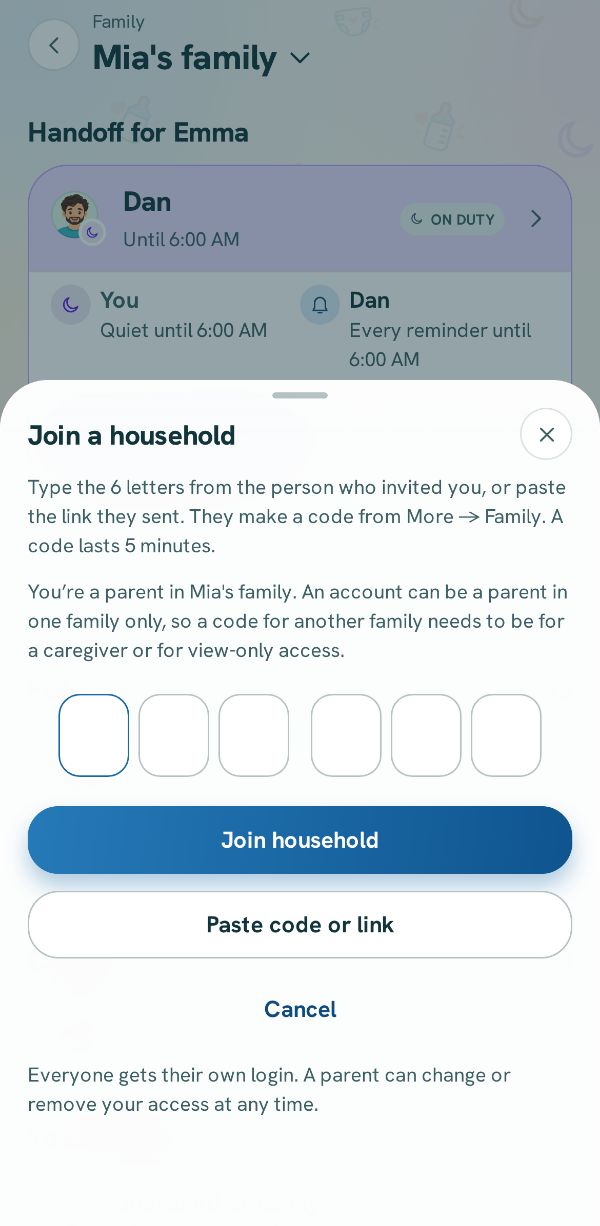
They install the app and make their own account. Then they tap your link, or tap Join your family and type the code or paste the link. They are in your family as soon as it is accepted, and Family shows them under People. Your phone shows a card saying they have joined, with View household and Done.
Related guides
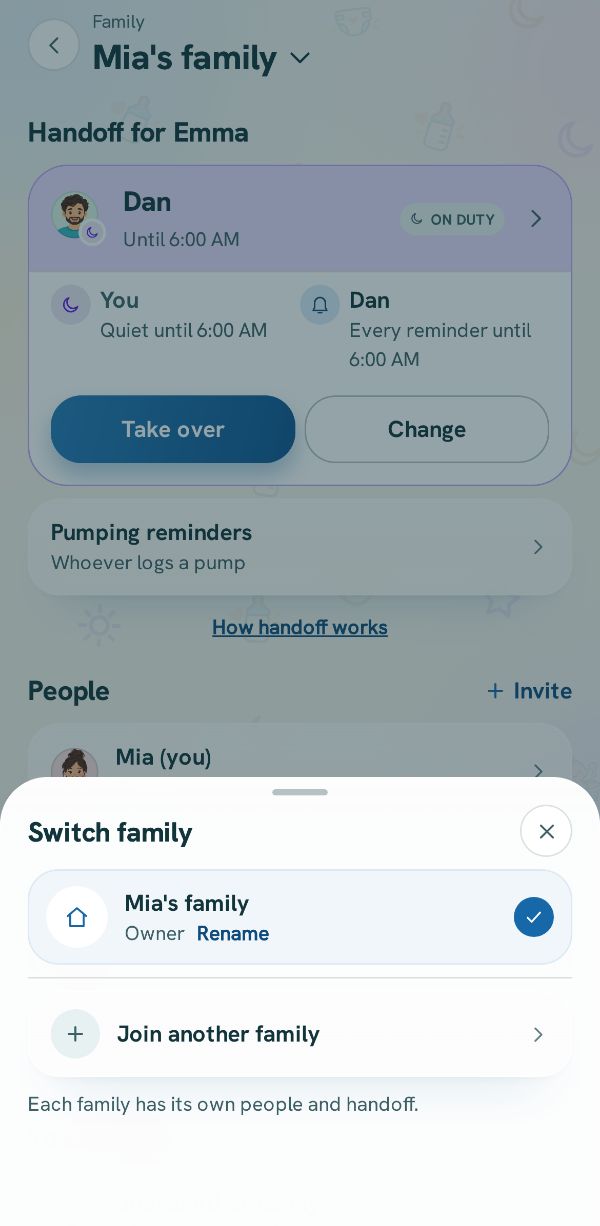 Join a family with a code or a linkJoin the family that invited you, or join a second family as a caregiver while keeping your own.
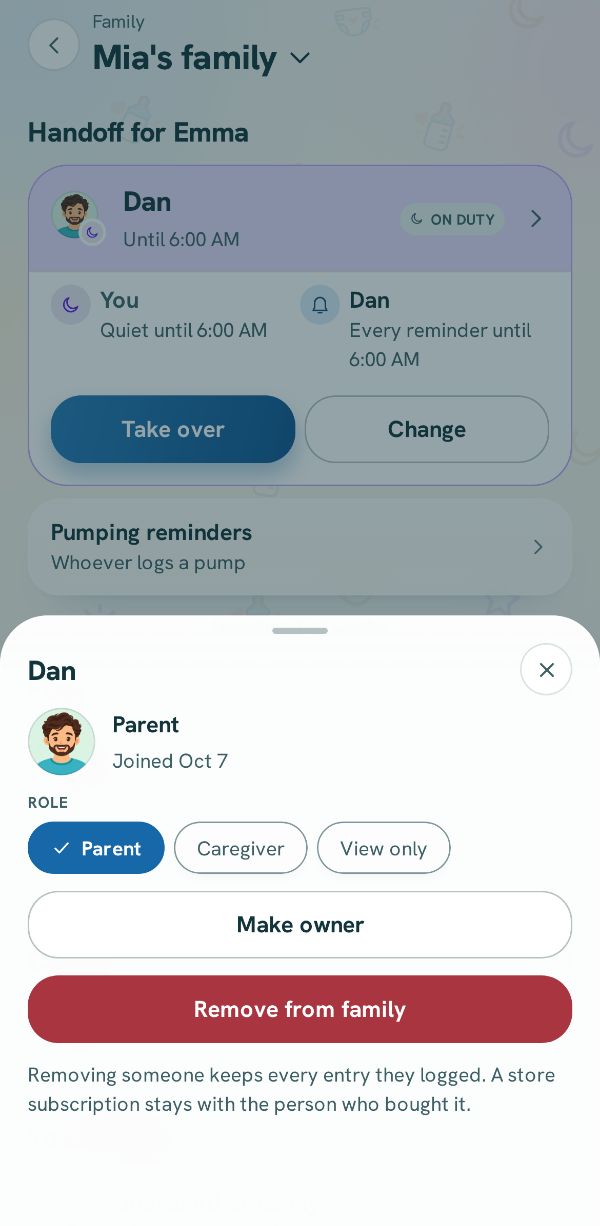 Change roles, hand over or remove someoneOpen a person's details in Family to change what they can do, hand the family over, or take someone out.Free
 4 steps
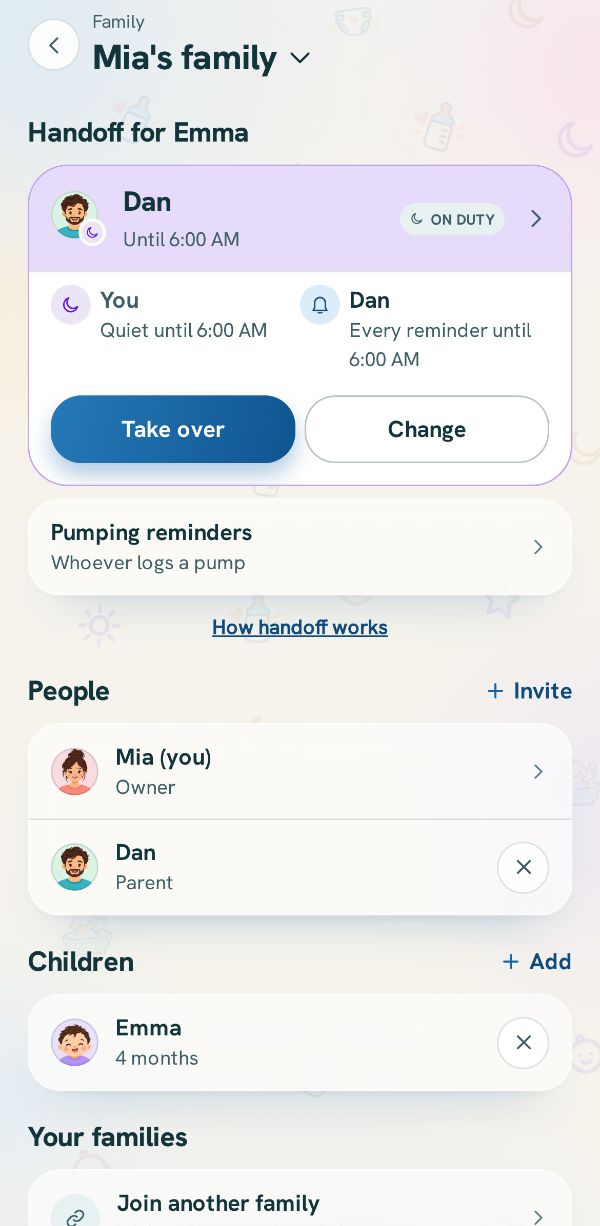 Hand off the reminders: who is on dutyChoose which phone gets the baby's reminders, take over when it is your turn, and let the other phone sleep.Free3 steps