
Setup takes about five minutes, and every answer can be changed later. Joining someone else's family instead? See Join a family with a code or a link.
First, open the app and create your account with Continue with email, or with Google or Apple. With email, you get an email to confirm your address, and then setup starts.
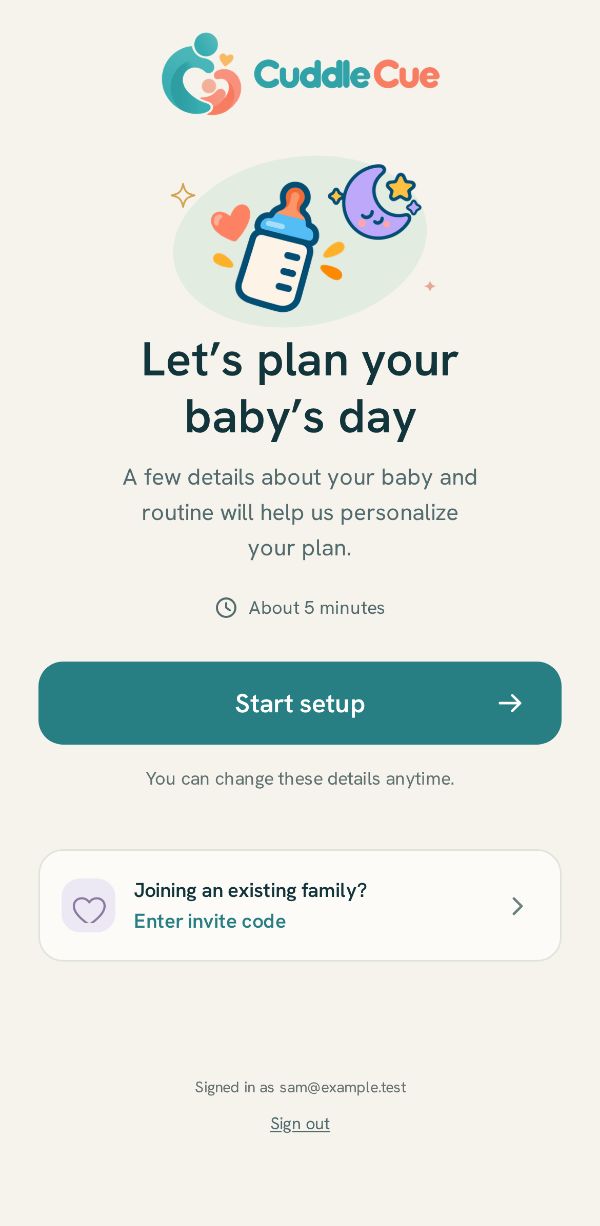
Let’s plan your baby’s day
Tap Start setup. Joining a family that already uses the app? Tap Enter invite code instead. The address you signed in with is at the foot of the page, with Sign out under it if it is the wrong account.
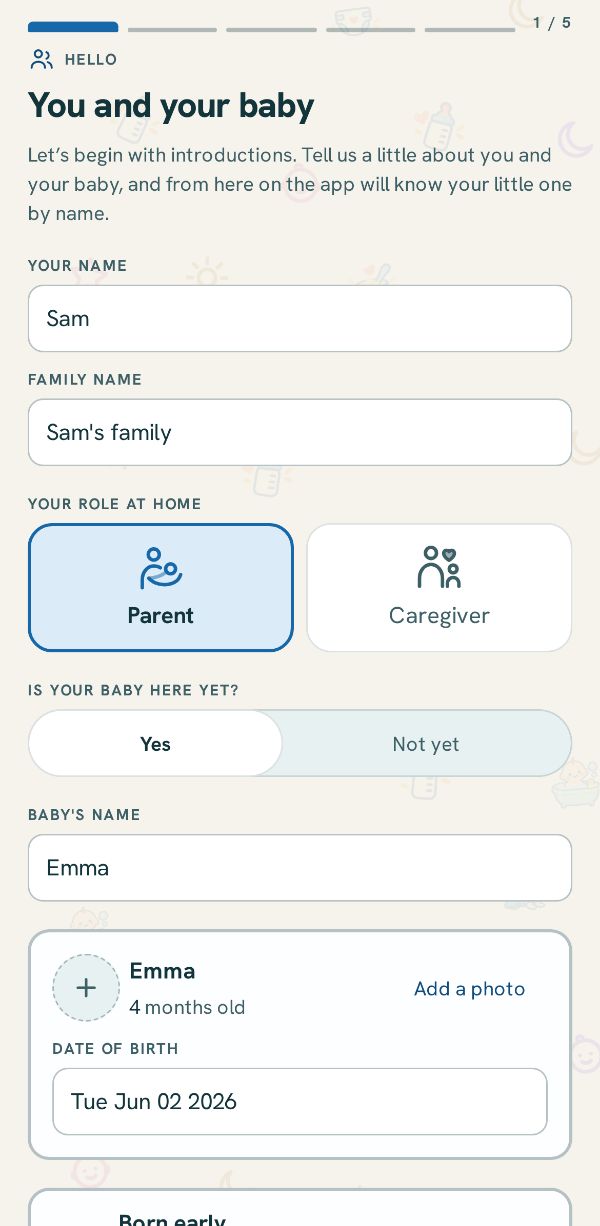
You and your baby
Your name, your family's name, and your role at home. Then whether your baby is here yet, their name, a photo if you like, and their date of birth. Not born yet? Pick Not yet and the due date: the app is ready for pumping and the stash until the birth.
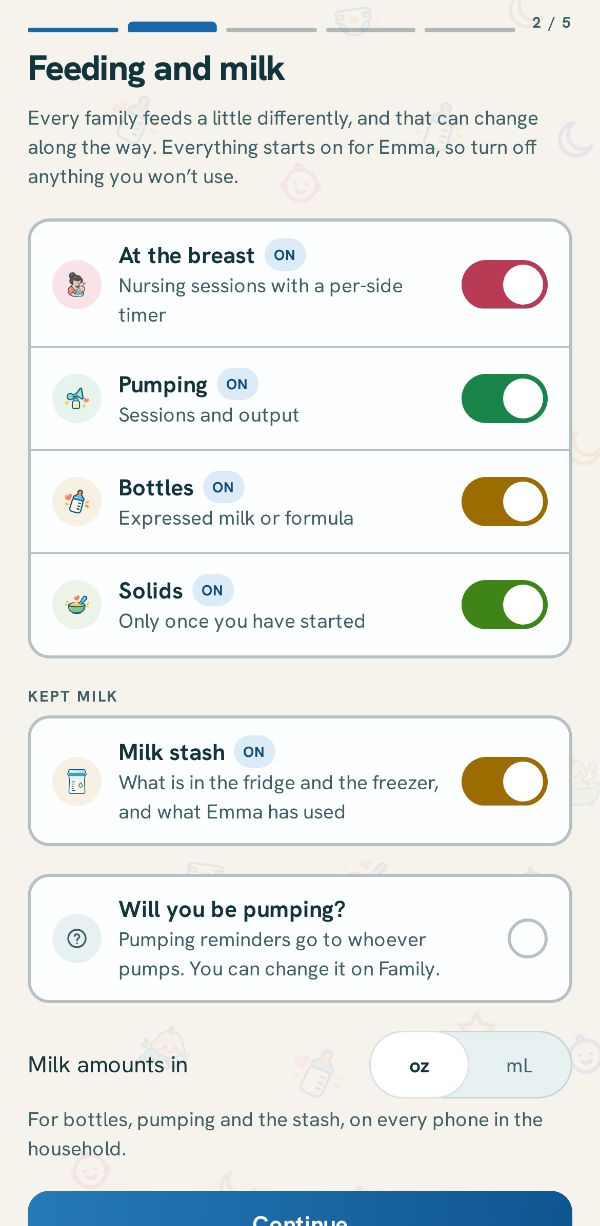
Feeding and milk
How your baby is fed. Every way starts on: turn off what you won't use. Here too: the milk stash, whether you will be pumping, and ounces or milliliters.
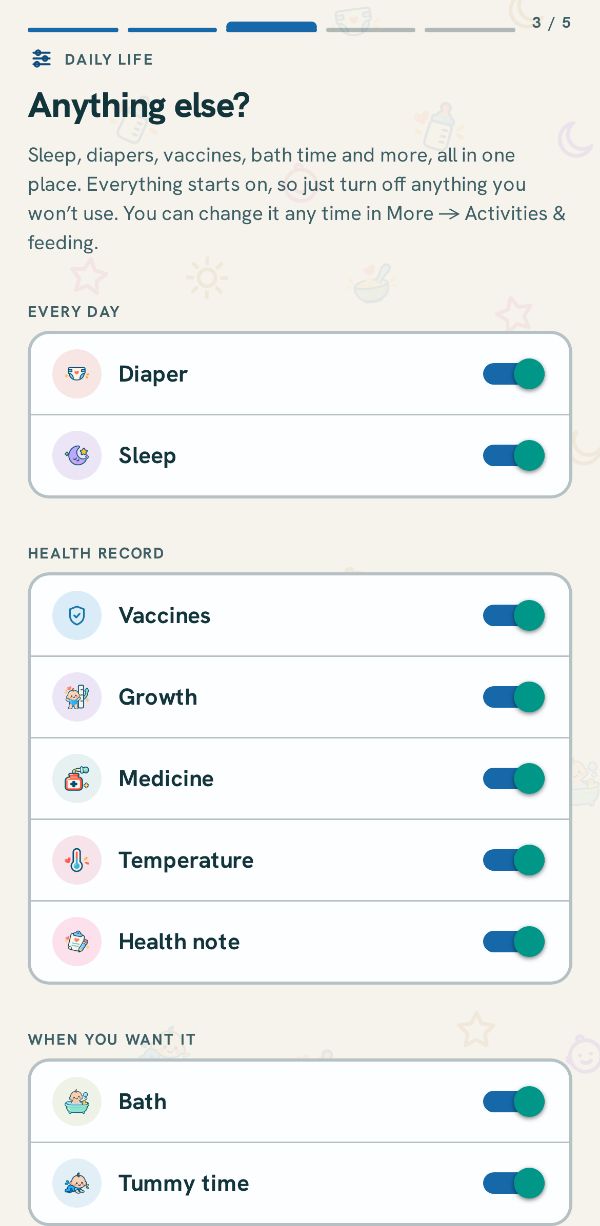
Anything else?
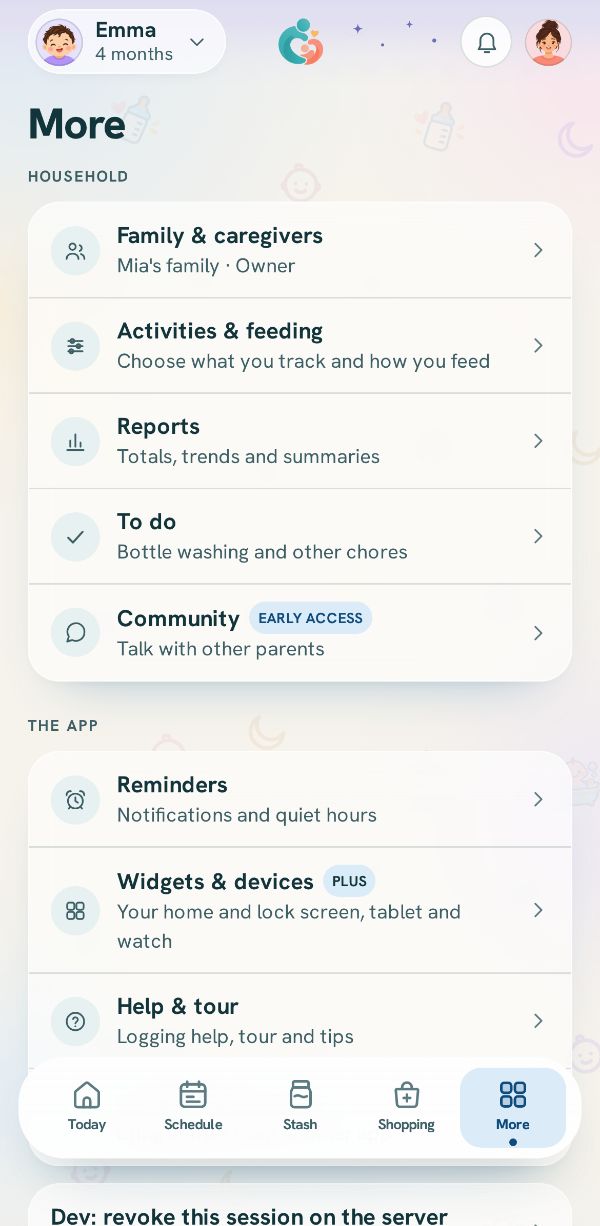
Turn on what else you want to track: diapers and sleep, vaccines, growth, medicine, baths and tummy time. You can change these any time in More, under Activities & feeding.
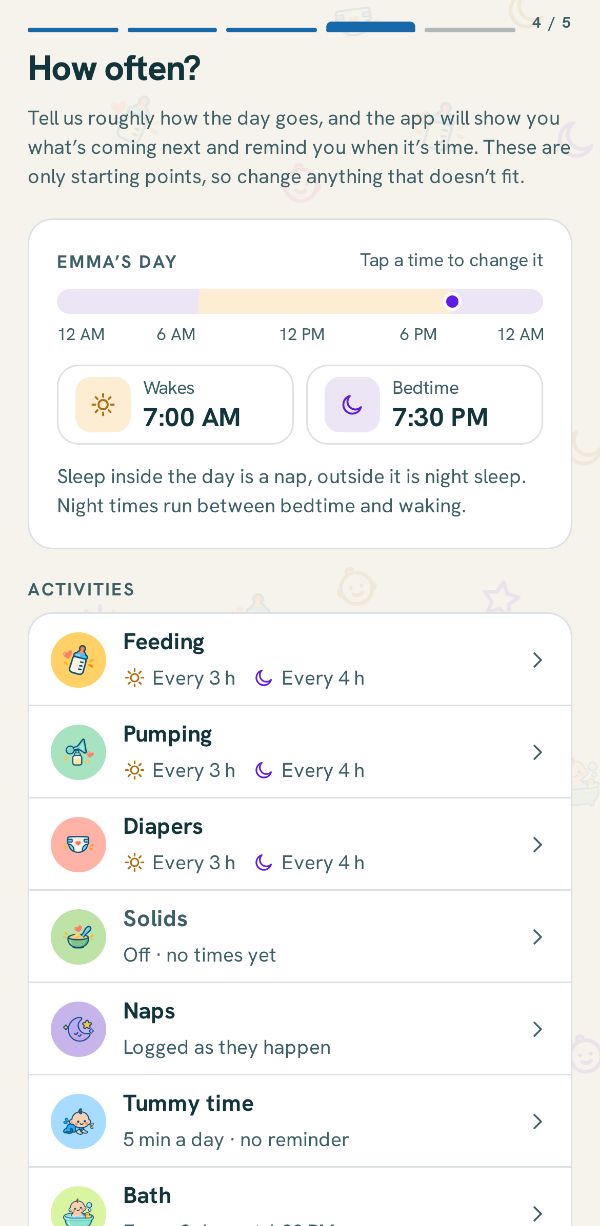
How often?
Your day, from wake to bedtime, and roughly how often each thing happens. These are starting points for the Schedule tab and the reminders. Change any row that does not fit.
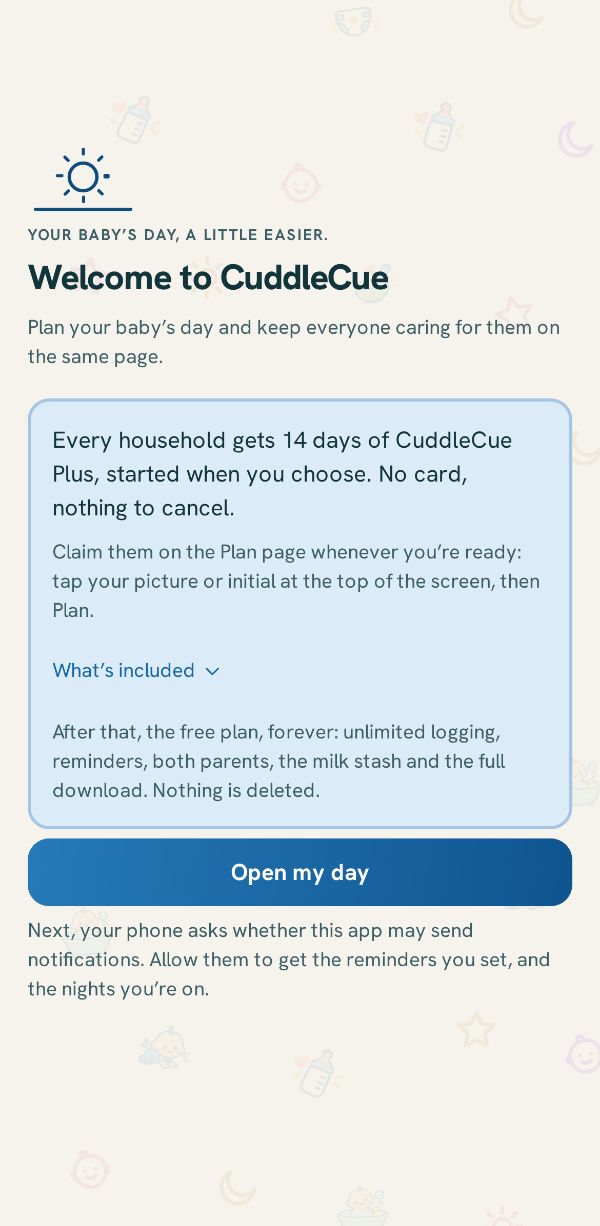
You’re all set!
The first card says what stays free: unlimited logs, reminders, both parents, the milk stash and the full download. Under it, the 14 days of Plus are optional, with no card and nothing to cancel, and they start only when you choose: tap your picture or initial, then Plan, and Start my 14 days. If you set up before the birth, they start after it. What’s included opens the list of what Plus adds. Tap Open my day. If you set any reminders during setup and the phone has never been asked, it then asks whether the app may send notifications: allow them to get your reminders. Otherwise it asks the first time you turn a reminder on.
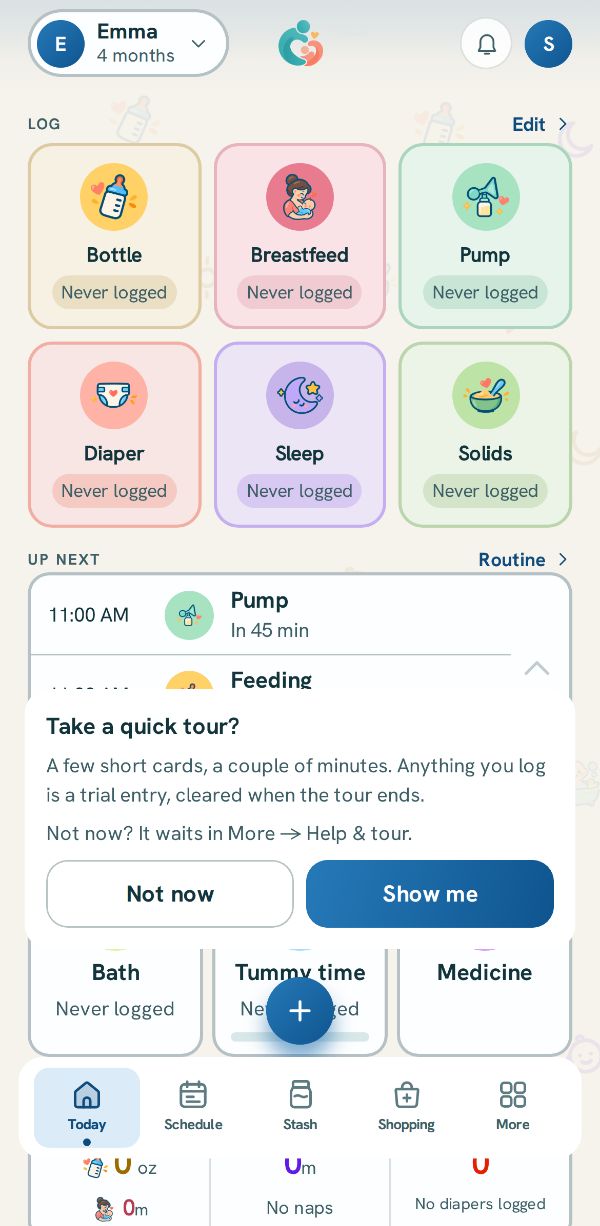
Today
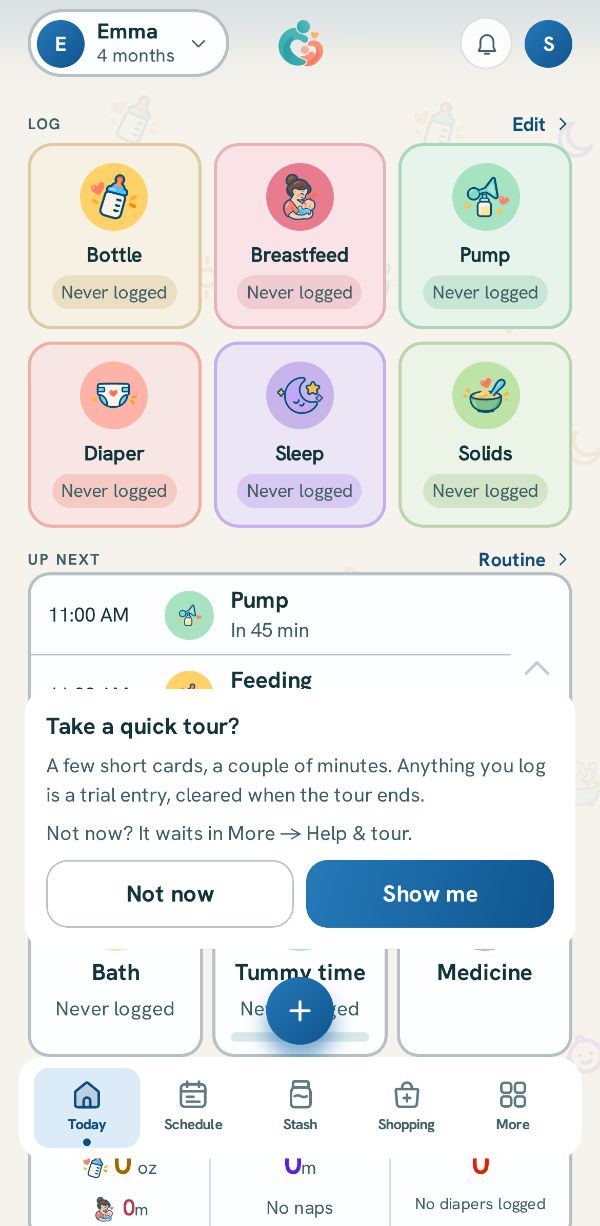
This is Today, where everything starts. It offers a quick tour first (see Take the tour, and find help).
Related guides
 Take the tour, and find helpSeven short cards that walk you through the app by doing it, and where to find them again with every other kind of help.
 Invite someone to your familyBring in the other parent, a grandparent or a sitter, each on their own phone and their own login.Free
 7 steps
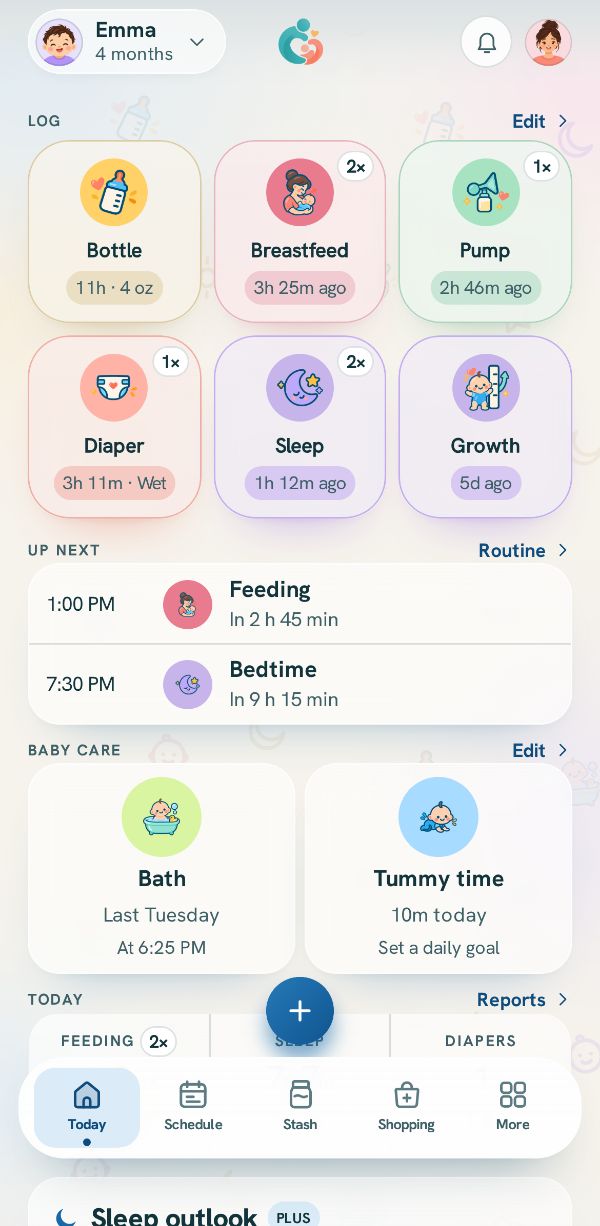 How logging works: Today and the + buttonWhere every entry starts, what the tiles on Today show, and how to reach anything you track.