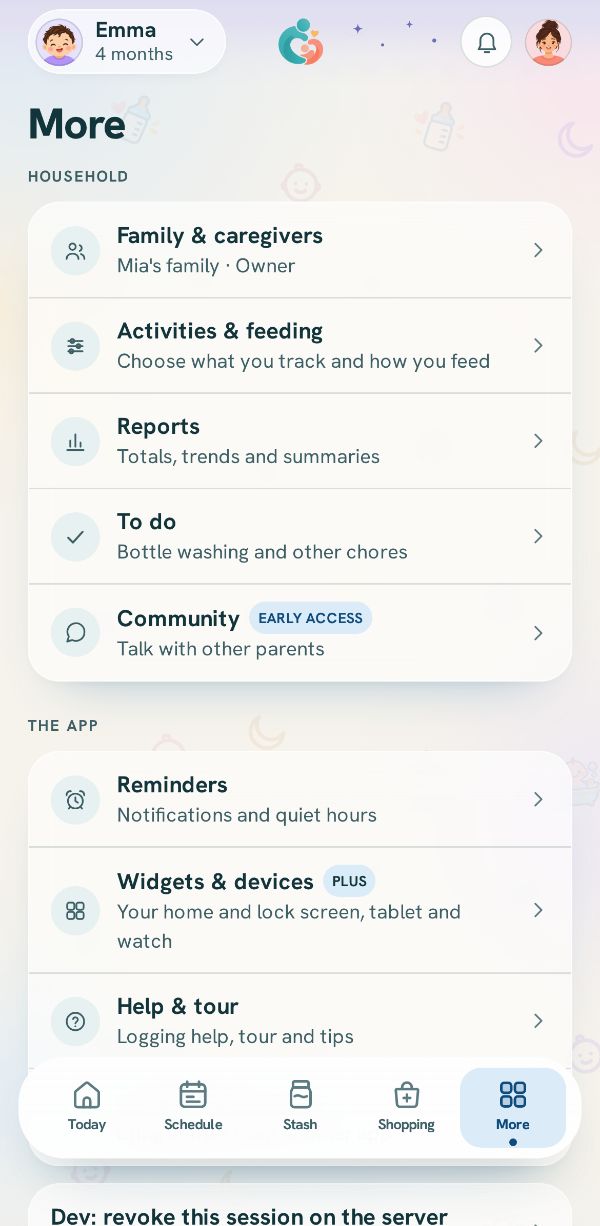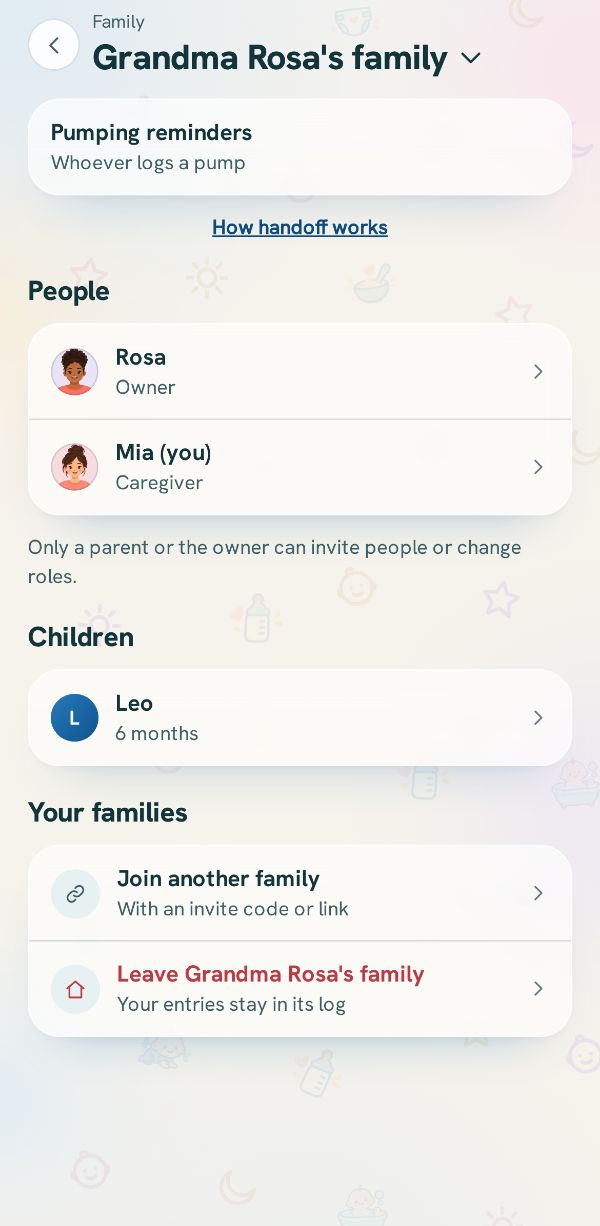
Everyone in your family is listed in Family under People, with their role under their name. An owner or a parent can change a role or remove someone. Removing someone never deletes what they logged.
Tap the person
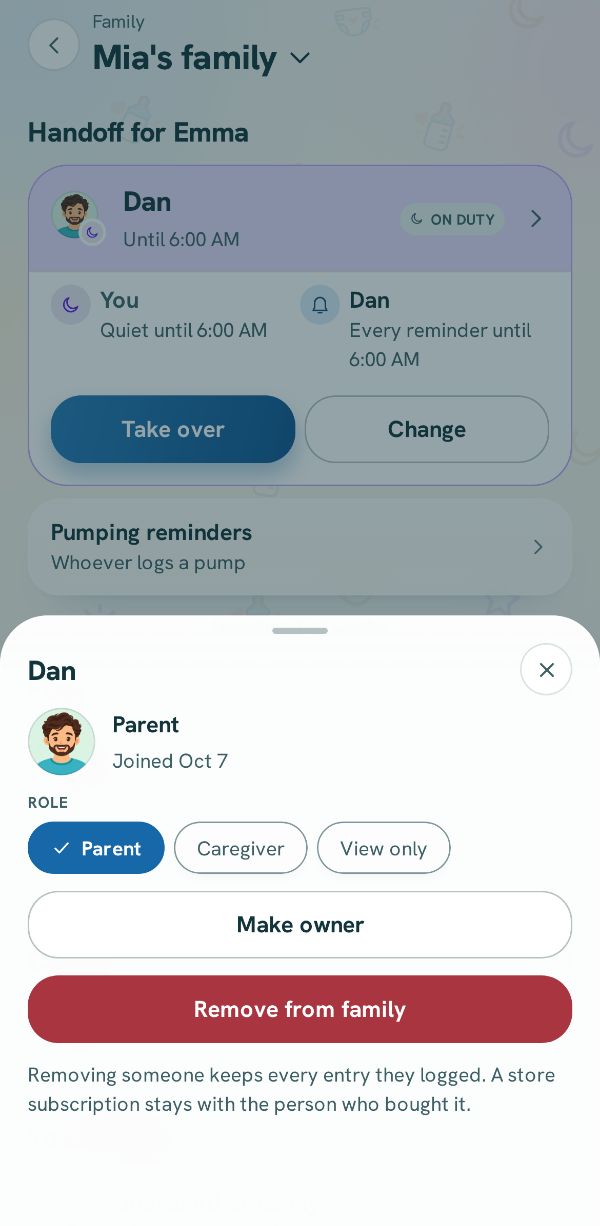
In Family, tap the person's row under People. Their details open: when they joined, their role, and the ways to change it.
Change their role
Tap Parent, Caregiver or View only. A change that takes something away asks first and says what they keep. The change reaches their phone the next time it syncs.
Make someone else the owner
Make owner is offered for another parent, and asks first. It hands the family to them, and you stay as a parent. The owner is the one who can rename the family and close it.
Remove someone
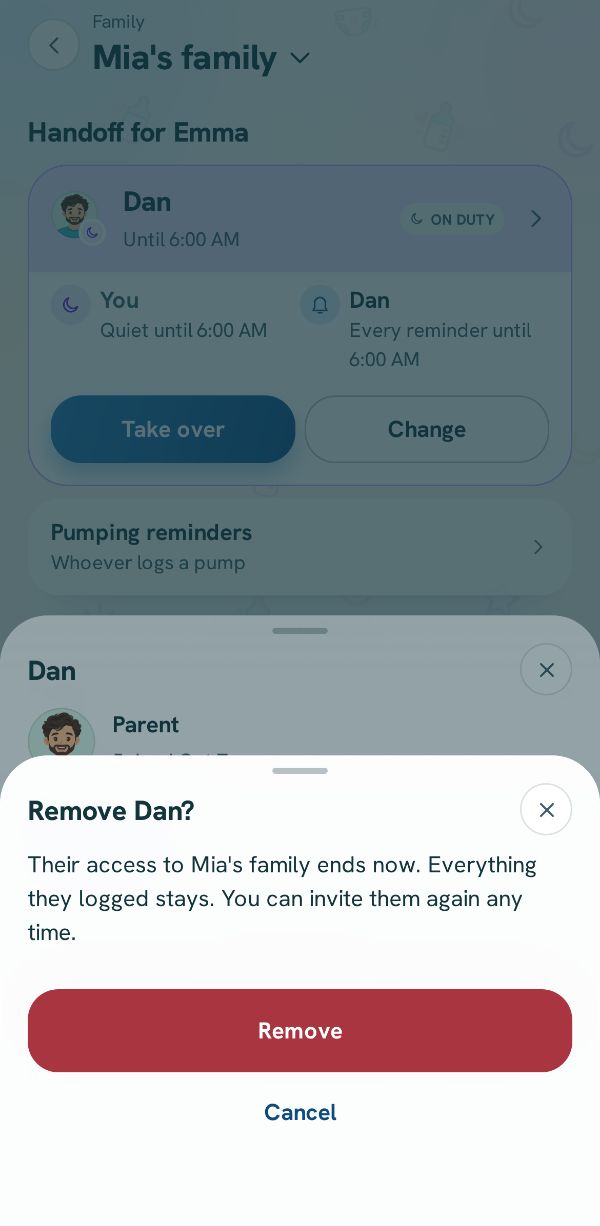
Tap Remove from family. The app asks first, and nothing changes until you tap Remove. They stop seeing the family and its reminders, and everything they logged stays.