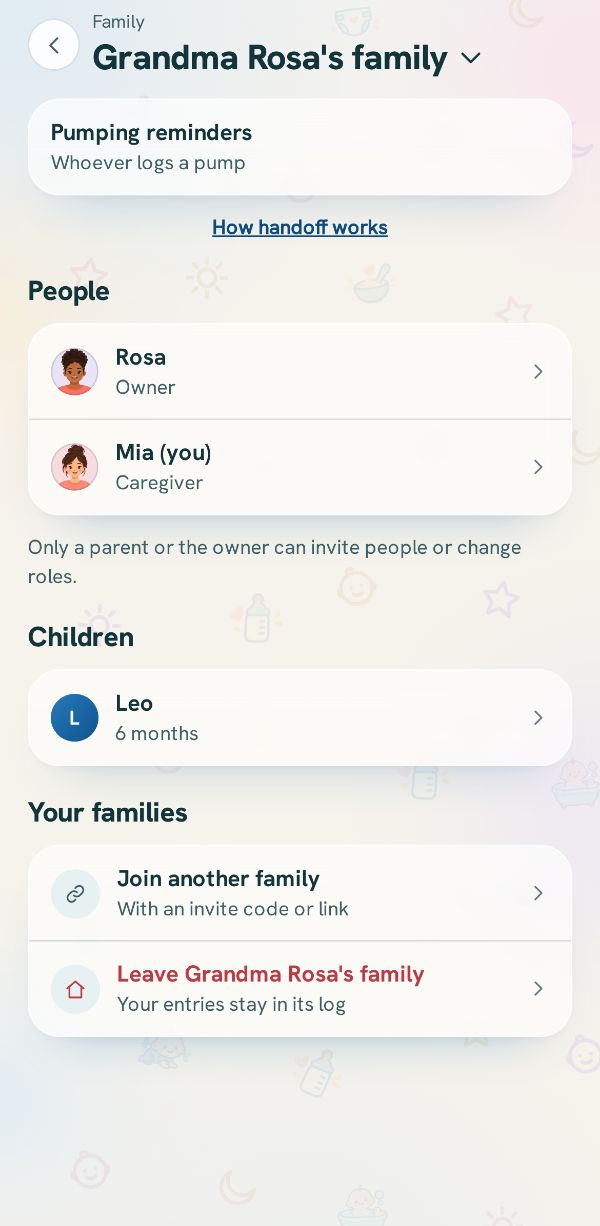
If you are in more than one family, for example your own and a grandparent's, each has its own log, people and handoff. The app shows one at a time, and you switch from Family.
Tap the family's name
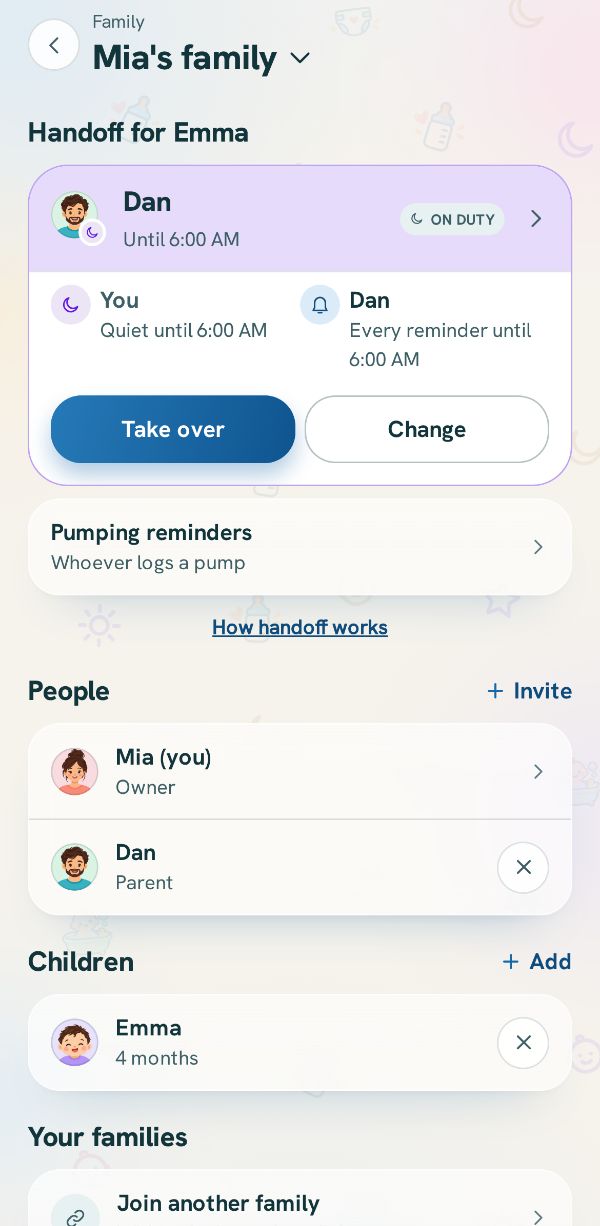
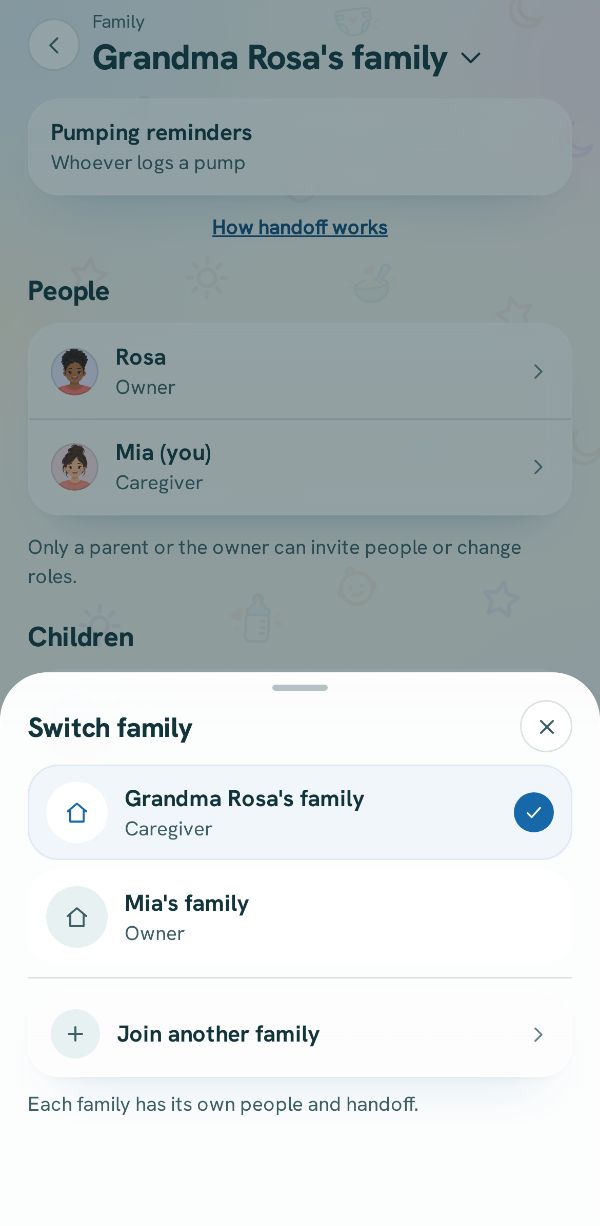
In More, tap Family & caregivers. Your family's name is at the top under a small Family, with a down arrow beside it. Tap it.
Pick a family
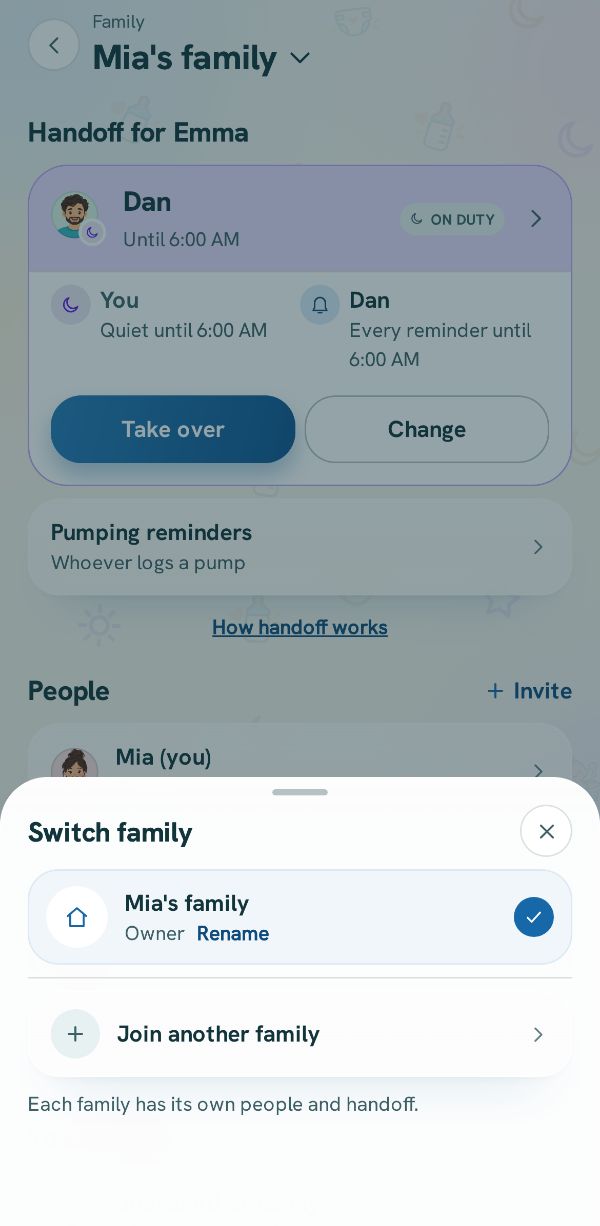
Switch family lists every family you are in, with your role in each. The one on screen has a check. Tap another to switch to it. If you are on duty in the family you are leaving, the app asks first.
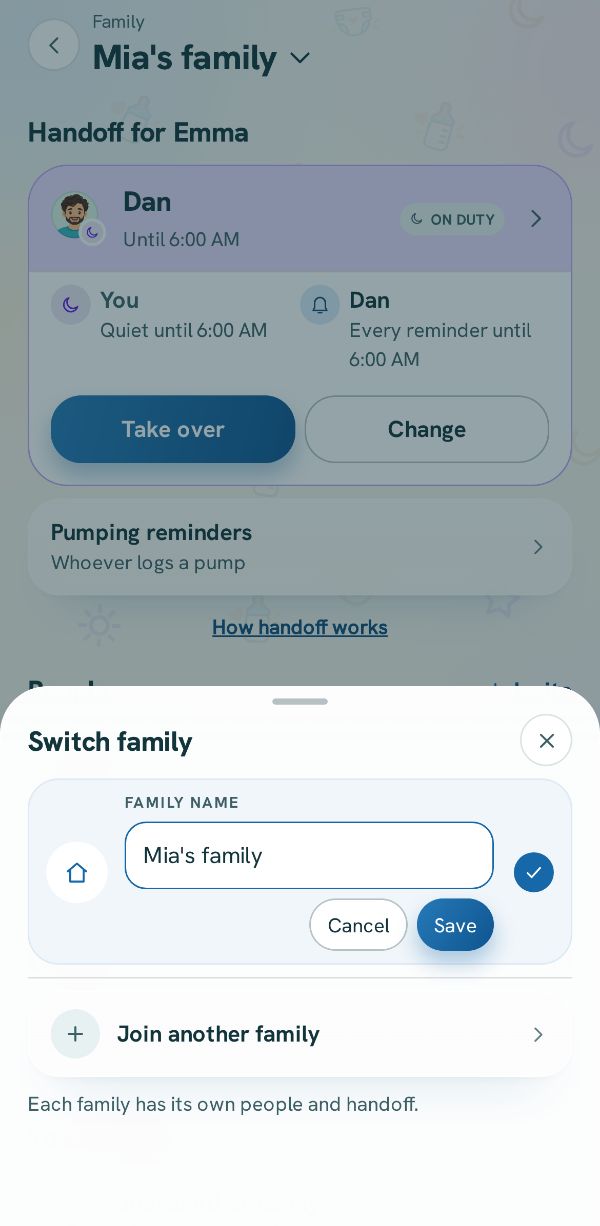
Rename your family
On the family on screen, the owner sees Rename. Tap it, type the new name (2 to 60 characters) and tap Save. Every phone in the family shows the new name.