
How you leave depends on your role. A caregiver or a parent just leaves. The owner of a family other people are in makes someone else the owner first, so the family is never left without one.
Go to the foot of Family
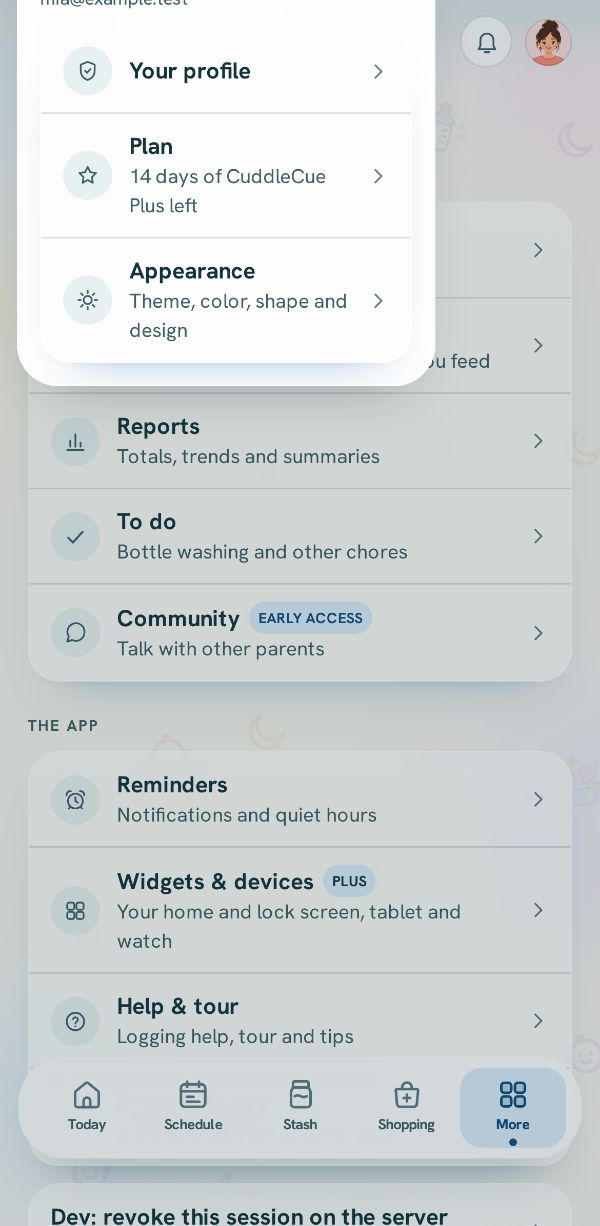
In More, tap Family & caregivers and scroll to Household at the bottom. It holds Join another household, a way to start your own family where that can work, and the way to leave, in red.
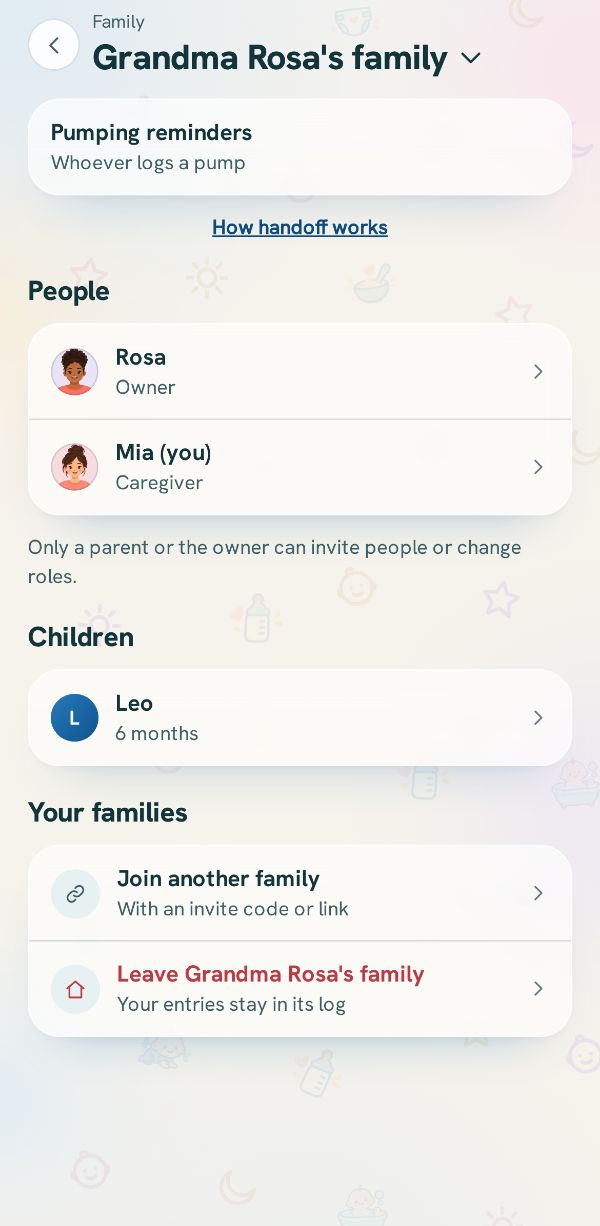
Leaving a family you joined
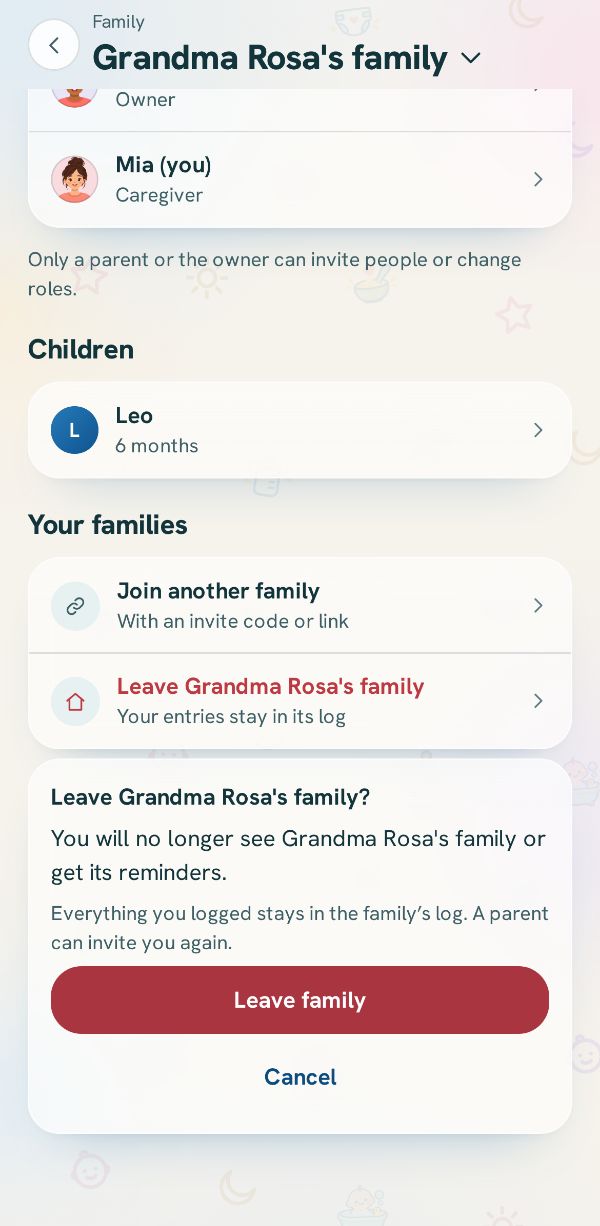
Tap the red row with the family's name. The app says what happens: you will no longer see the family or get its reminders, and everything you logged stays in its log. Tap Leave family to go, or Cancel.
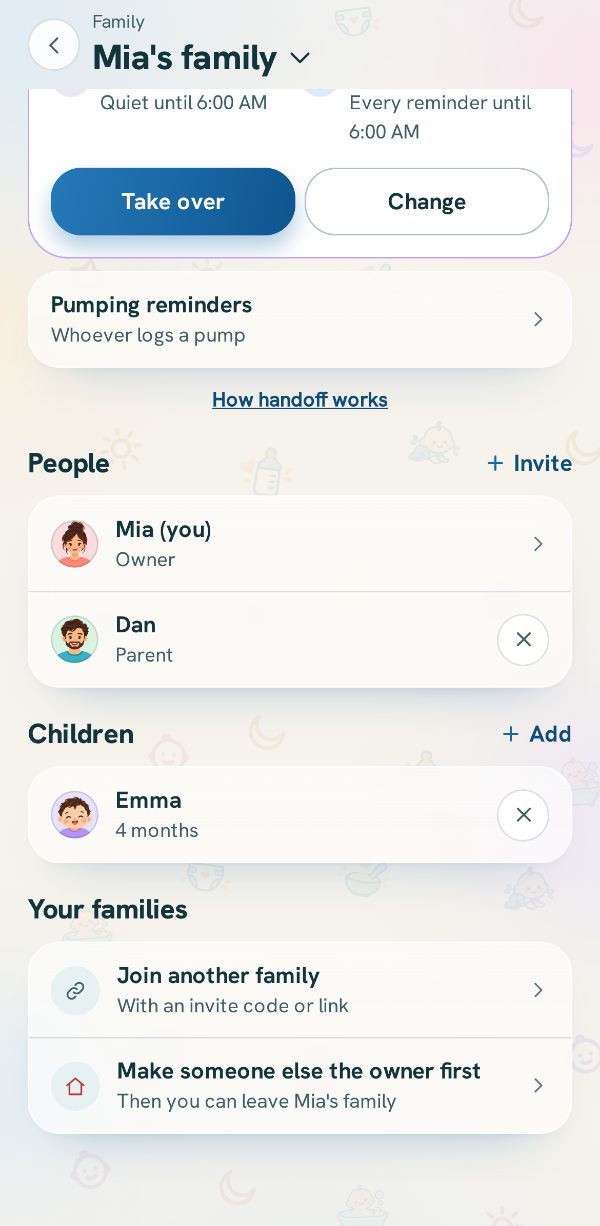
If you are the owner
Your family is shown again, where you are the owner. The red row reads Make someone else the owner first.
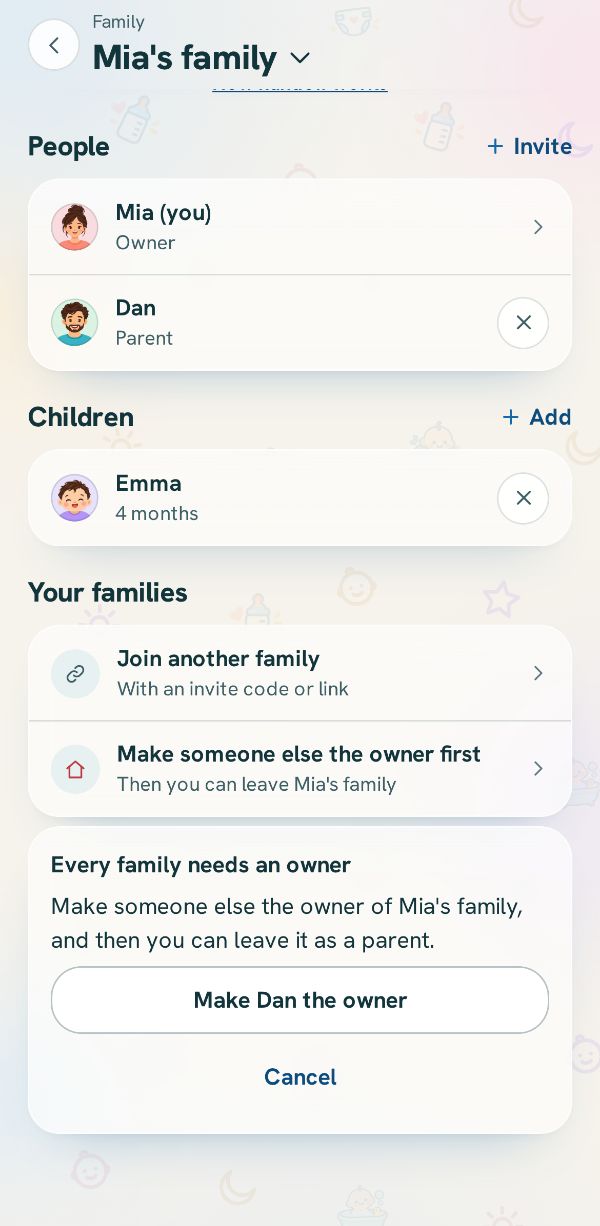
Pick the next owner
Tap it and pick who takes over. After you confirm with Make owner, you are a parent in the family and can leave it like anyone else.
Related guides
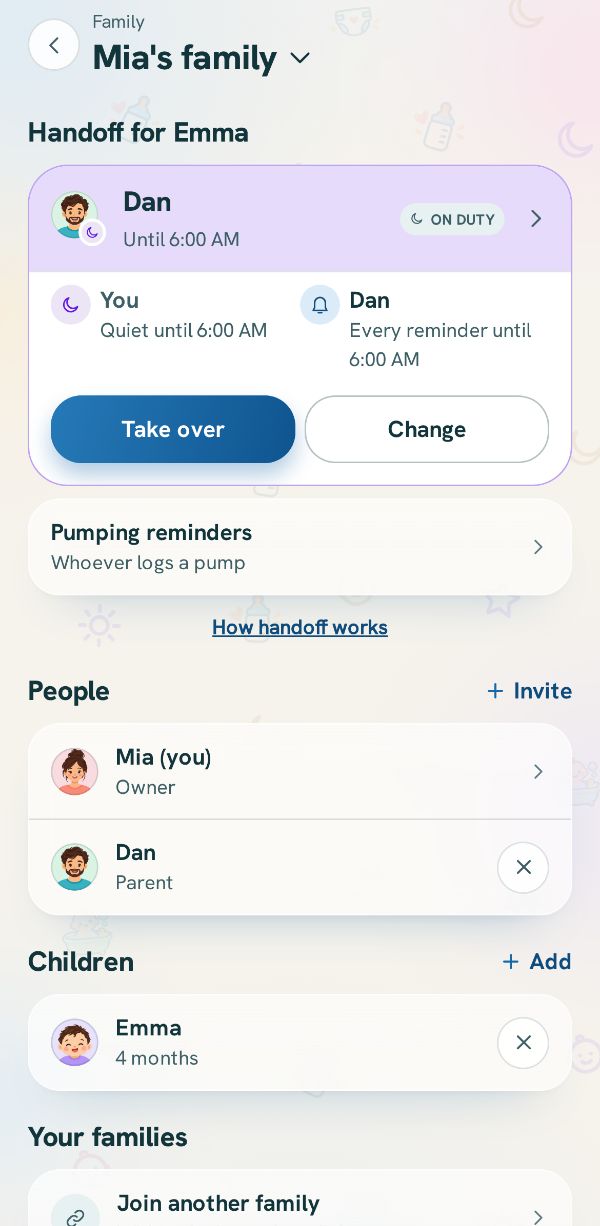 Switch between families, and rename yoursMove between the families you are in, and change your family's name if you are its owner.
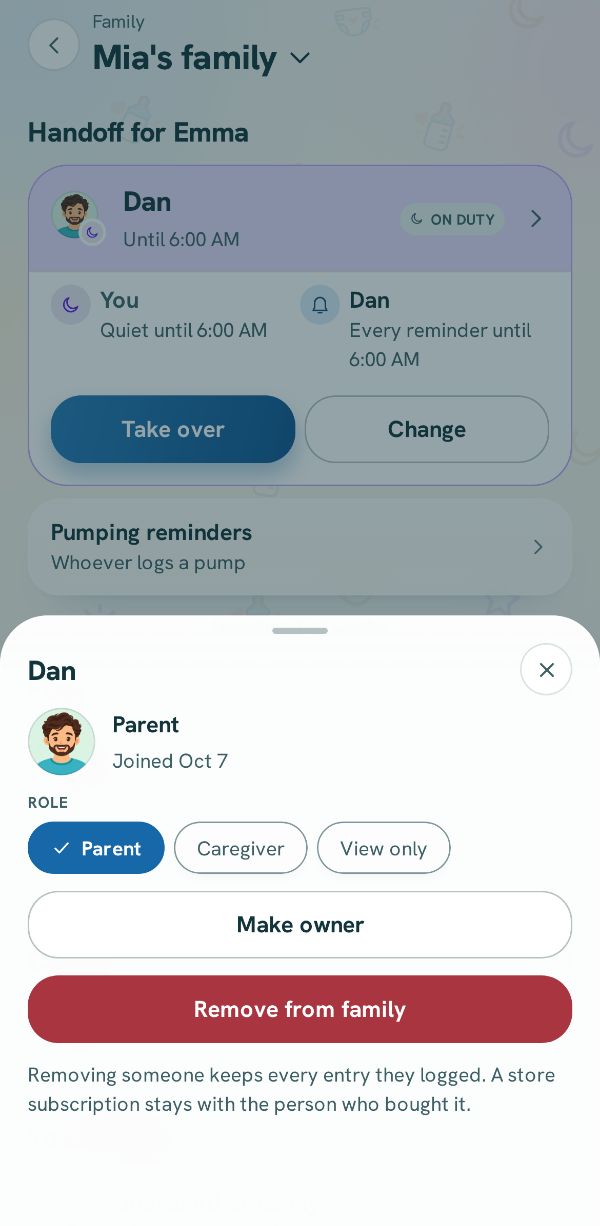 Change roles, hand over or remove someoneOpen a person's details in Family to change what they can do, hand the family over, or take someone out.Free
 4 steps
 Download everything you have loggedThe full download, free on every plan: every entry, as JSON and CSV.Free3 steps