Choose which phone gets the baby's reminders, take over when it is your turn, and let the other phone sleep.
Free3 steps
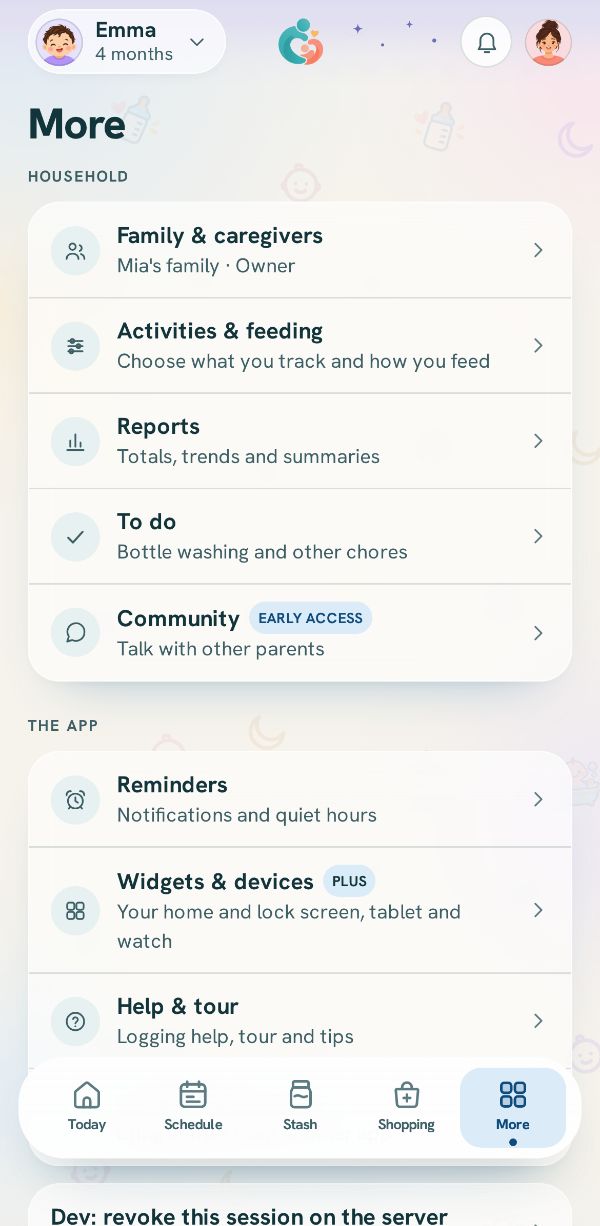
One person gets the baby's reminders at a time. The other phones go quiet once theirs picks it up, and everyone still sees everything that is logged. This is handoff, and it lives at the top of Family.
1
See who is on
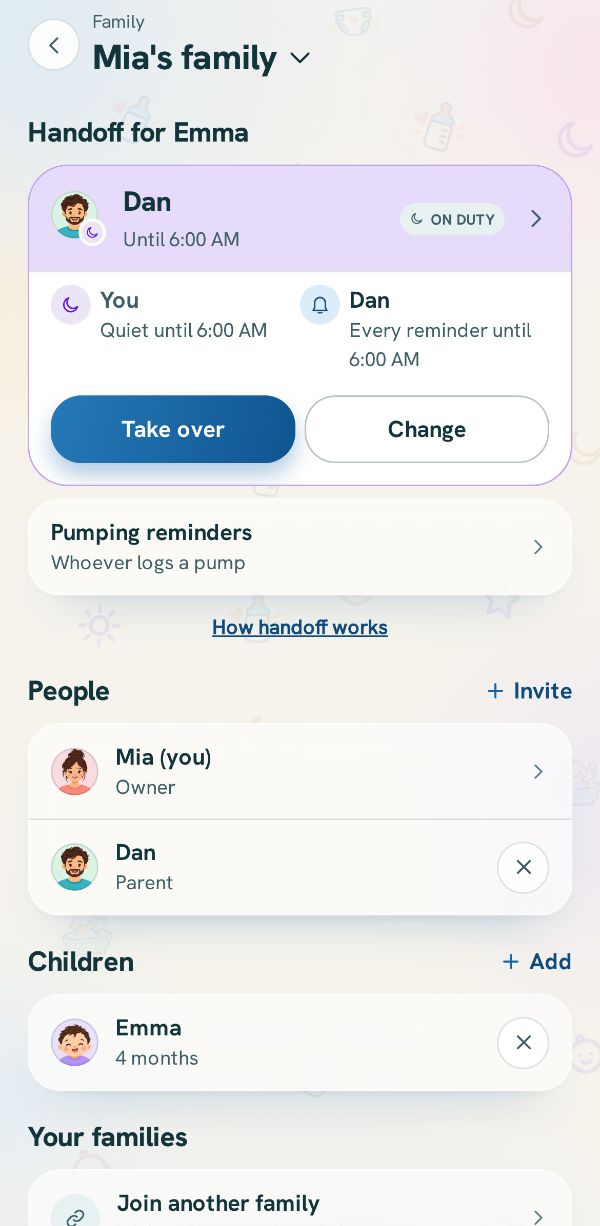
In Family, Handoff for your baby shows who is On duty and until when. Under it, a line for each person says what their phone does with the reminders now.
2
Put someone on, or change it
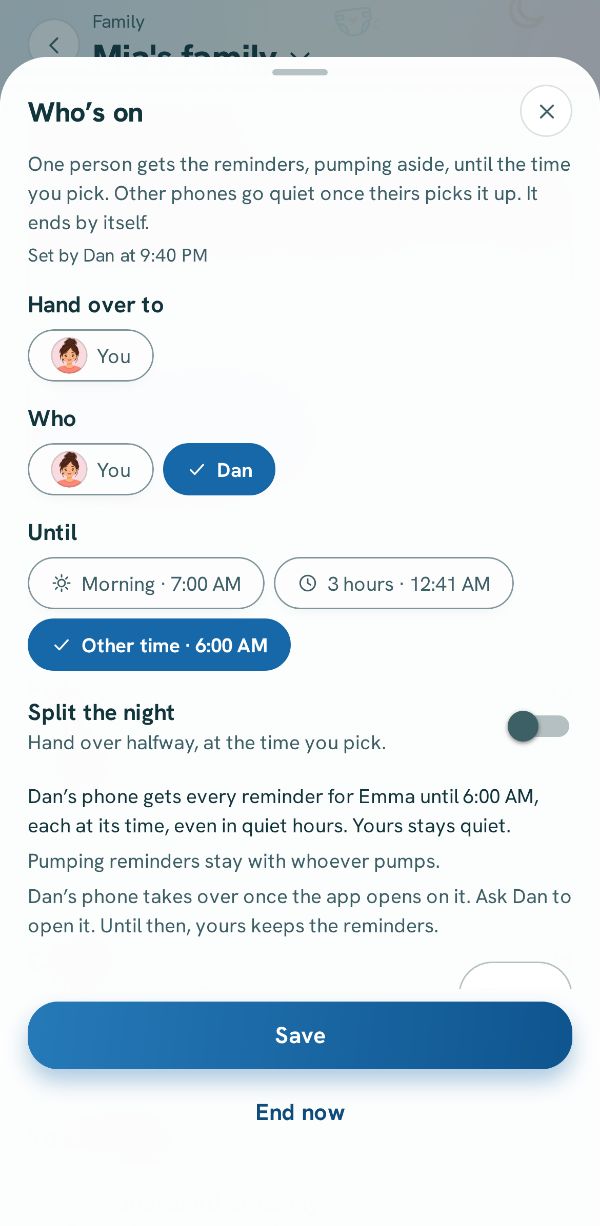
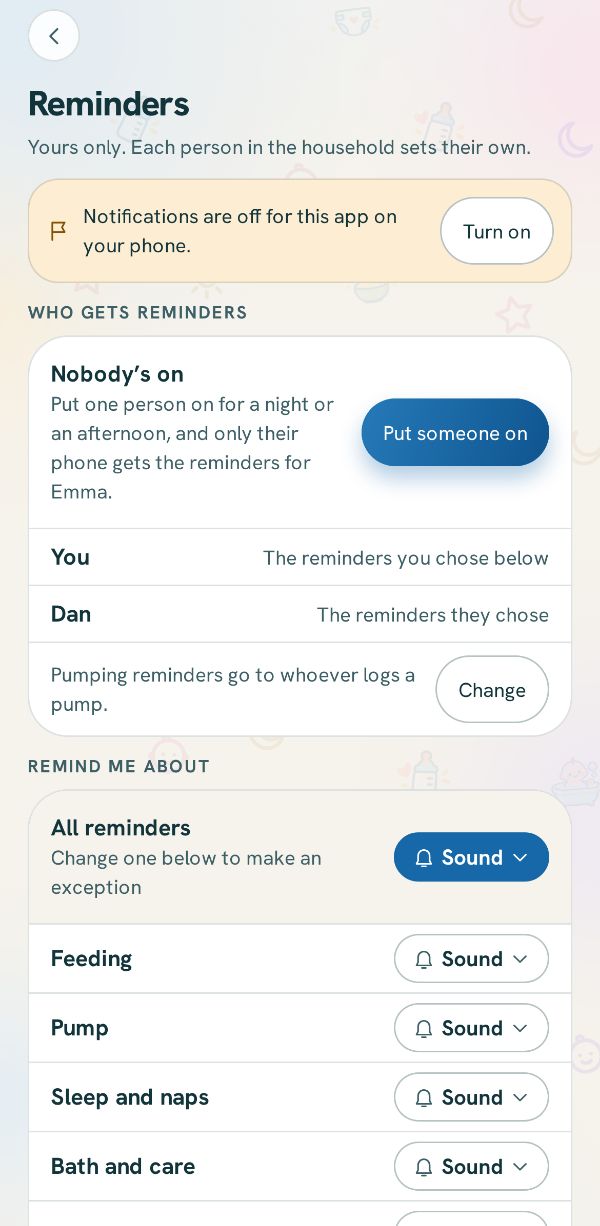
Tap Change (or Put someone on when nobody is). Pick the person and until when. Their phone gets every reminder until then, and the others stay quiet.
3
Take over when it is your turn
Tap Take over on the card, or on Today. You are on from that moment. The other phone goes quiet the next time its app opens, and until then it keeps the reminders so nothing is missed.