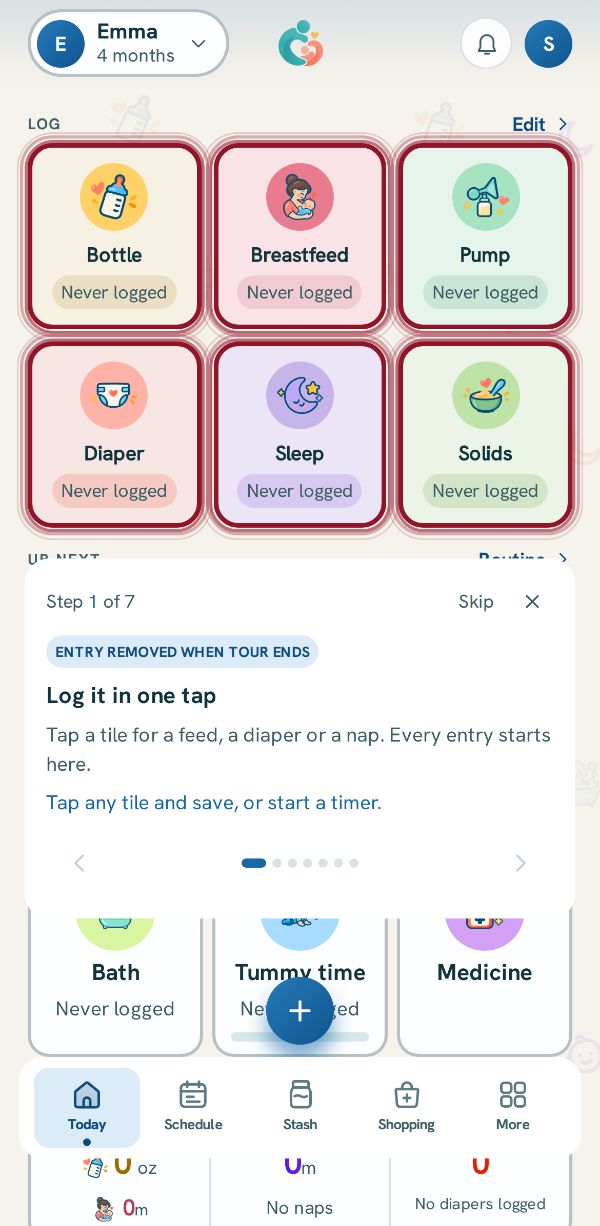
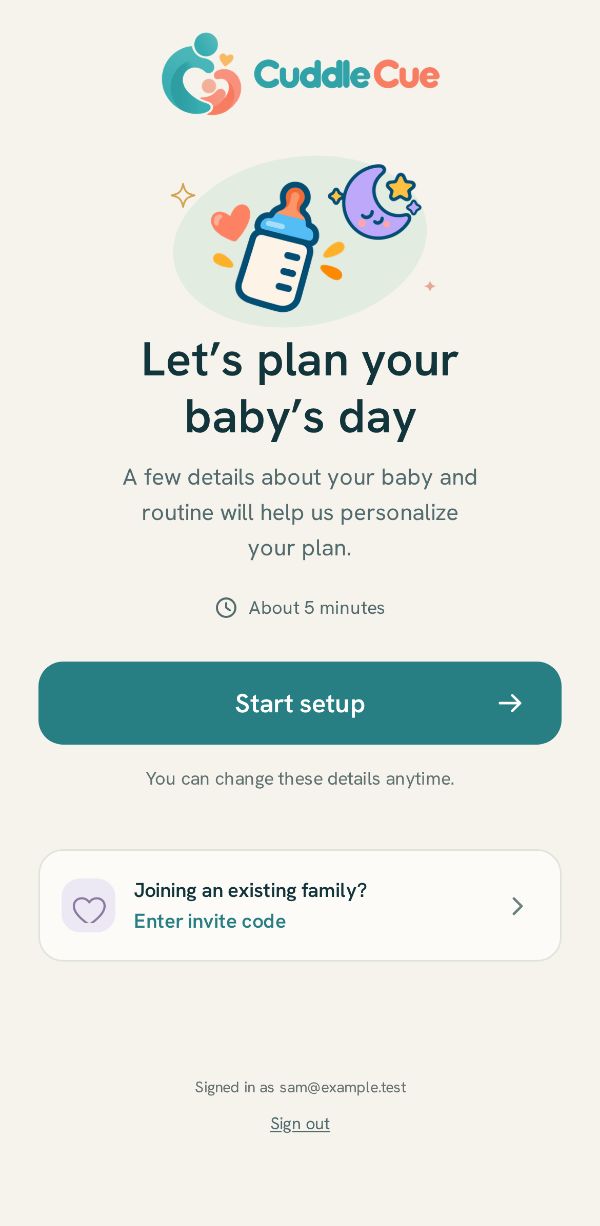
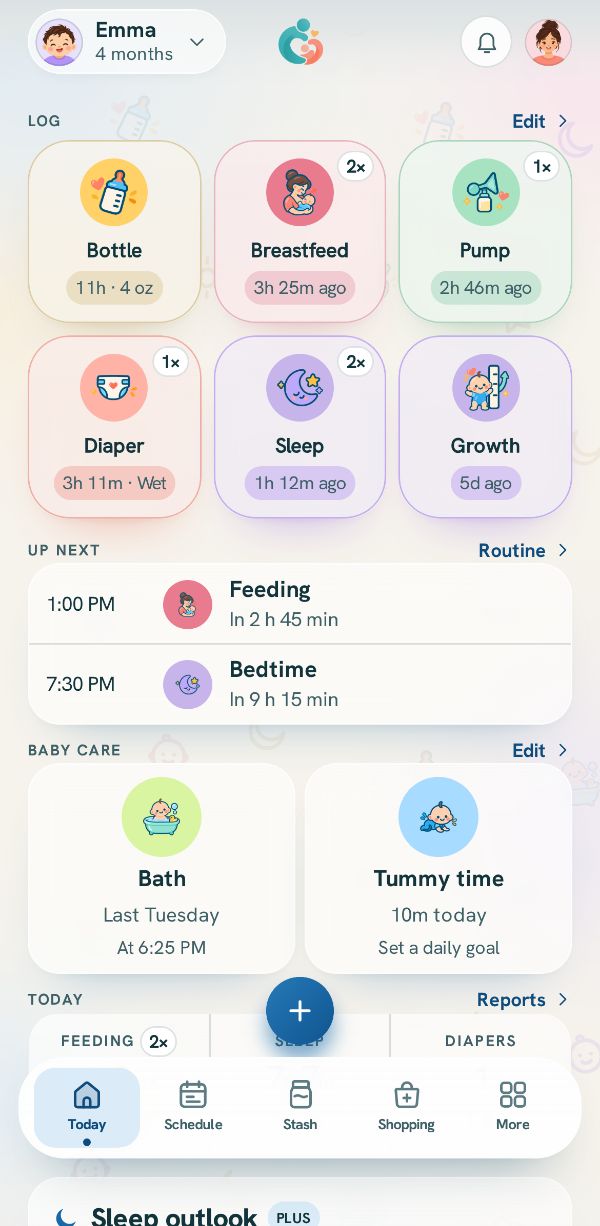
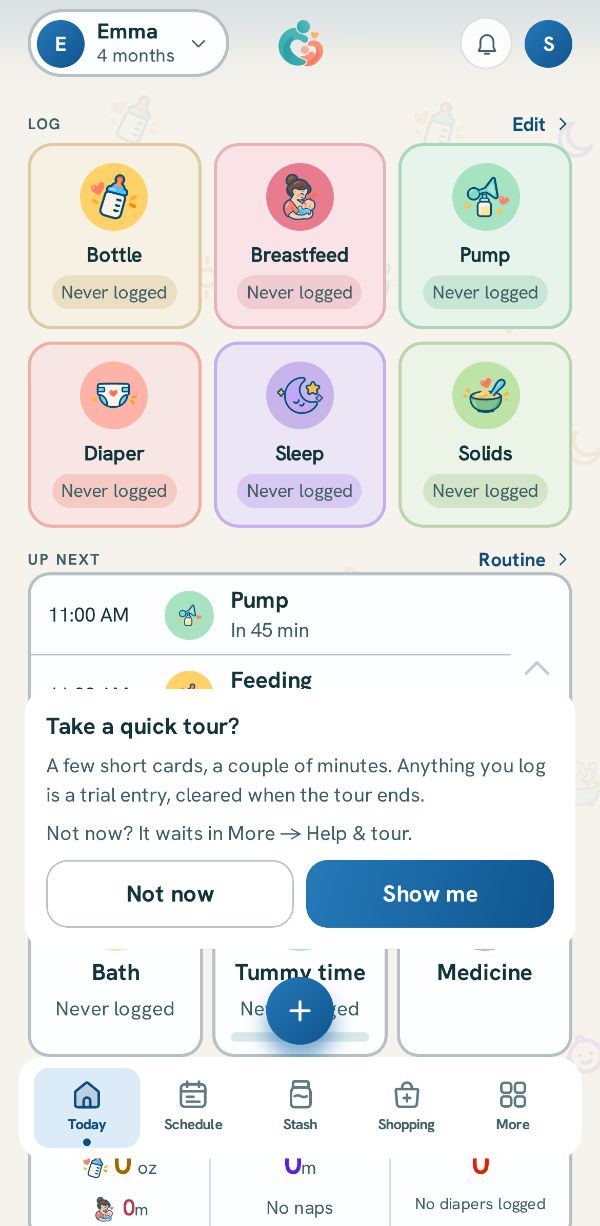
After setup the app offers a quick tour: a few short cards, a couple of minutes. Each card asks you to try one thing for real. Anything you log during it is a trial entry, cleared when the tour ends.
Show me, or Not now
Tap Show me to start, or Not now. The tour waits in More, under Help & tour.
Help & tour, in More
Tap More and scroll to Help & tour.
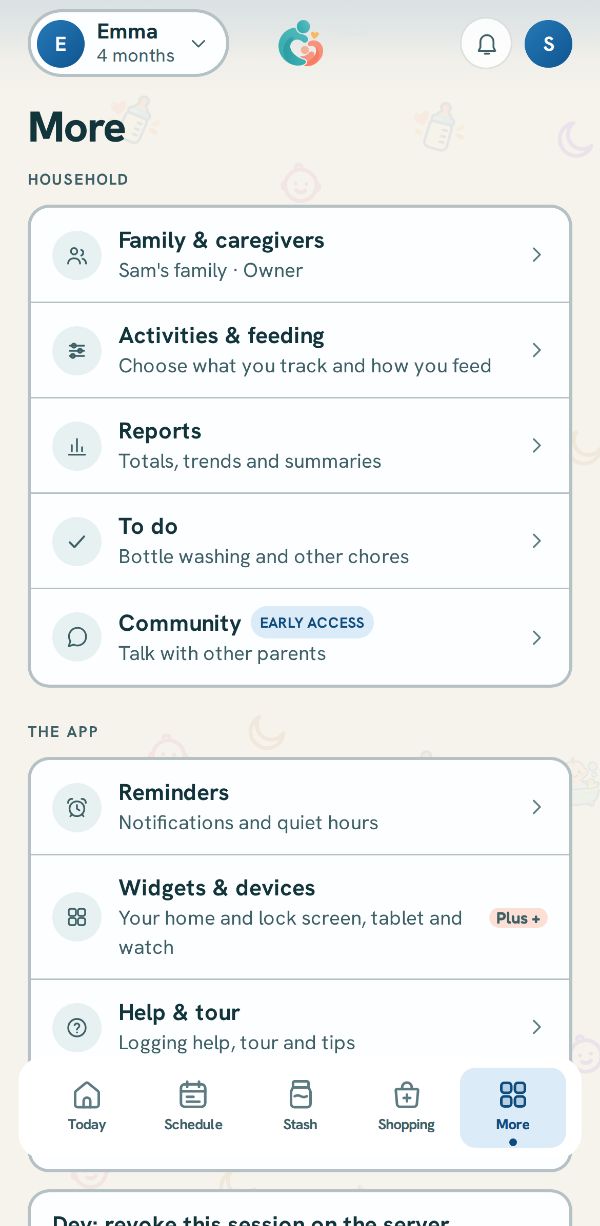
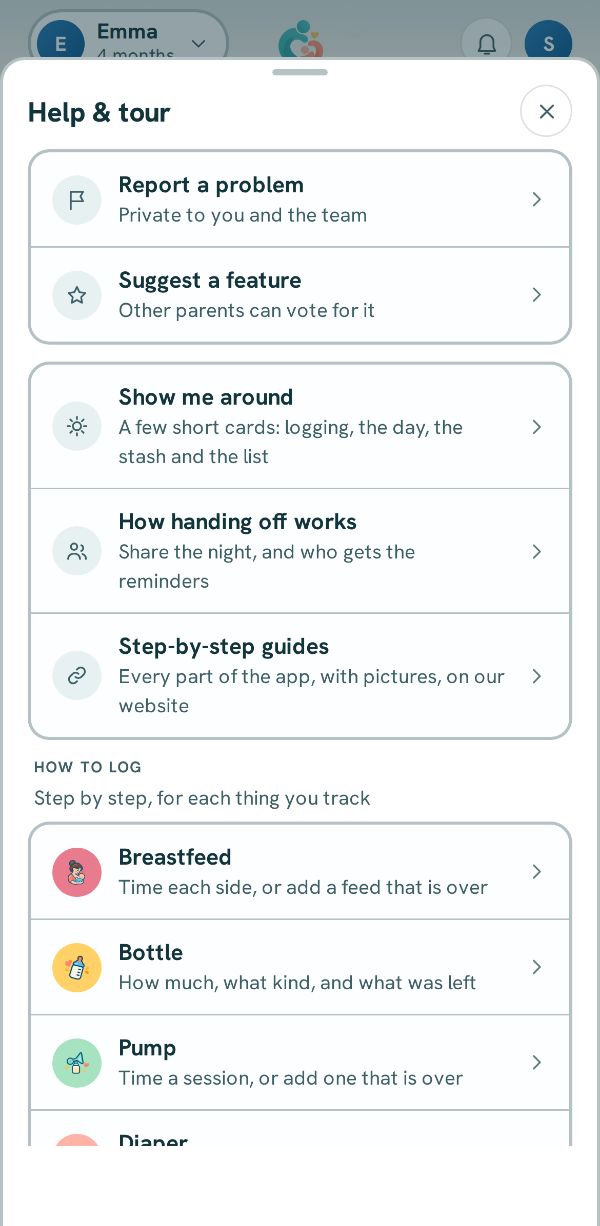
Everything to learn the app
Show me around starts the tour again. How handing off works is a checklist for sharing the reminders.
Step-by-step guides opens these guides, with a picture of every step. Under How to log there is a short guide for each thing you track.
The tour itself
Each card points at one thing on the screen and asks you to try it: log a feed or a diaper, open that entry to change it or swipe it left to delete it, open Family & caregivers, open Routine on Schedule, add stored milk to the stash, and put something on the shopping list from your supplies before you share it.
Some cards wait for you to do it; others have Next. Skip ends the tour, and × puts it away to finish later. Done on the last card clears the trial entries and takes you to Today.