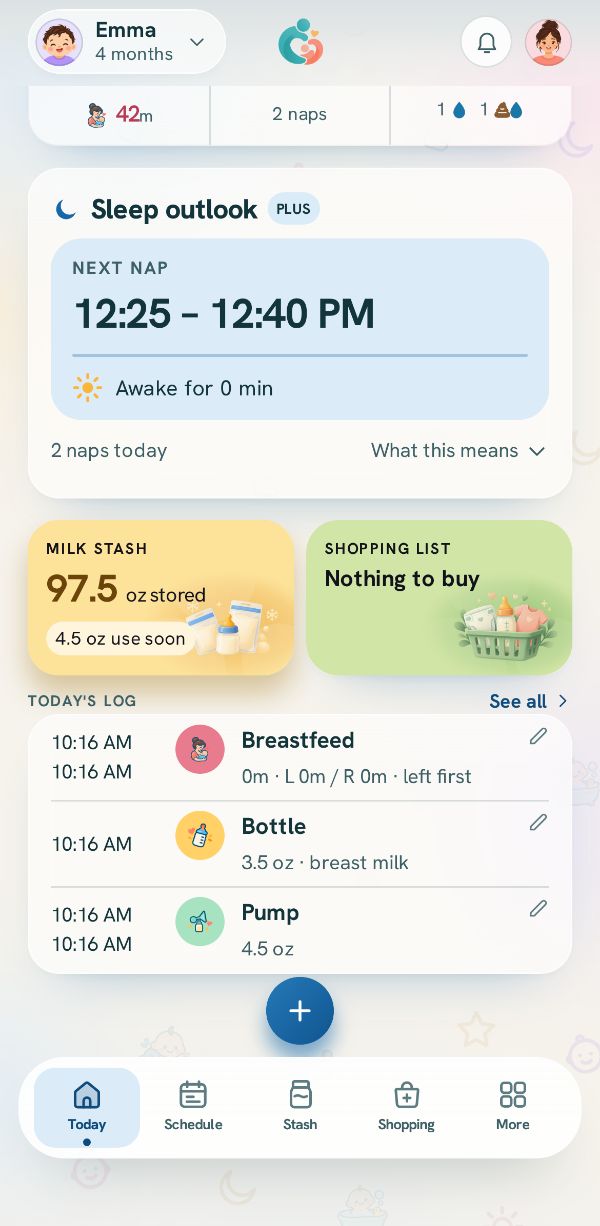
A diaper is two taps: what was in it, and save. Everything else is there if you want it.
What was in it
Tap Diaper, then Wet, Dirty, Both or Dry. The line under it says when the last dirty one was.
When it was changed
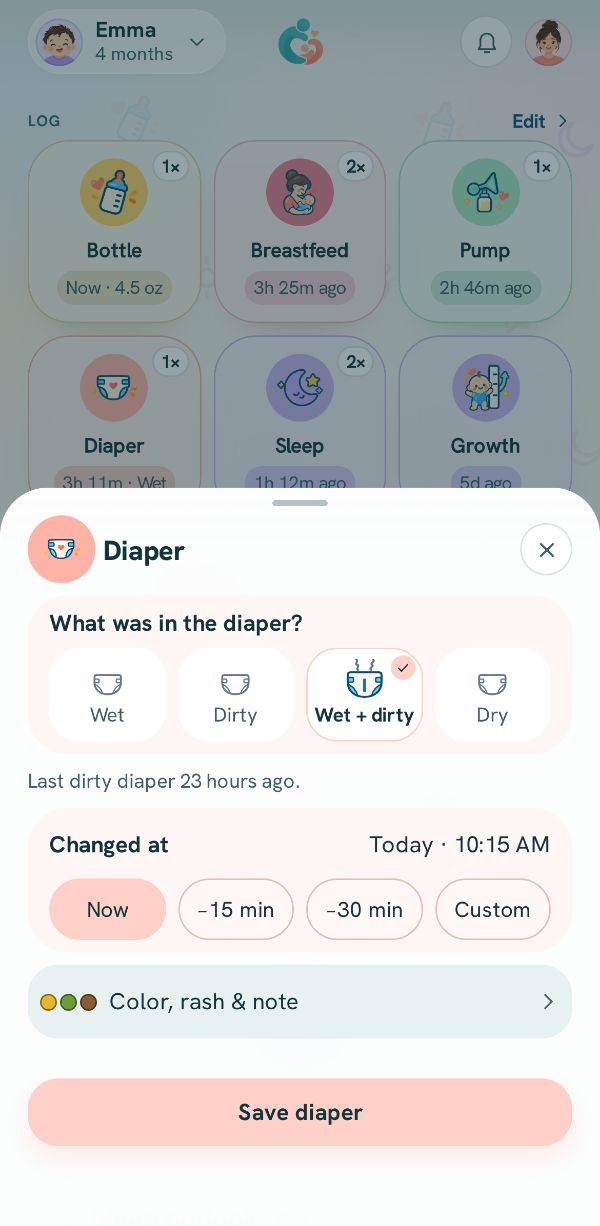
Changed at is Now. For earlier, tap a chip, or Custom to turn the clock to the time, then Done.
Color, rash or a note
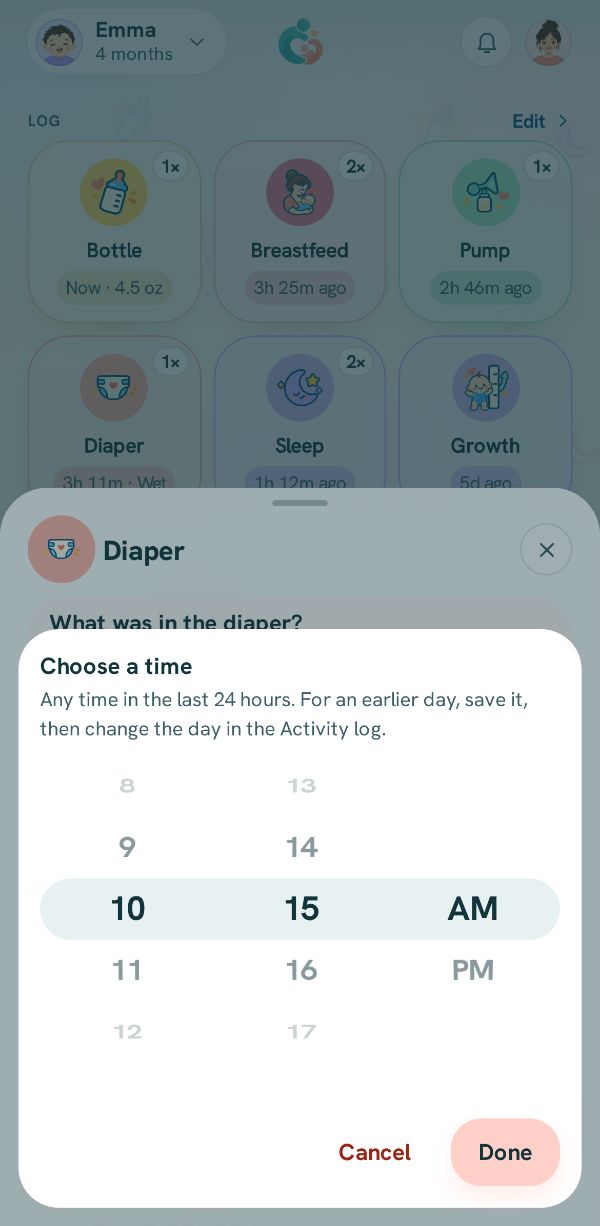
Tap Color, rash & note to pick a Stool color, turn on Rash noted, or write a note. All three are optional.
Save
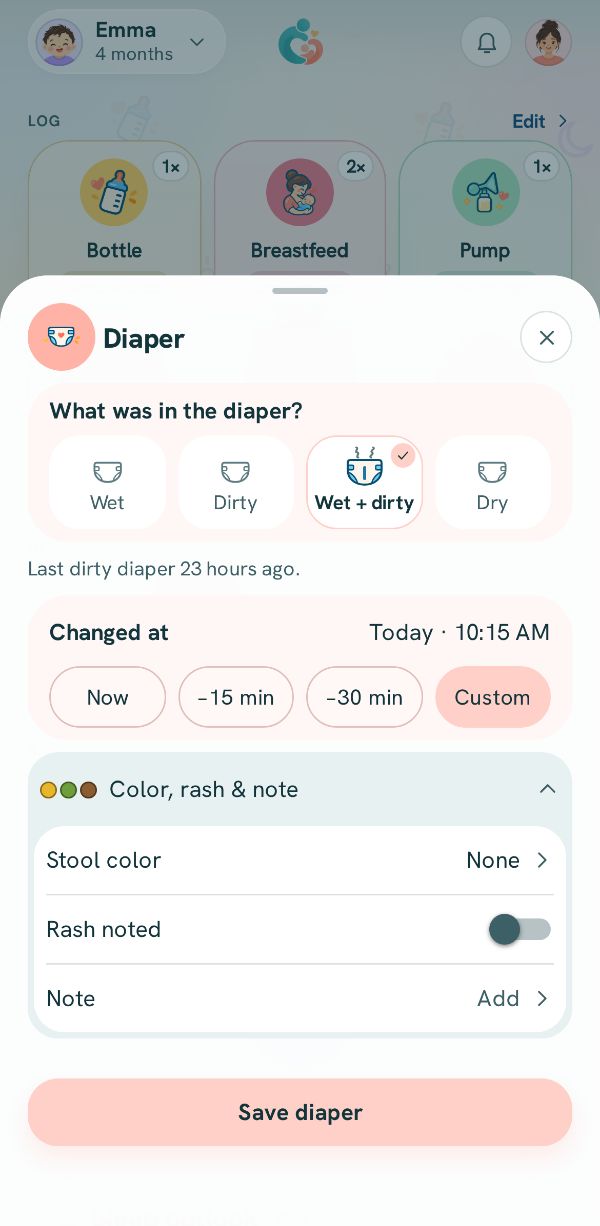
Tap Save diaper.
Picture to come