Time it or add it after, record each side or the total, and choose what the milk is for.
Free5 steps
A pump session records how long, how much from each side, and where the milk went: nowhere, into a bottle, or into the stash.
1
Open the pump sheet
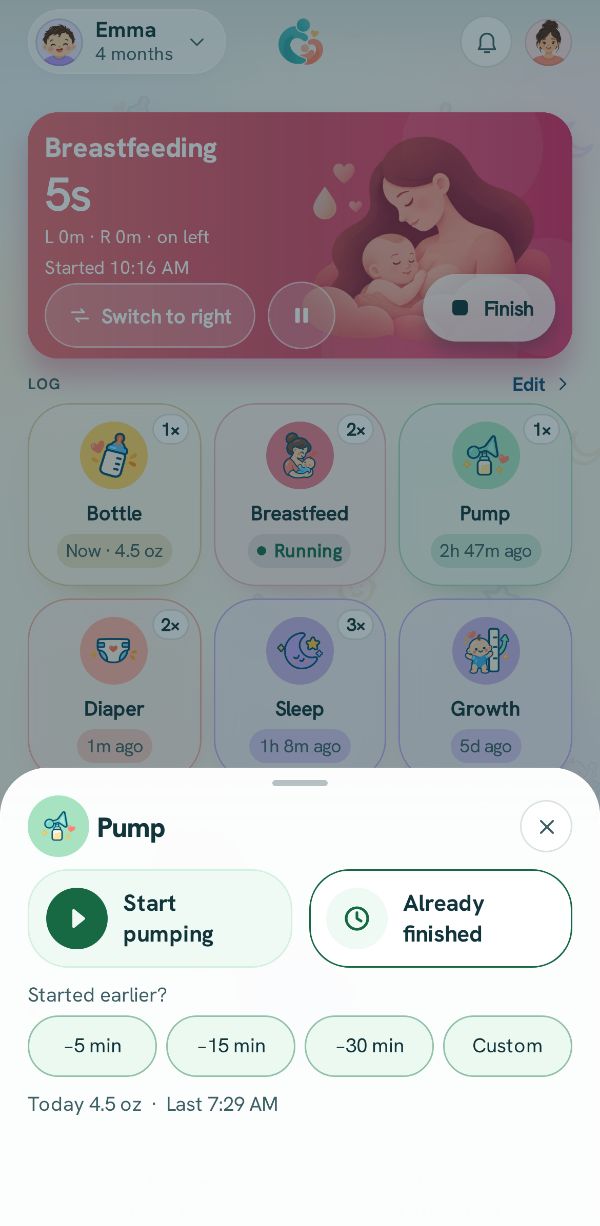
Tap Pump on Today or under +. Start pumping starts a timer straight away. Already finished is for a session that is over.
2
Stop the timer
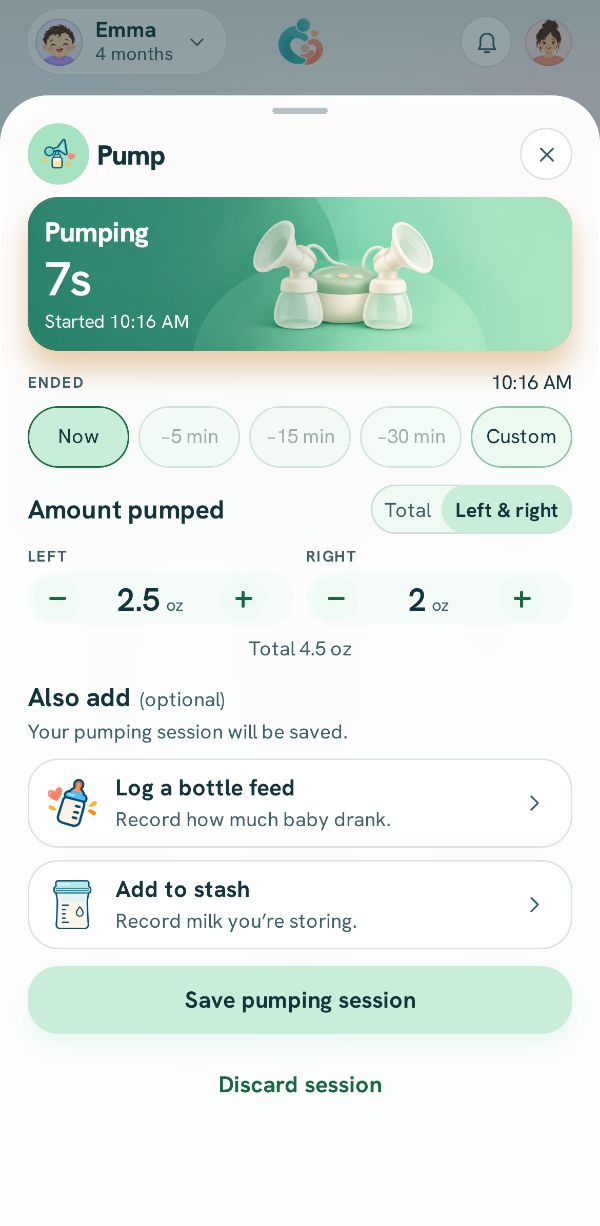
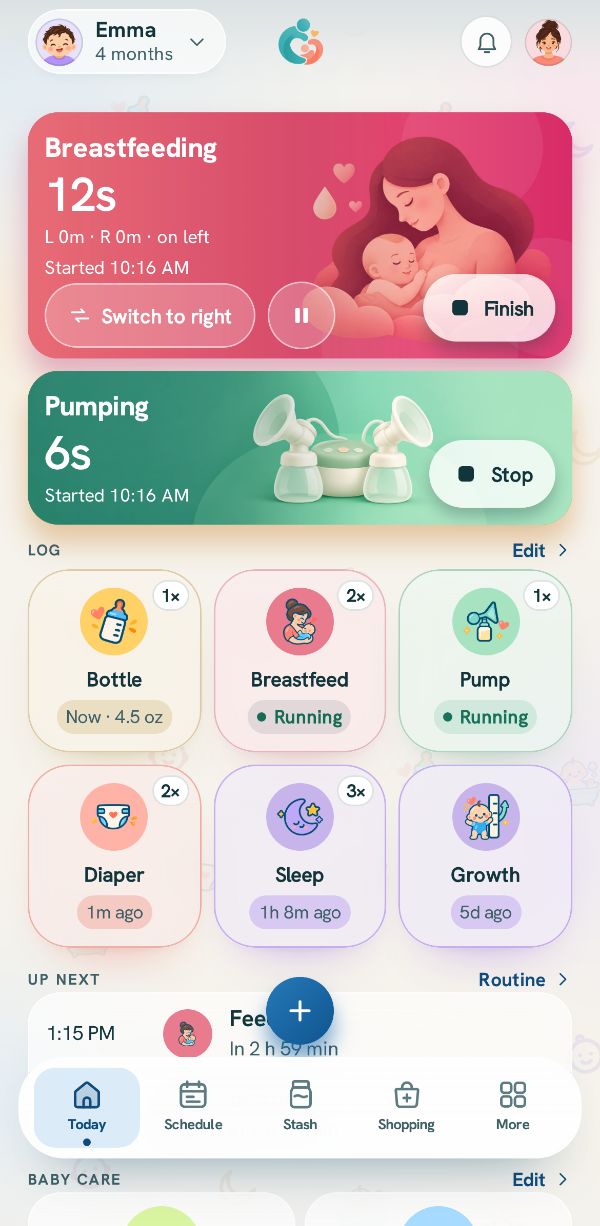
On the pumping card on Today, press and hold Stop until the ring closes. The sheet opens with Ended set to Now, or pick when it really ended.
Picture to come
3
How much
Under Amount pumped, use Left & right to set each side, or Total if your pump shows one number.
4
Save it, or add a feed or the stash
Save pumping session logs the session and nothing else.
Under Also add, Log a bottle feed means some or all of it went into a bottle for the baby, and Add to stash means you are keeping it. Either one opens a second page to say how much, explained in Pump and feed at the same time.
5
Already done? Add it after
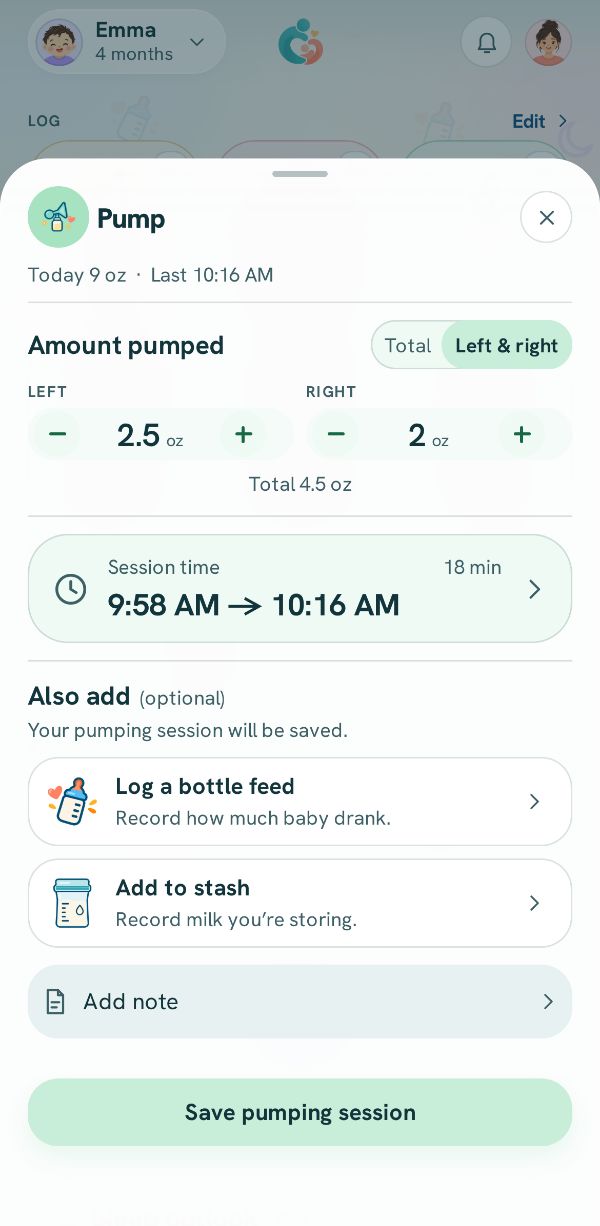
Tap Already finished, set the amounts, tap Session time to say when it started and how long it lasted, then tap Save pumping session, or a row under Also add.

 Pump and feed at the same timeThree real situations, step by step: a bottle straight from the pump, nursing on one side while pumping the other, and a bottle from the stash while you pump.
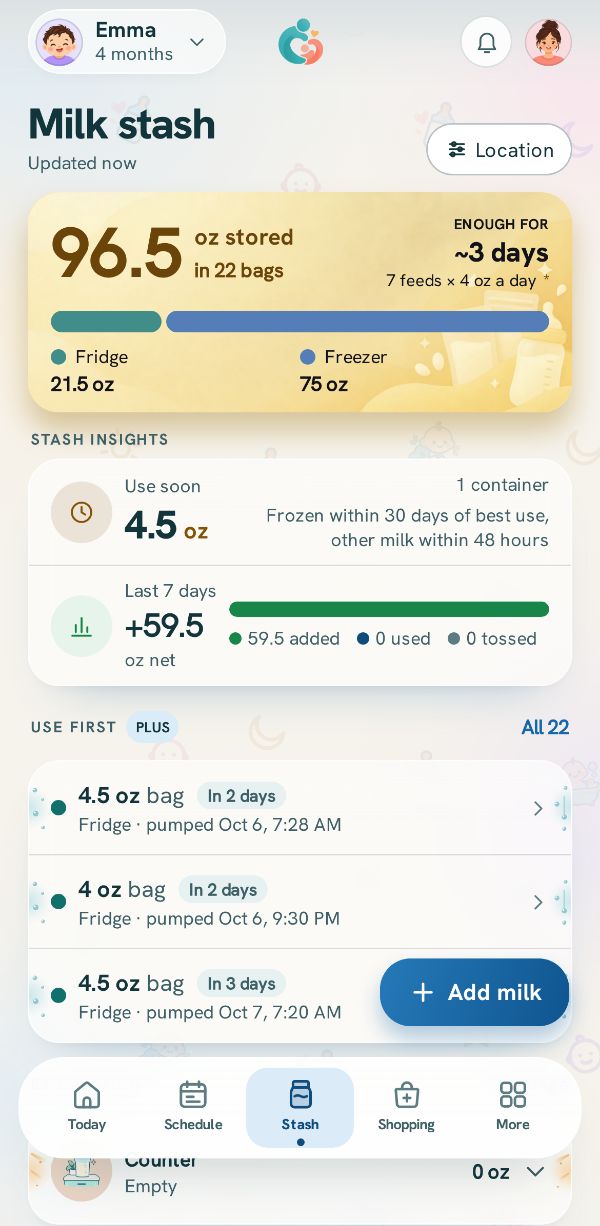 Add milk to the stashKeep track of every bag and bottle of stored milk: how much, where, and from when.
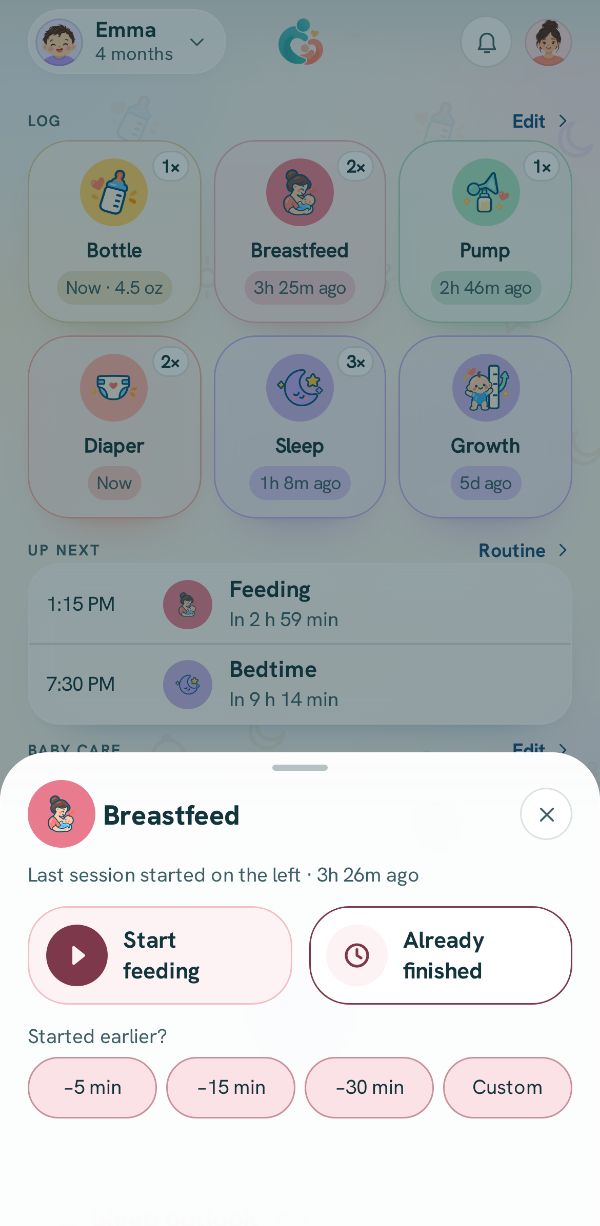 Log breastfeeding, side by sideTime each side with the timer, switch sides, or add a feed that is already over.