
Pumping and feeding often happen together, and the app is built so you log each thing once. There are three common ways it happens, and each has its own way to log it:
1. You pump, and the baby drinks some or all of that milk from a bottle. One save logs the pump session and the bottle, and anything left goes into the stash.
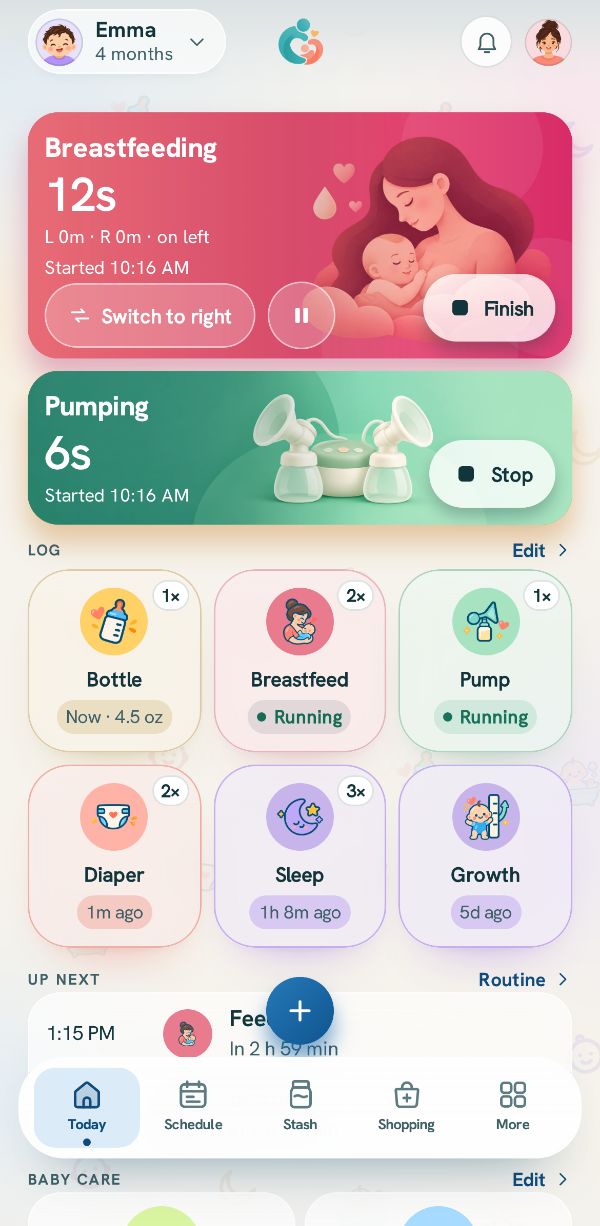
2. You nurse on one side and pump the other. Two timers run at the same time, one for the feed and one for the pump.
3. Someone gives the baby a bottle of stored milk while you pump. The bottle comes from the stash, and the pump is logged on its own.
Start both timers (nursing and pumping together)
Start the feed first: tap Breastfeed, then Start feeding, then the side the baby is on.
Then start the pump: tap + and Pump, then Start pumping. Both cards run at the top of Today, one under the other, each with its own clock and its own stop. A third timer, if you start one, shows in a short list under them.
Stop the pump and say how much
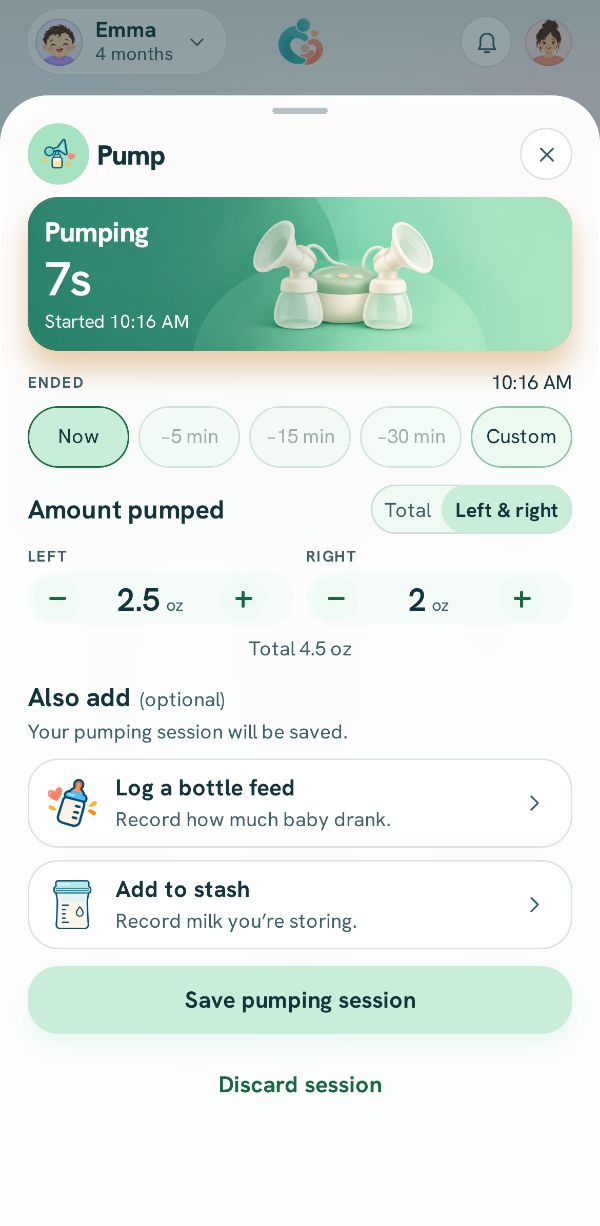
When you finish pumping, press and hold Stop on the pumping card. Its sheet opens. Set the amount under Amount pumped for each side, or the Total.
Log a bottle feed for milk the baby drinks now
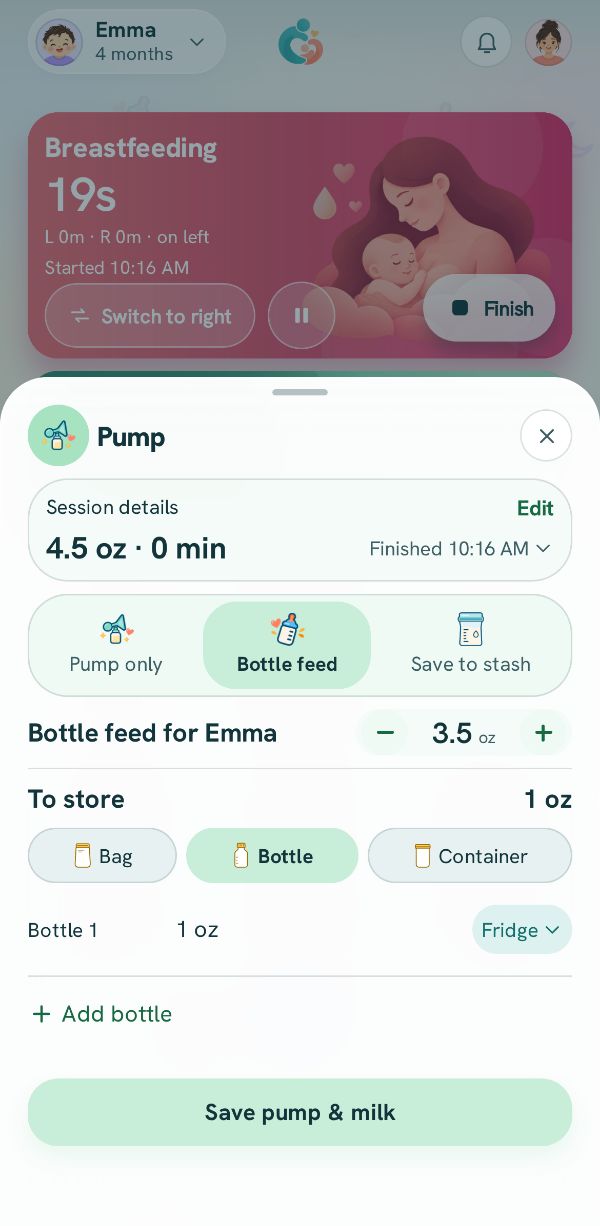
Under Also add, tap Log a bottle feed. The second page opens with the session at the top under Session details, and Bottle feed for your baby below it.
Set the bottle to what goes in it. It starts on the size of your last bottle, never more than you pumped.
Store whatever is left
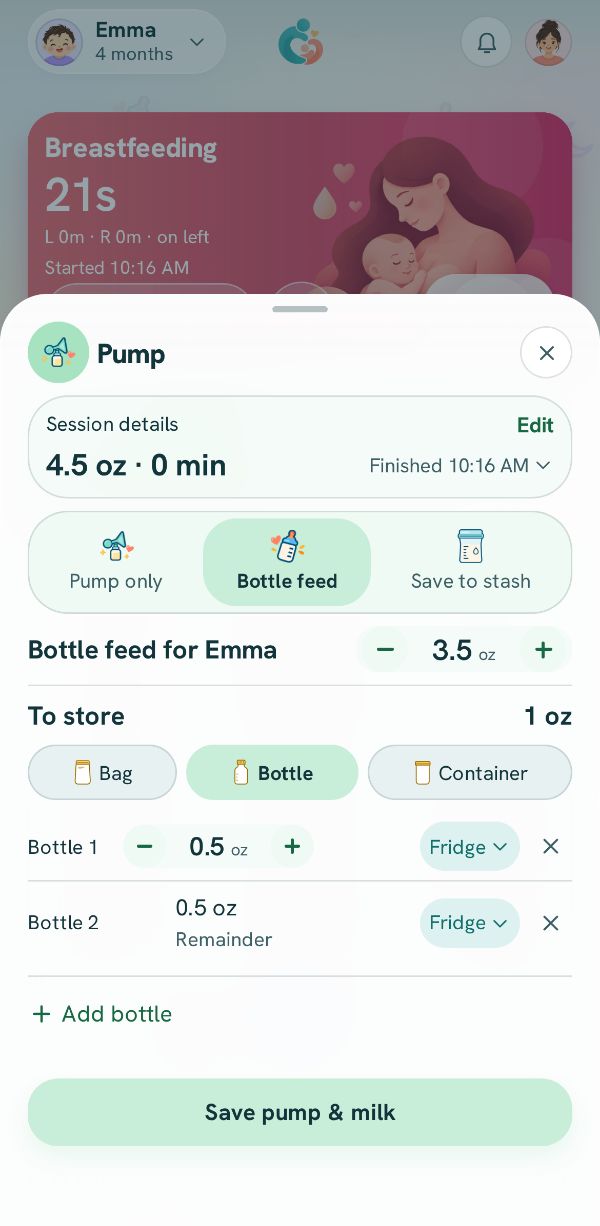
If the bottle is less than you pumped, the rest is shown under To store, in the container you used last and the place you keep milk. Change either, or tap the add button under it, like Add bottle, to split it into more than one.
The button says what it will save: Save pump & feed when it all went in the bottle, Save pump & milk when some is being stored.
One save, everything logged
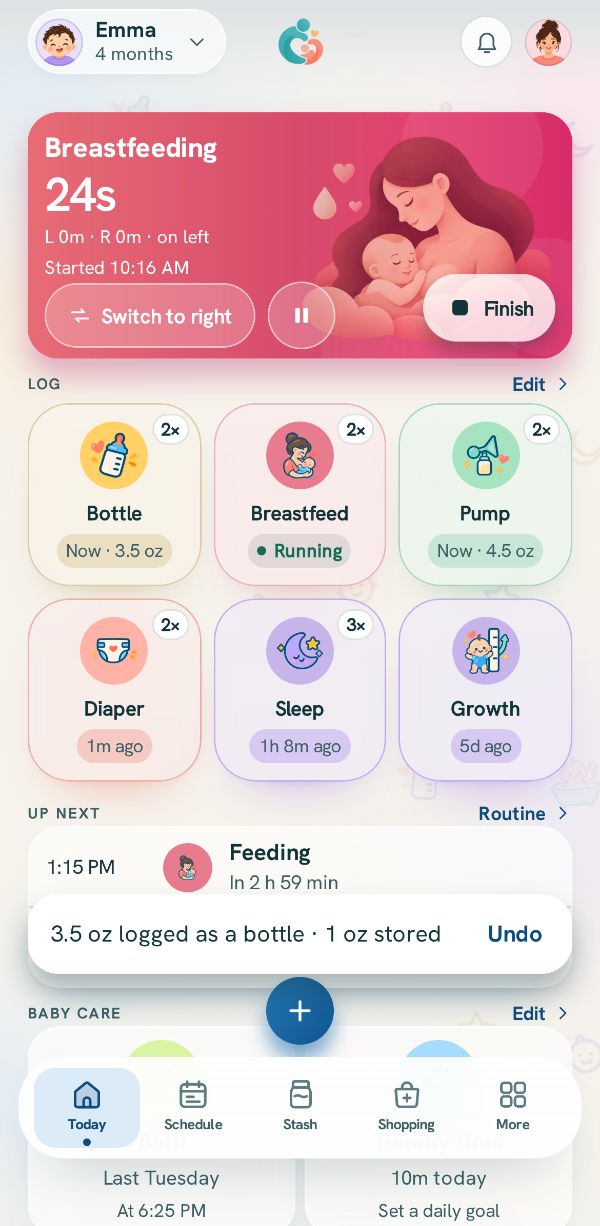
Tap the button. The app logs the pump session, logs the bottle for the baby, and adds any stored milk to the stash, all from that one save. The message at the bottom says so, with Undo if you need it.
Finish the feed
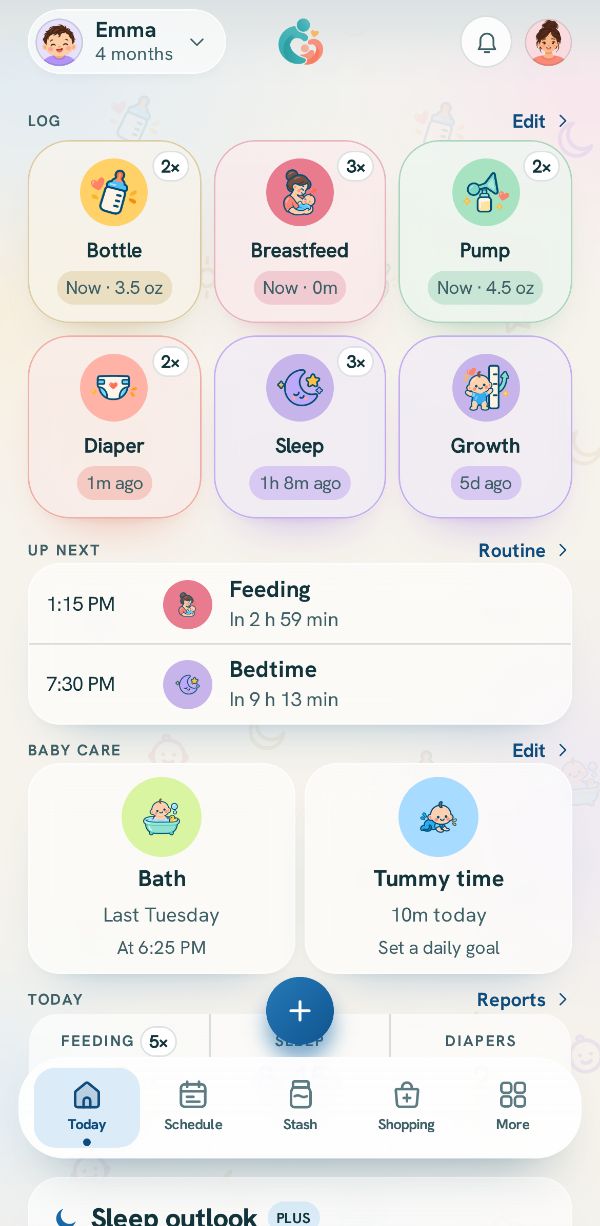
When the baby is done, press and hold Finish on the breastfeeding card. Today's log now shows the feed, the pump and the bottle, each in the order they ended, and every phone in the family sees them.
A bottle from the stash while you pump
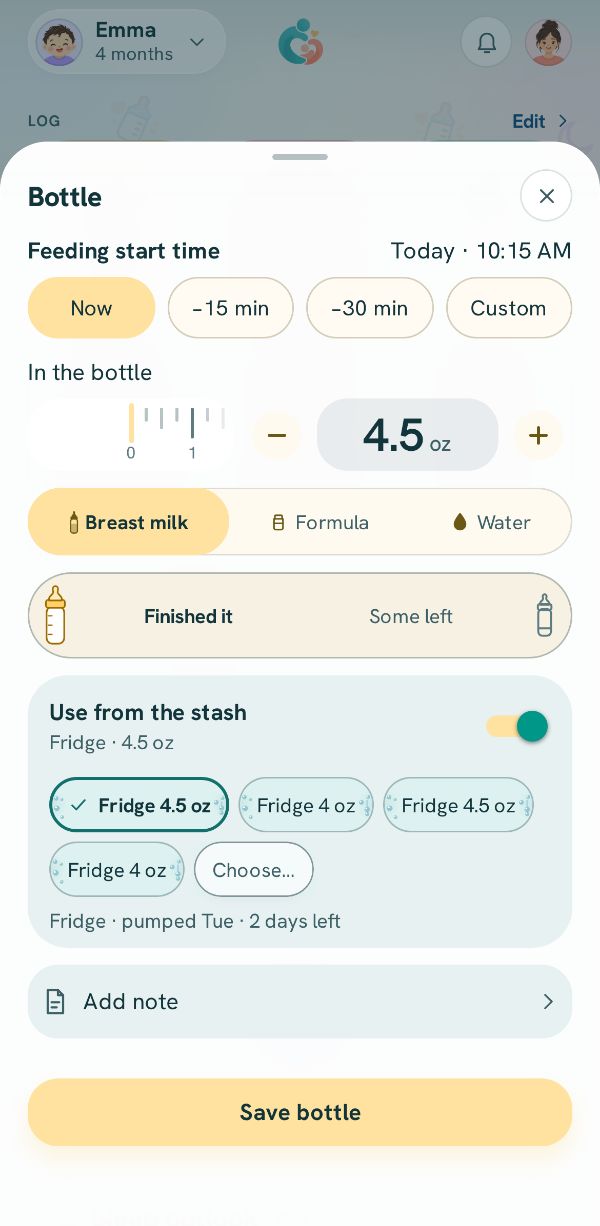
If the bottle is stored milk instead, whoever gives it opens Bottle, picks Breast milk, turns on Use from the stash and picks the bag. Saving takes it out of the stash. Your pump is logged on its own, with Save pumping session or Add to stash.
Related guides
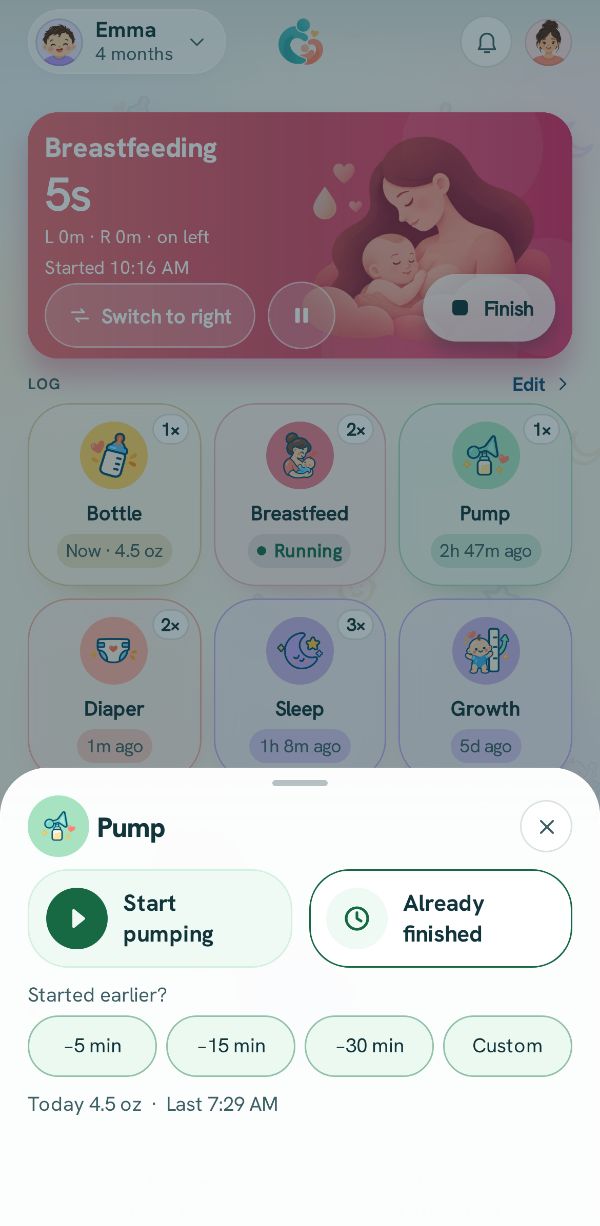 Log a pumping sessionTime it or add it after, record each side or the total, and choose what the milk is for.
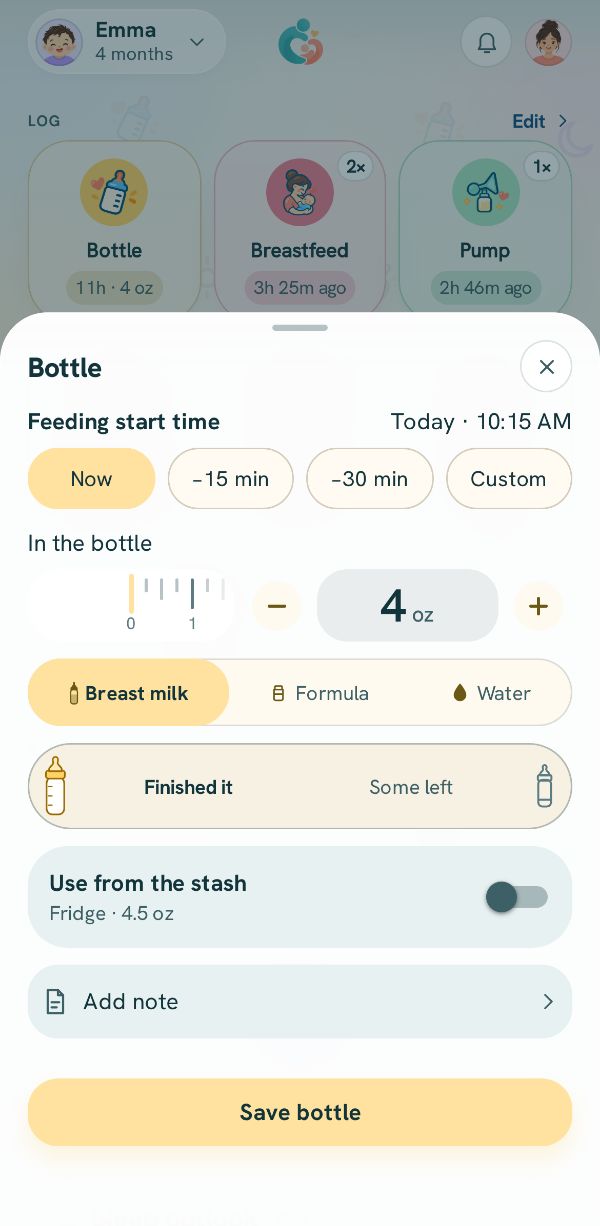 Log a bottleHow much, what kind, and what was left, from a bottle you made or from the milk stash.
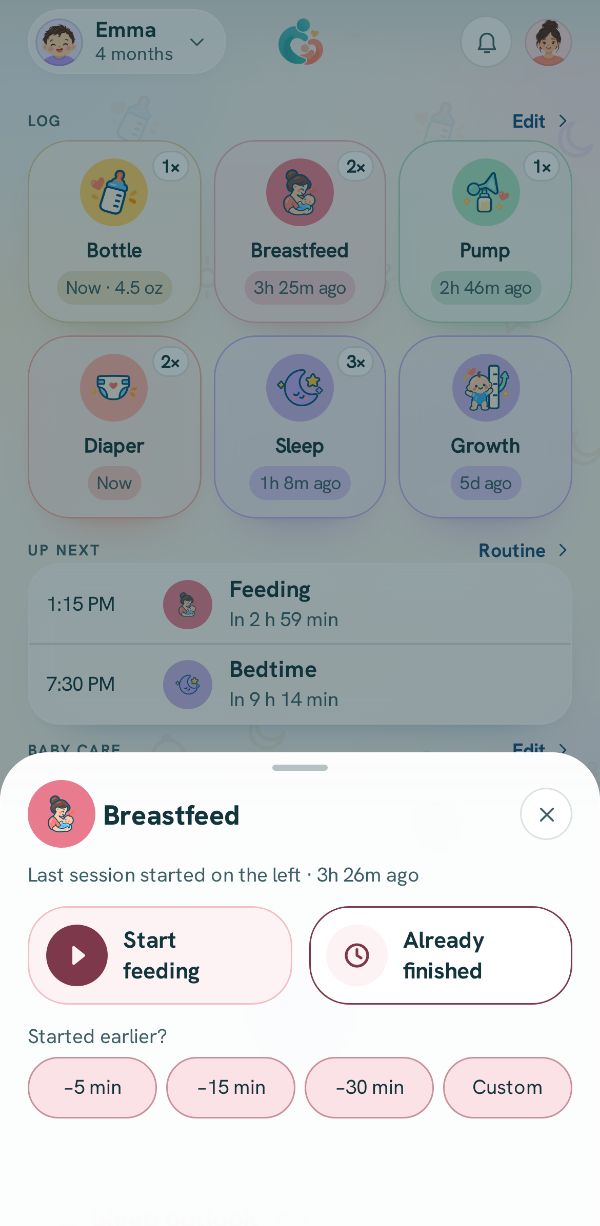 Log breastfeeding, side by sideTime each side with the timer, switch sides, or add a feed that is already over.
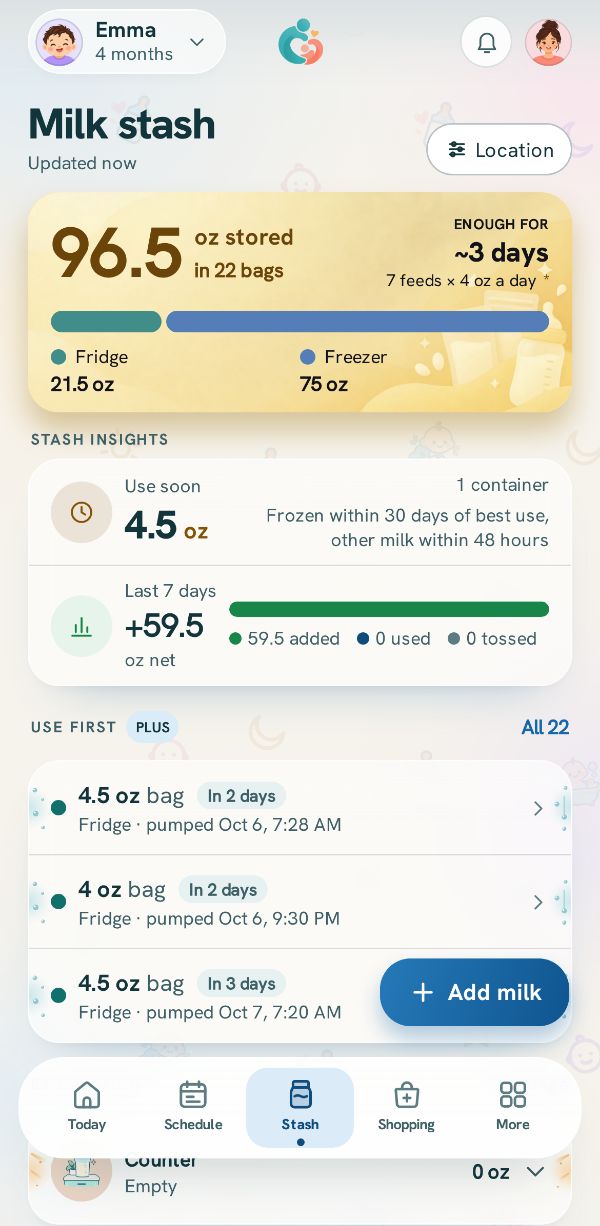 Add milk to the stashKeep track of every bag and bottle of stored milk: how much, where, and from when.