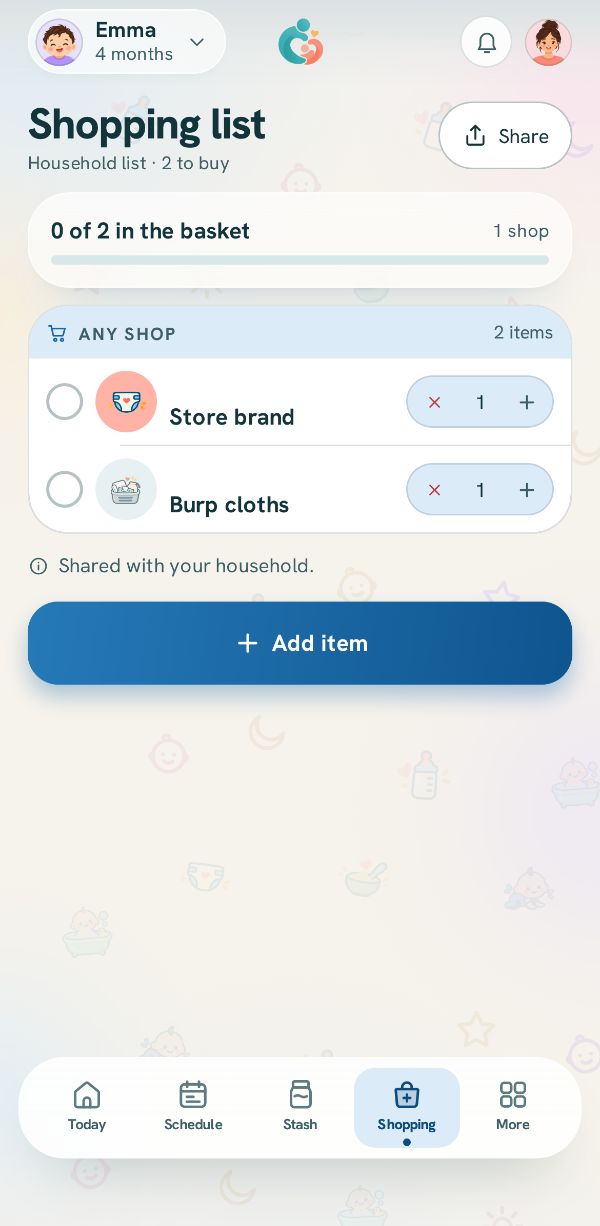
The shopping list is built from your supplies: the things this household buys again and again, with the brand and size that matter in the aisle. You save a supply once, and after that it is one tap onto the list.
Something you only need once? Add it as a one-off, straight onto the list.
Open the list
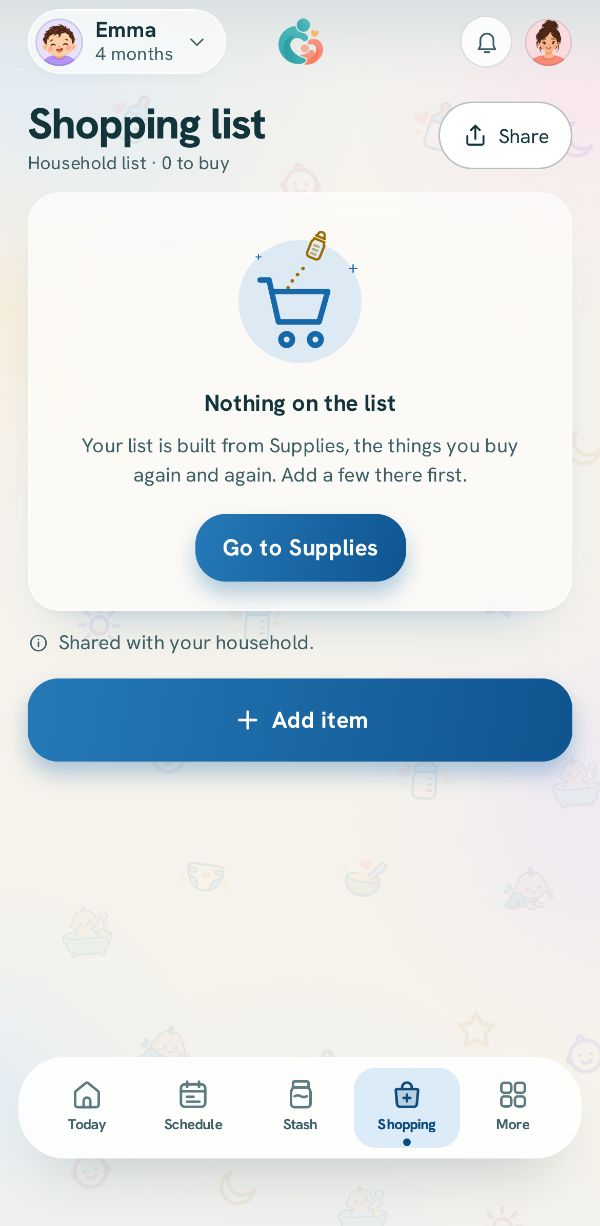
Tap Shopping at the bottom. While it is empty it says how it works. Tap Add item.
The first time: Manage all supplies
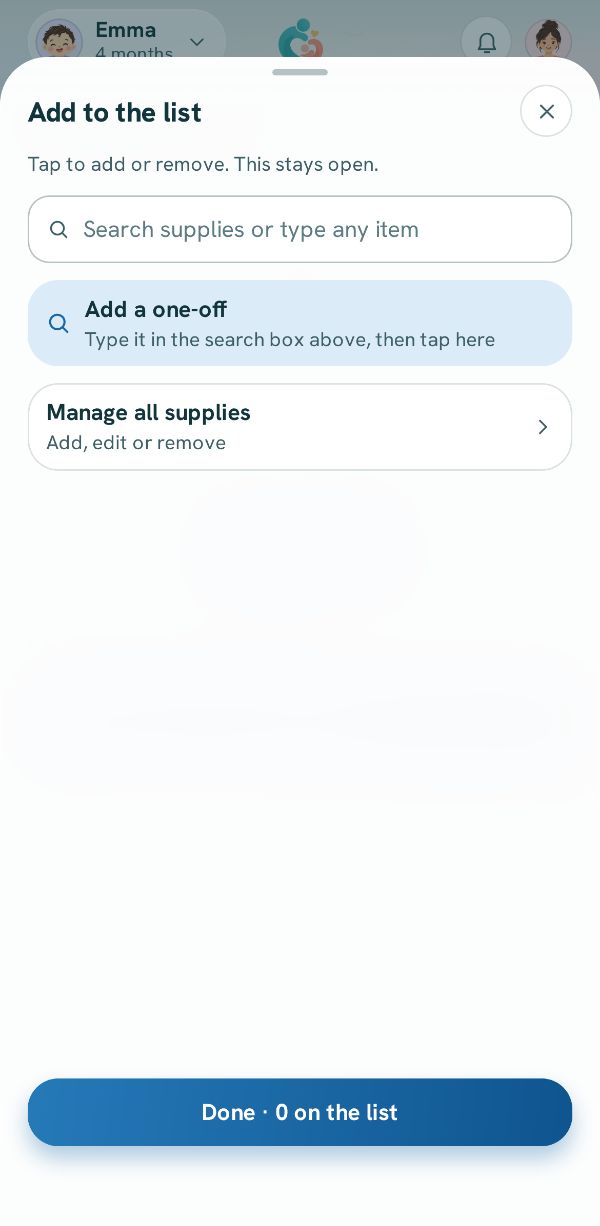
Add to the list lists your supplies to tap. With none saved yet, tap Manage all supplies to add the first.
Tap Add supply
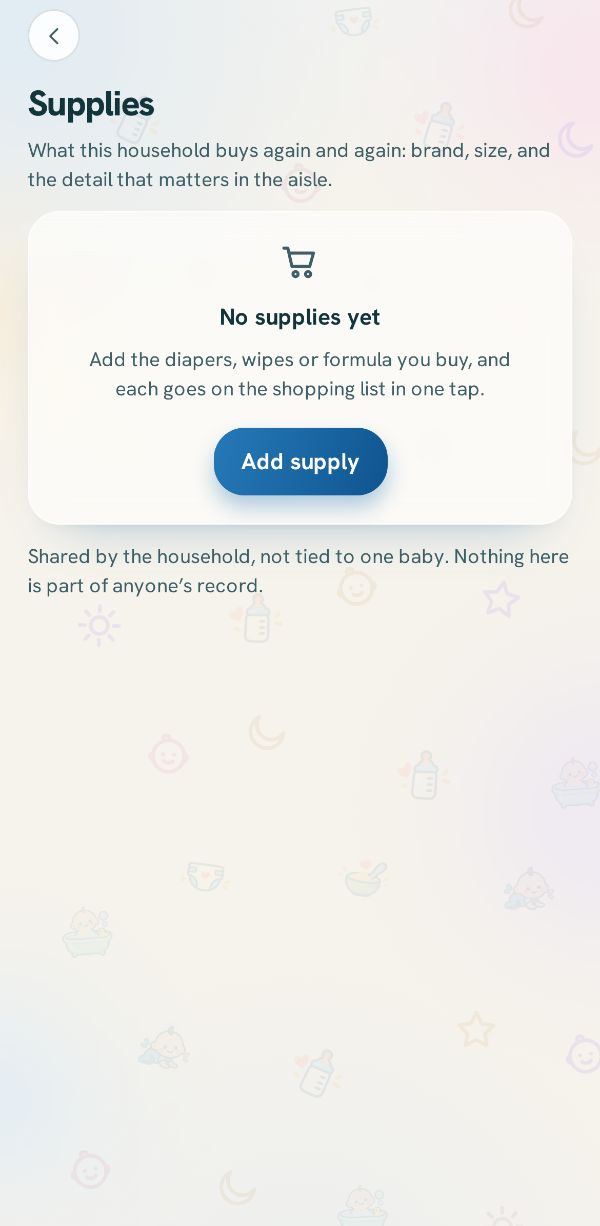
Supplies is everything this household buys. It is shared by the family and is not part of anyone's record. Tap Add supply.
Pick what it is
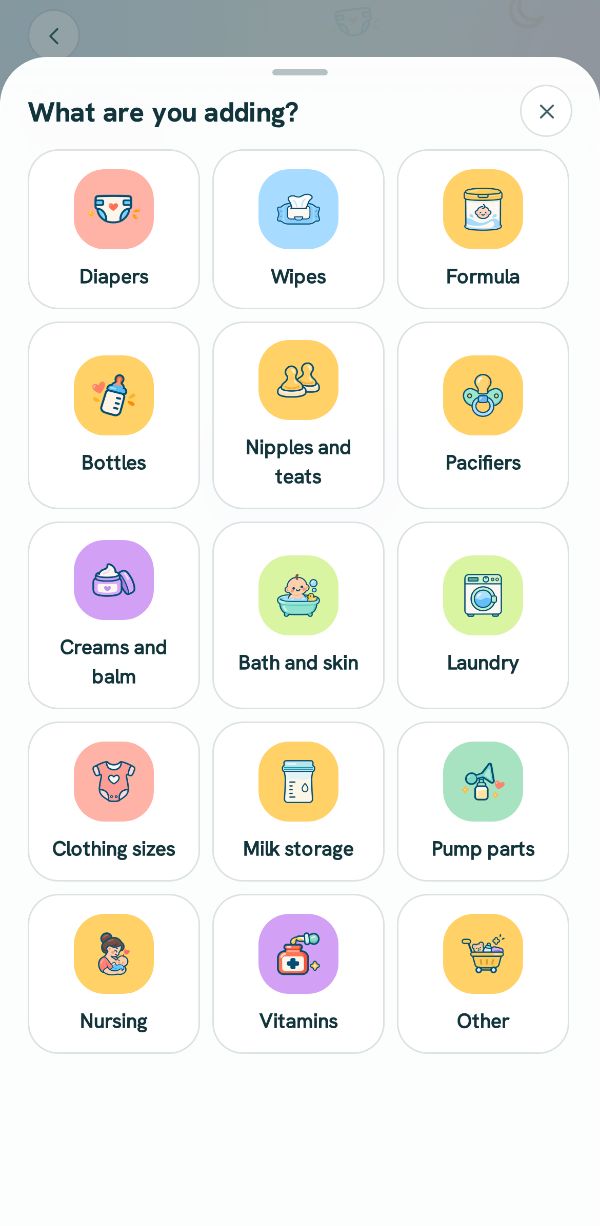
What are you adding? Tap the kind: Diapers, Wipes, Formula, Bottles, Pump parts and more, or Other.
Brand and size, then Save
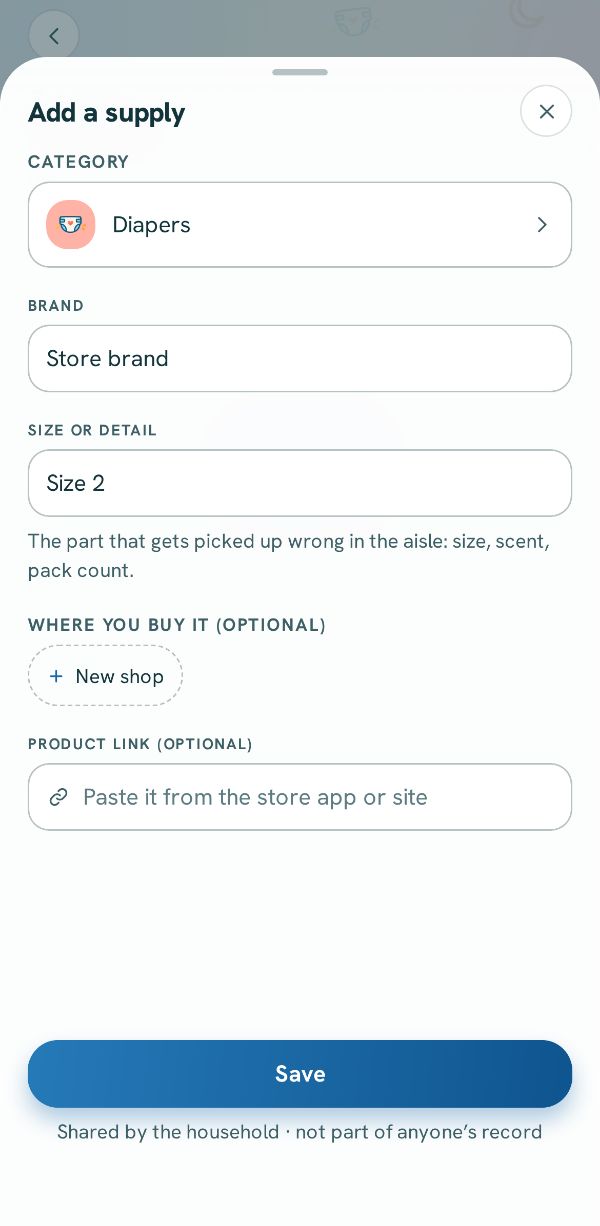
Type the brand, and the size or detail that gets picked up wrong in the aisle, like Size 2. Add where you buy it and a product link if you like. Tap Save.
Back on the list: tap it
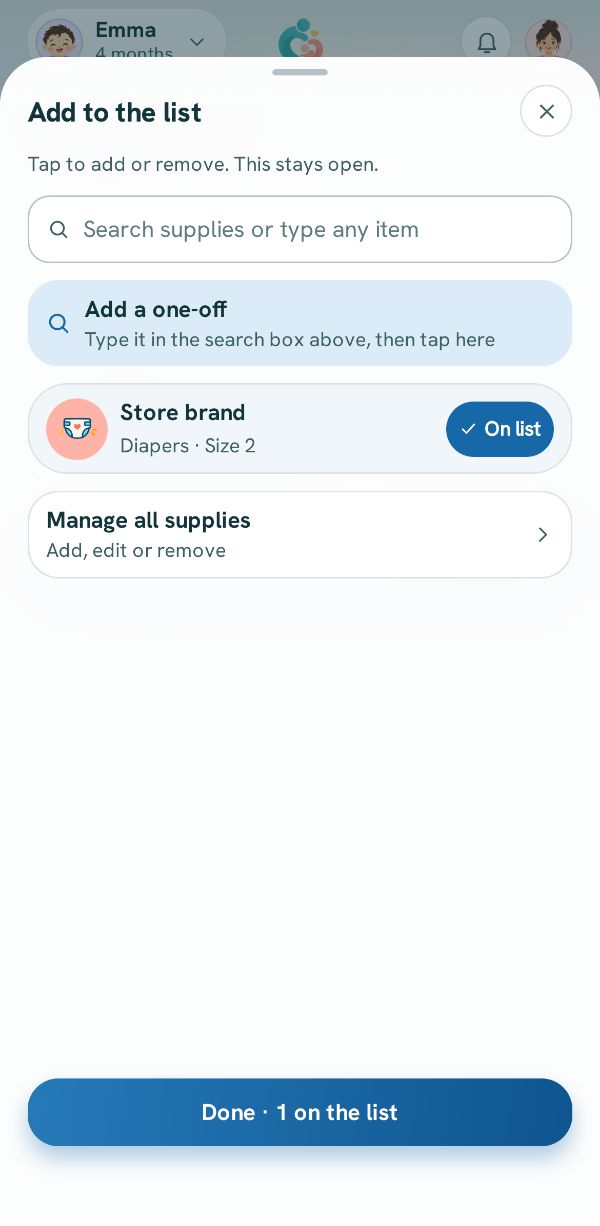
Go back, tap Add item again, and tap your supply. It shows On list. Tap it again to take it off.
Or add a one-off
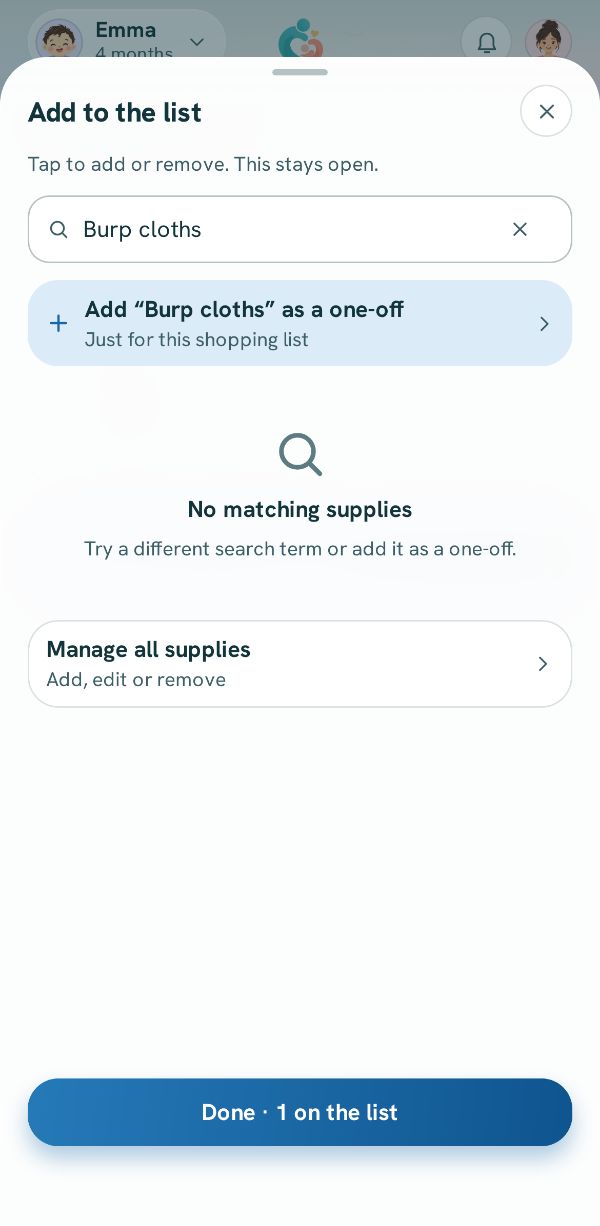
Type anything in the search box. If it is not one of your supplies, tap Add a one-off for it. It goes on this list only, and is not saved as a supply.
Done
Tap Done. Everything is on the list, grouped by shop, with how many to buy. Everyone in the family sees the same list.