Time each side with the timer, switch sides, or add a feed that is already over.
Free5 steps
A breastfeed can be timed as it happens, one side at a time, or added afterwards with each side's minutes.
1
Open the breastfeed sheet
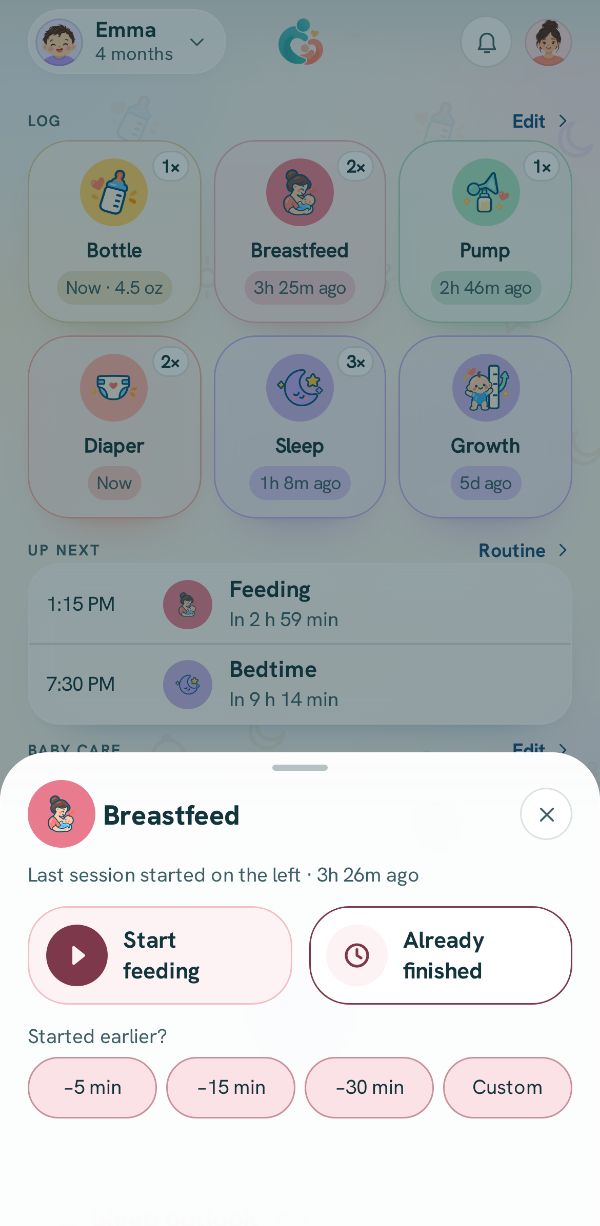
Tap Breastfeed on Today or under +. The line at the top says which side the last feed started on. Pick Start feeding, or Already finished for a feed that is over.
2
Start on a side
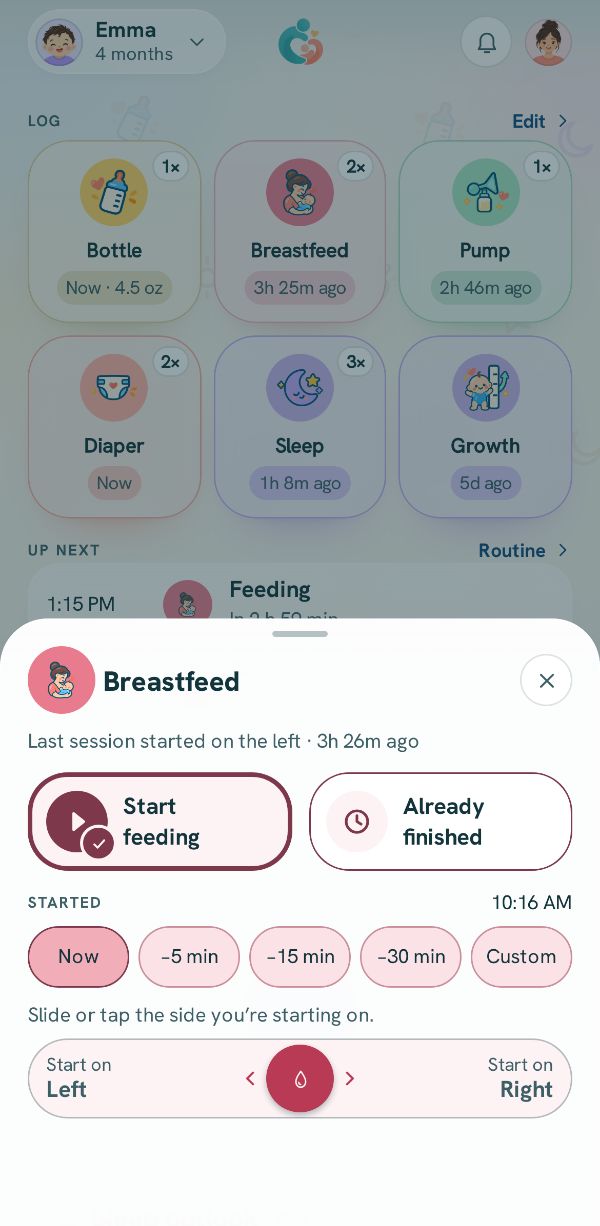
Slide toward Start on left or Start on right, or tap either one, to start on that side. Started a few minutes ago? Tap a chip like −5m first and the timer starts from then.
3
The timer runs on Today
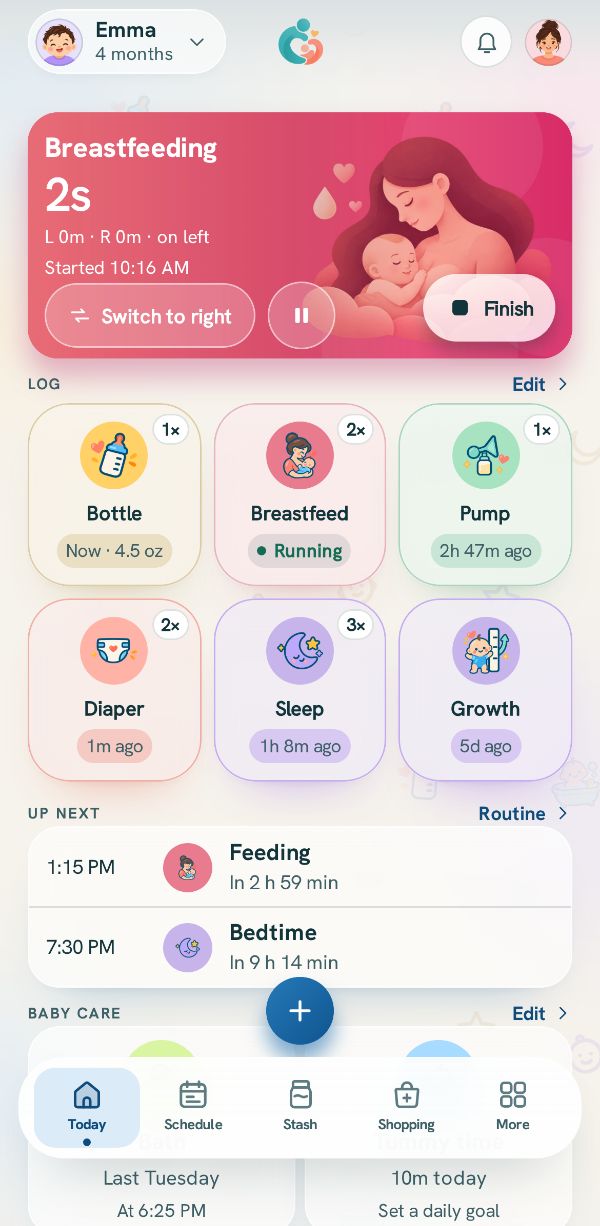
A card at the top of Today counts the feed, even with the app closed. Tap Switch to right or Switch to left to change sides. The pause button stops the clock until you tap it again.
4
Finish
Press and hold Finish until the ring closes. Holding stops it from ending by a bump in a pocket. The feed is saved with each side's time.
Picture to come
5
Already over? Add it with each side's minutes
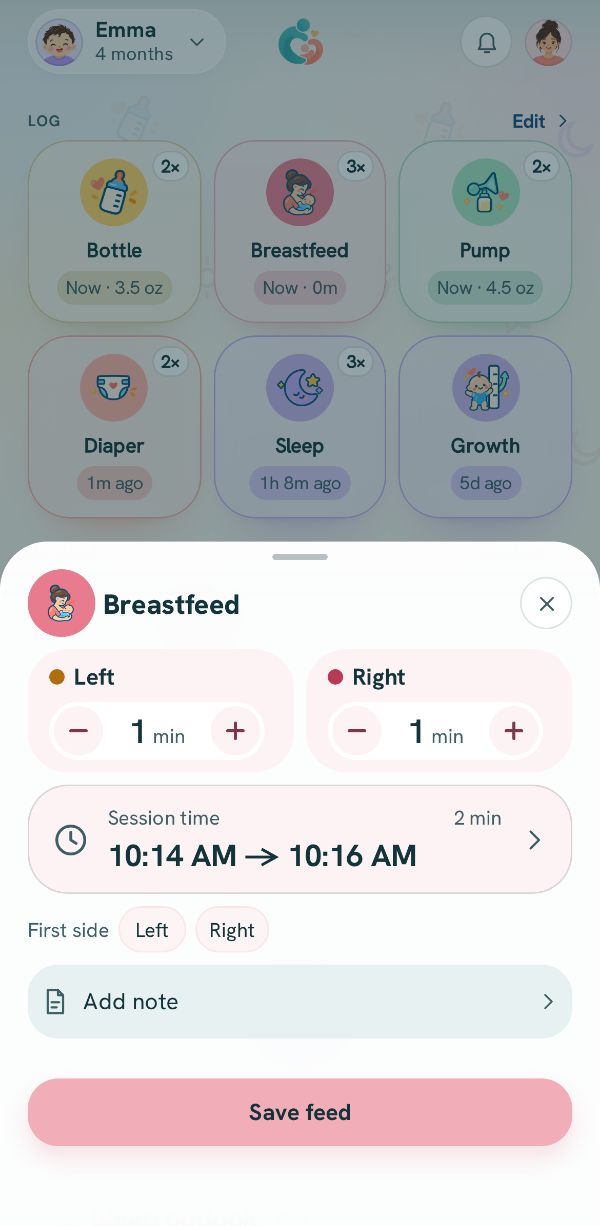
Tap Already finished. Set the minutes on each side, check Session time (tap it to change when it started or ended), pick the First side, and tap Save feed.

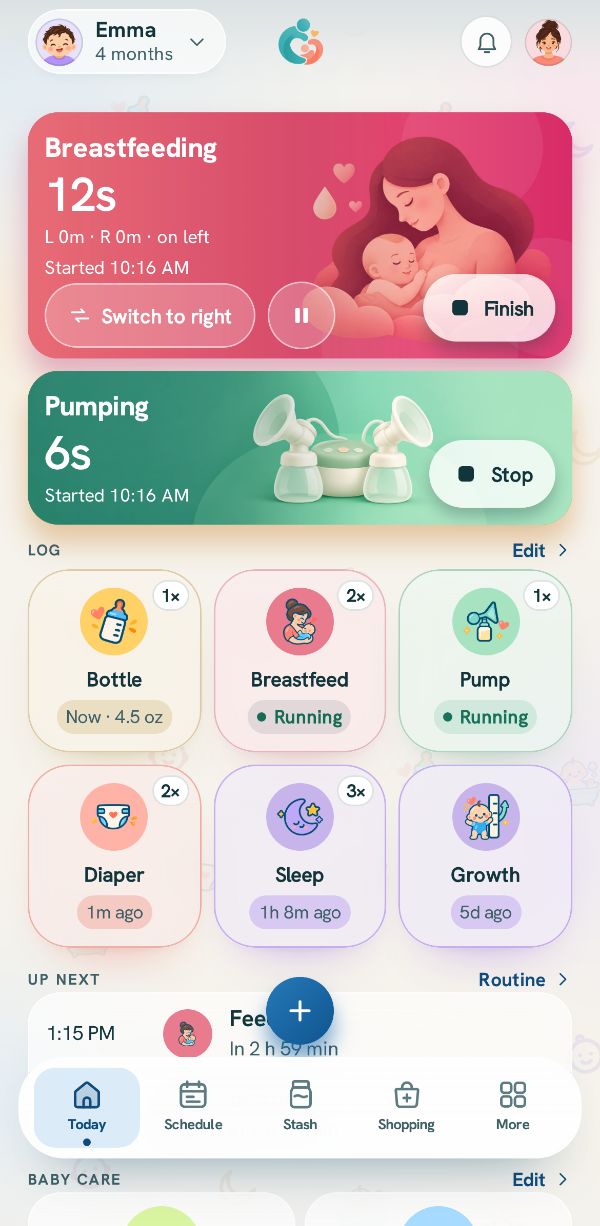 Pump and feed at the same timeThree real situations, step by step: a bottle straight from the pump, nursing on one side while pumping the other, and a bottle from the stash while you pump.
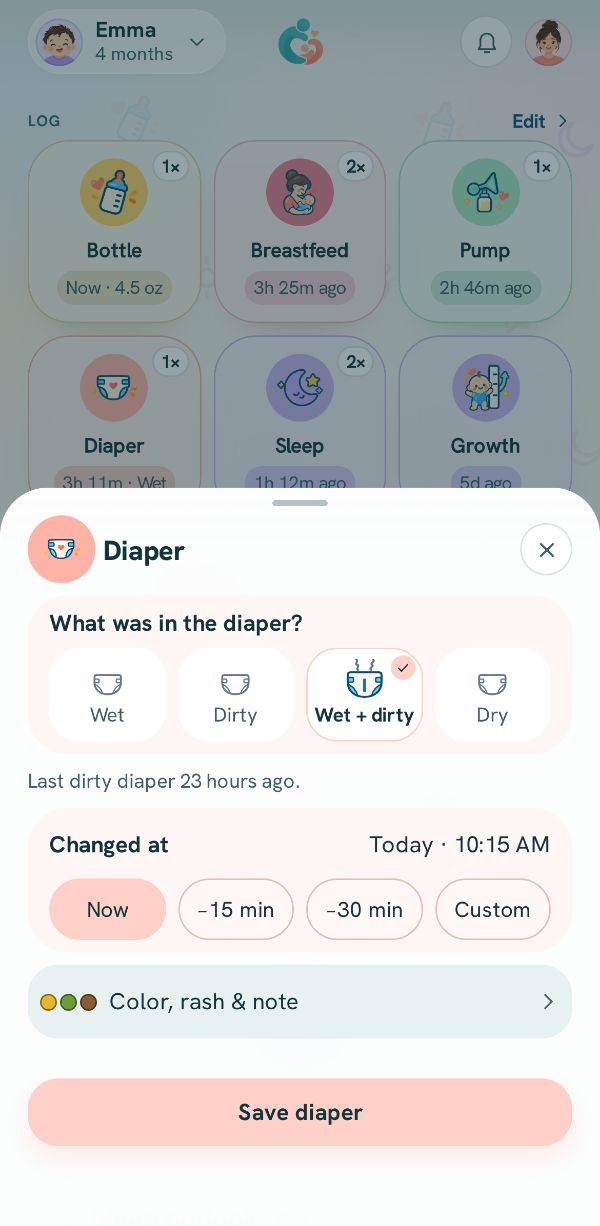 Log something that already happenedForgot to log? Set the real time with a chip, the clock, or the session time.
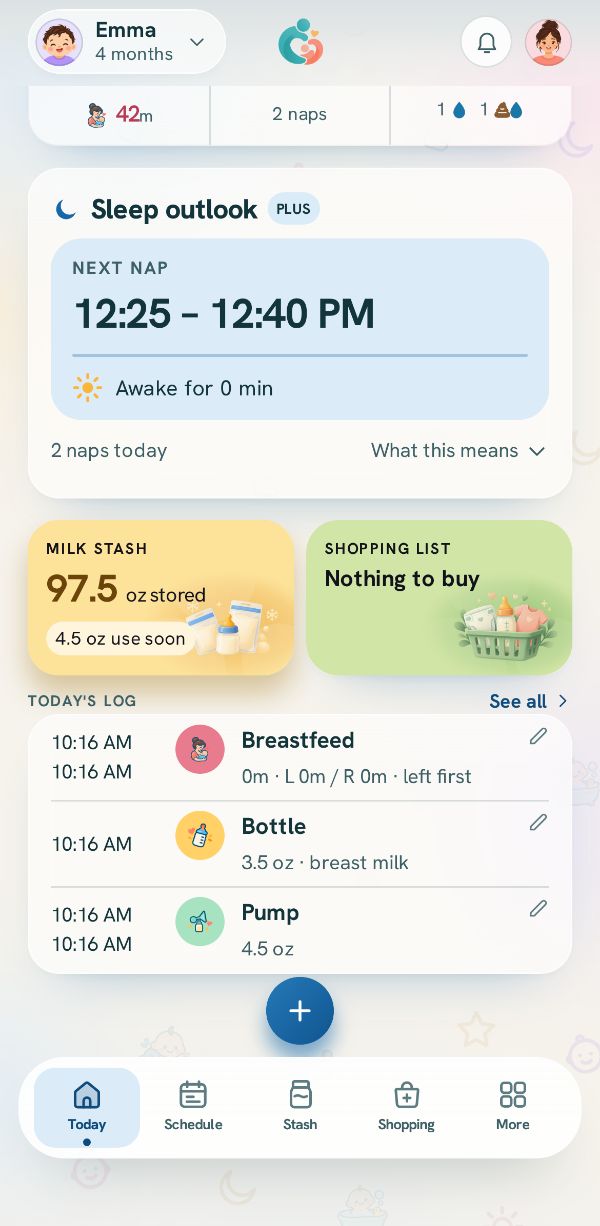 Fix or delete an entryChange anything you logged, delete it, bring it back, and find older entries in the Activity log.